— The Forums are now read-only —
— All new activity now takes place here: —

I have added an Attributes Tab within the Appointments Screen in Field Services.
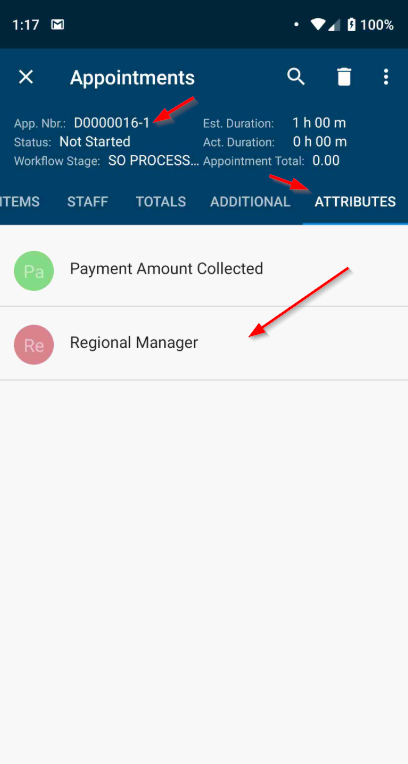
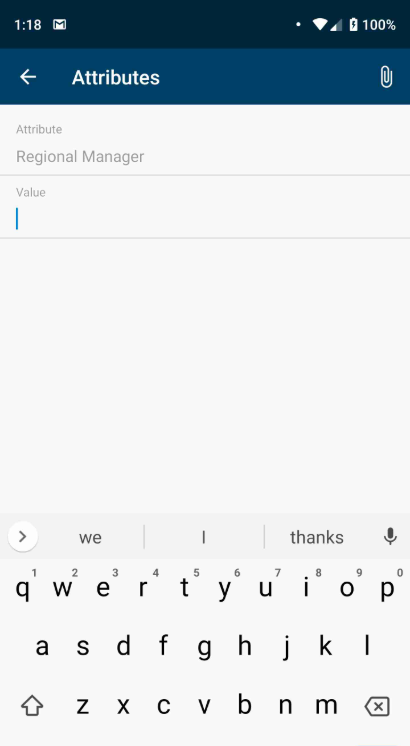
My issue is that when the attributes are displayed, the only control type that works is Text. I have a few Attributes that are Combo and Datetime. How do I get the Mobile app to pull in the correct Control Type? The highlighted blue text blue is where the Value is listed and I am trying to get this work as it does in it's actual Attribute.
My Current Code:
update screen FS300200 {
update container "AppointmentRecords"{
add layout "AttributesTab" {
displayName = "Attributes"
layout = "DataTab"
add containerLink "Attributes"
}
}
add container "Attributes" {
fieldsToShow = 3
add field "DisplayName"
add field "Attribute"
add field "Value"
add layout "AttributeLine" {
displayName = "Attributes"
layout = "Inline"
add field "Attributes" {
selectorDisplayFormat = Key
listDisplayFormat = CaptionValue
selector {
fieldsToShow = 2
add field "AttributeID" {
listDisplayFormat = CaptionValue
}
add field "Value" {
listDisplayFormat = CaptionValue
}
}
}
}
}
}
Desktop:
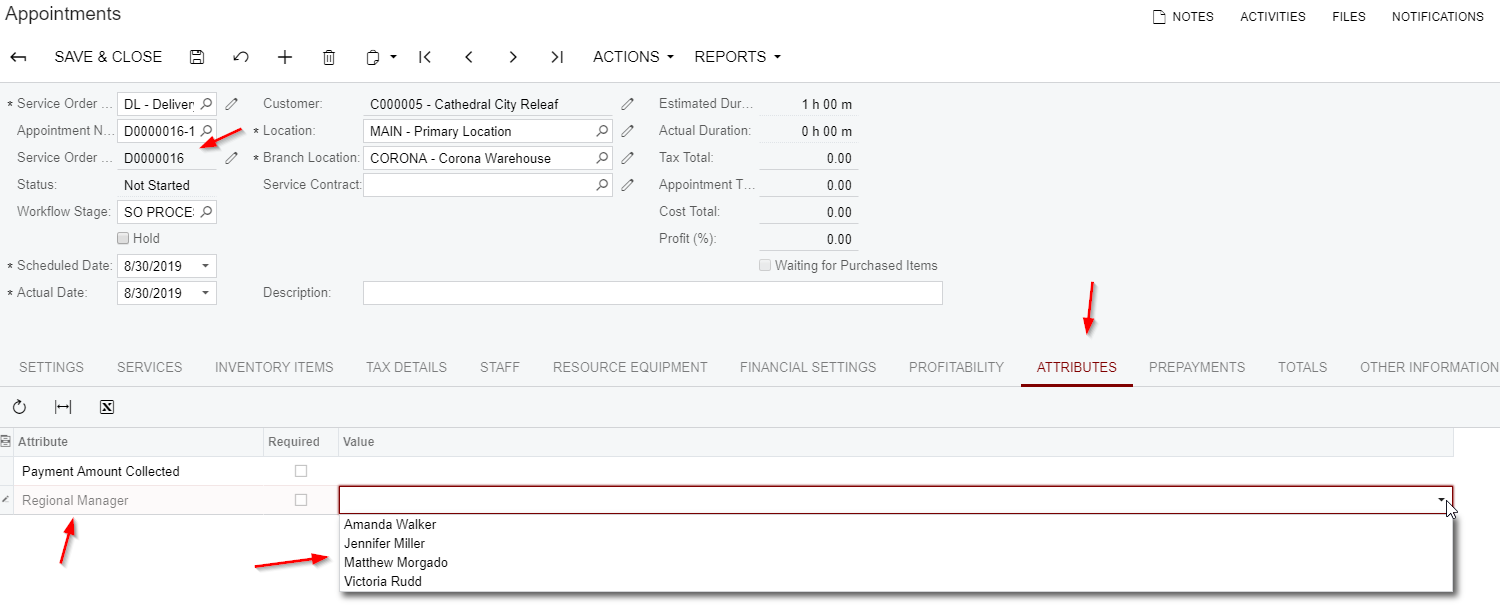
Mobile:
I was thinking way too much into this.
It is much easier than initially thought of.
update screen FS300200 {
update container "AppointmentRecords" { (this would be the container you want the Attributes to be within. I choose the Summary Area)
add containerLink "Attributes" {
}
}
Then after the close of the Container you can place the below, which will pull in the attributes with their respective control types.
add container "Attributes" {
attributes = True
attachments {
}
}
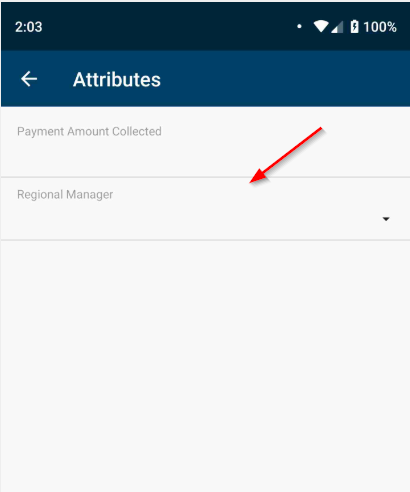
I have moved a bunch of things around, but as you can see at the bottom in the Summary Tab, there is a section for Attributes now.
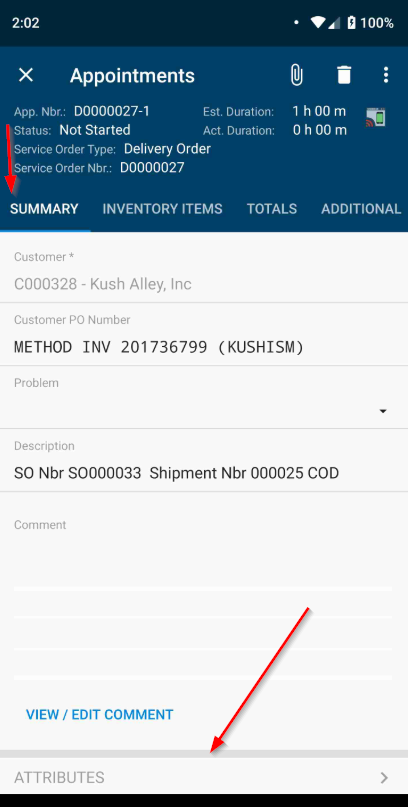
The Attribute with the Combo select is shown
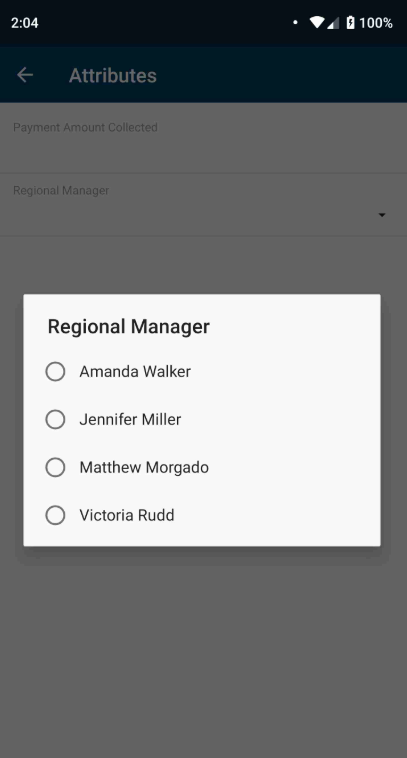
When I click on it, the selection pops up
Just some info if anyone was curious.


Holy cow, this is awesome Jeff. Thanks for sharing!
Just curious, can you do User Defined Fields on Appointments? I noticed that User Defined Fields are supported in the Mobile App in Acumatica 2019 R2.
By using this website, you agree to our Terms of Use (click here)
