
By using this website, you agree to our Terms of Use (click here)

Production people and purchasing people should be able to see which sales orders need to be fulfilled today, tomorrow and in the next days. They need to see all sales orders with items that need to be shipped eg today, and tomorrow. A competitor ERP vendor has such a screen.
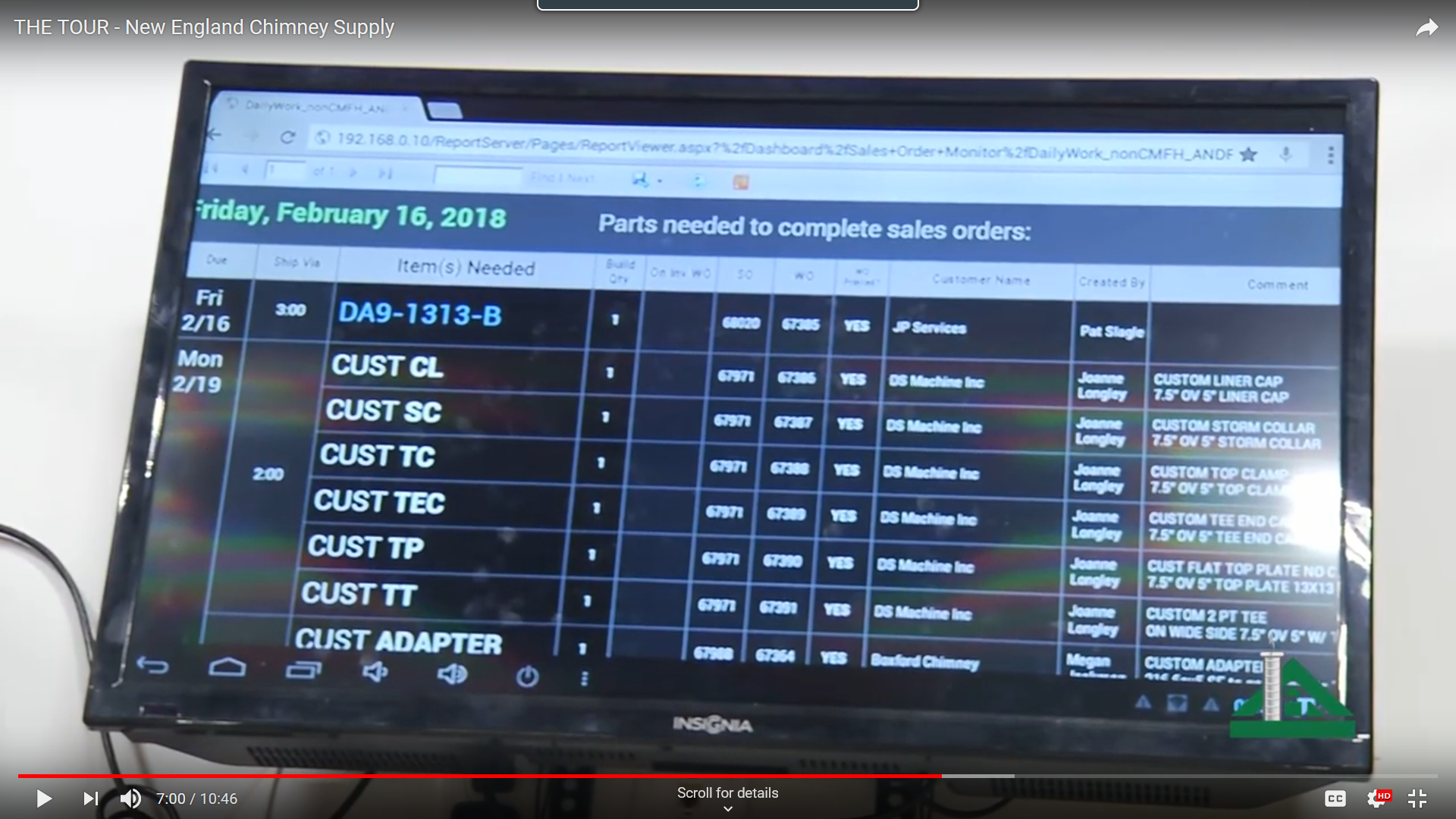
I was looking for such a report but could not find it. The Sales orders detail by customer report doesn't have a filter for shipment date. I am surprised. Am I correct that there is no such report? Such a report is so basic.
I guess the solution is to add a column shipment date in the report, and then filter on it.

I'm not aware of an out-of-the-box report with that detail available. Luckily, the report you referenced could be easily modified to show that data since it is already joined to SOLine and you would just need to add [SOLine.ShipDate] to the details section. You can take this a step further and change the grouping on the report to group order lines by [SOLine.ShipDate] instead of [BAccount.AcctCD] to match the functionality of the screen in your screenshot.
This could also be a good candidate for a generic inquiry/dashboard if this is something that would be displayed on a large monitor or frequently referenced to direct workflows.

Agreed. This would be a Generic Inquiry, maybe even with a Pivot Table to summarize things. My question would be what should happen when you click.
Do you click on a Sales Order and go to the Sales Order?
Do you click on a Line and a Shipment is created for that Line?
Do you have the ability to select multiple Lines and a Shipment is created for all of the Lines?