— The Forums are now read-only —
— All new activity now takes place here: —

Has anyone successfully used the Null Value feature when importing from Excel into a screen using the Load Records from File button (not an Import Scenario)?
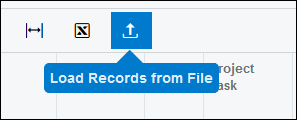
I'm specifically trying to use this on the Sales Orders (SO301000) screen.
If I try to add a Sales Order Line manually and I populate the Inventory ID field with AACOMPUT01, it defaults the Warehouse in my environment as soon as a I tab out of the Inventory ID field. Which is totally fine because that's how I have things setup for the Stock Item:
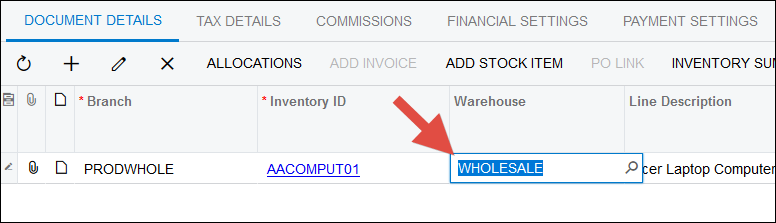
But when I import from Excel, I want to import an empty Warehouse, forcing someone to come in later and update it in Acumatica.
So I try importing the following Excel file into the screen using the Load Records from File button:
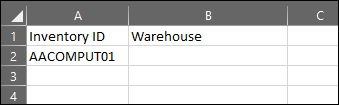
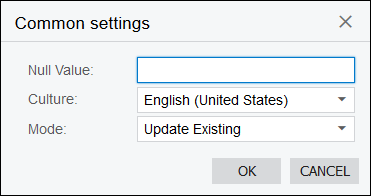
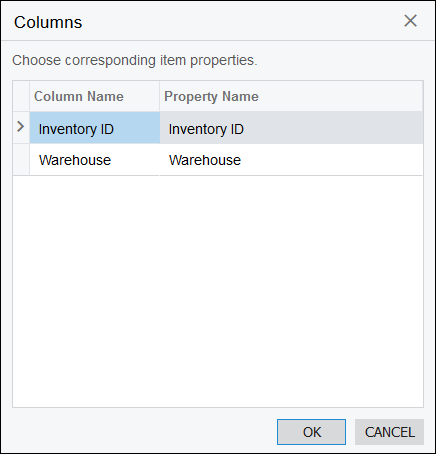
But the Warehouse value still defaults because the Excel import ignores empty cells:
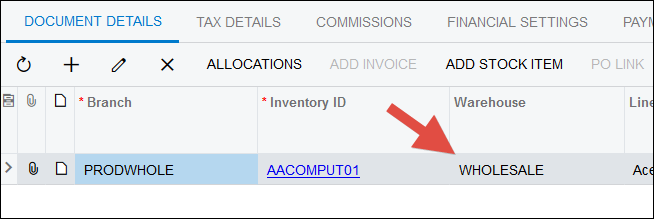
I know that the Excel import sees the Warehouse field, because if I try to import a bogus value, I get an error:
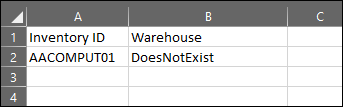
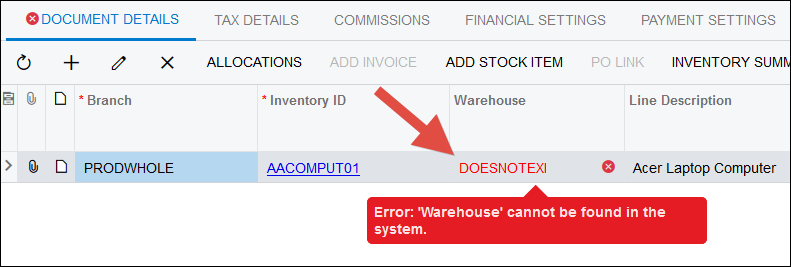
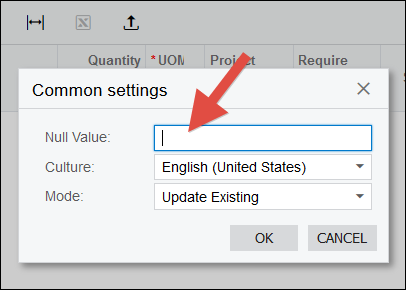
I noticed this Null Value feature which, according to this help article on Null Value (click here), should allow me to specify a value that forces Acumatica to set a field to empty during the import from Excel.
But I tried to use it like this and it doesn't do what I'm expecting. I think that the following should set the Warehouse to empty, but it still uses the default value:
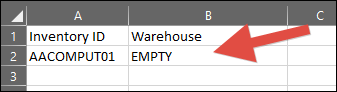
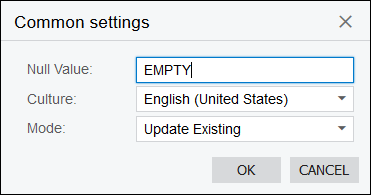
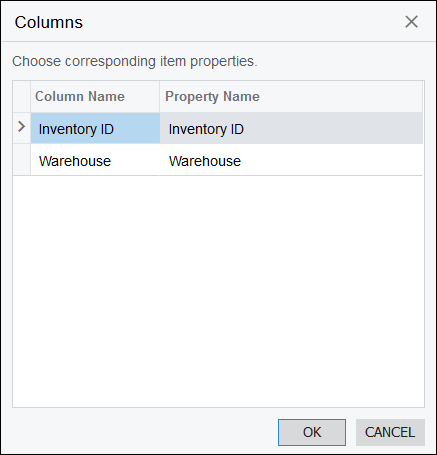
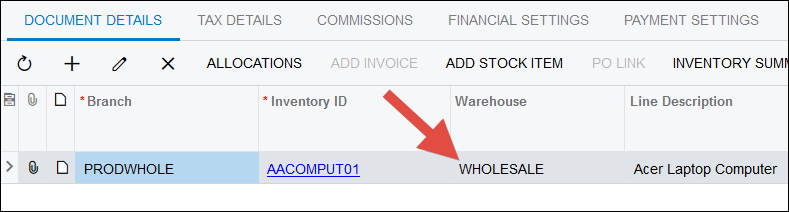
Has anyone out there successfully used this Null Value feature when importing from Excel? Maybe I'm missing something, or maybe it's something that Acumatica needs to fix.

I tried adding the field multiple times (first full, second empty), using space or _, and nothing seemed to set the field to empty. It's strange, it works when I am updating an existing record by importing the excel a second time, but not when I am adding a new one. This feels like something Acumatica should to look into.
Ya, I think I need a support case for this one.
By using this website, you agree to our Terms of Use (click here)
