
Starting off the Day 2 Keynote video that features footage from the Seattle Convention Center Summit Building where we’re at this week. Also features a bunch of customers talking; love that!

Ali Jani is the first to take the stage. I always get Steve Ballmer flashbacks when Ali runs on stage pumping his fists 😀
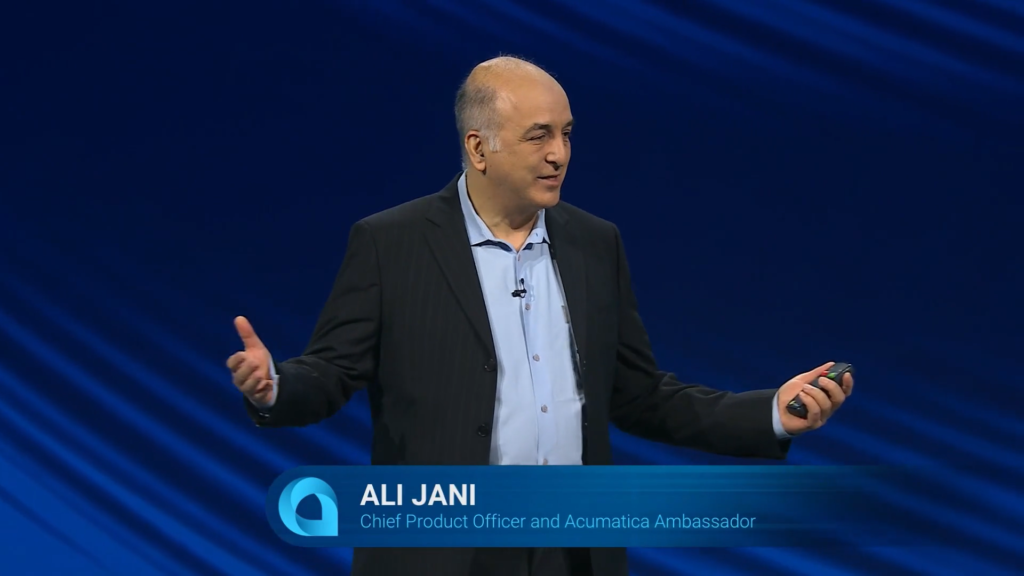
I never noticed the Acumatica Ambassador part of his title. Love that!

“Looking out at this crowd tells me why we do what we do. It’s really been a pleasure.”
Sounds like parting words? If so, I believe they are heart-felt because I don’t know many people who work harder than Ali.

Recap of what was talked about yesterday.

Over 100 people participated in the annual Hackathon over the weekend.
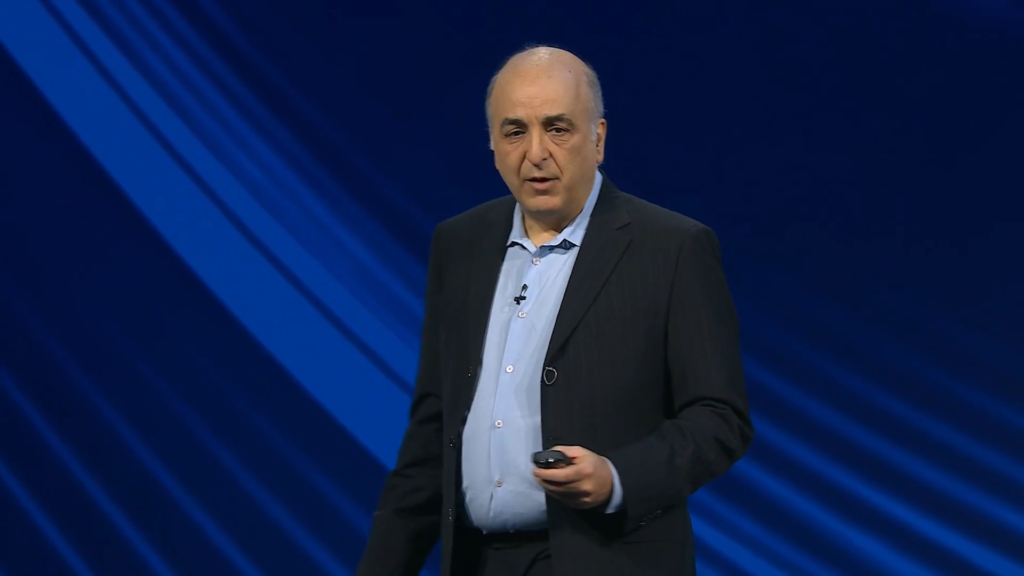
“When you democratize technology, everyone can be a builder.”

Team Dictara won the Hackathon with their solution that allows you to communicate with Acumatica over your phone in Spanish, with automatic translation into English.
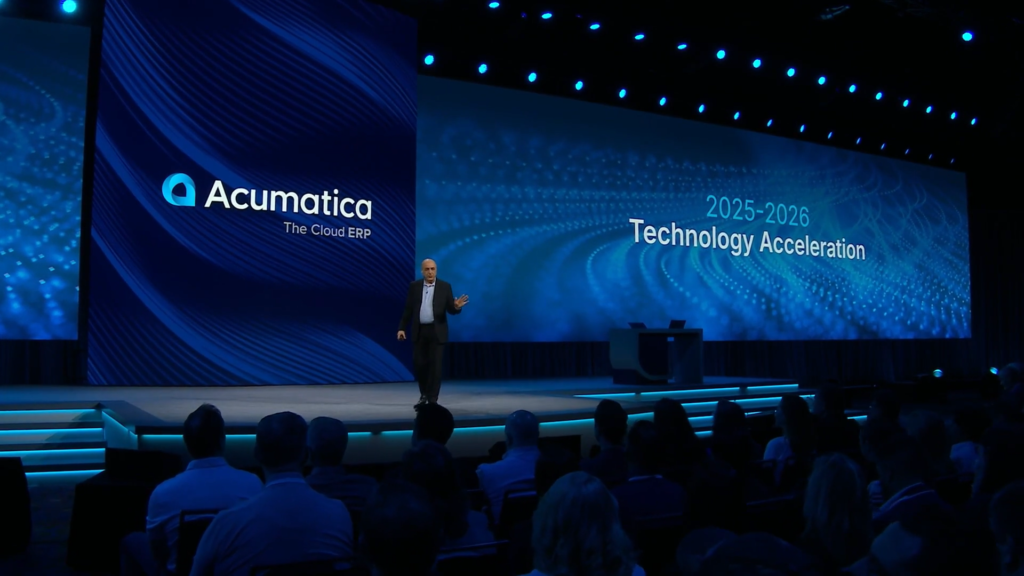
This past year has been a year of Technology Acceleration.
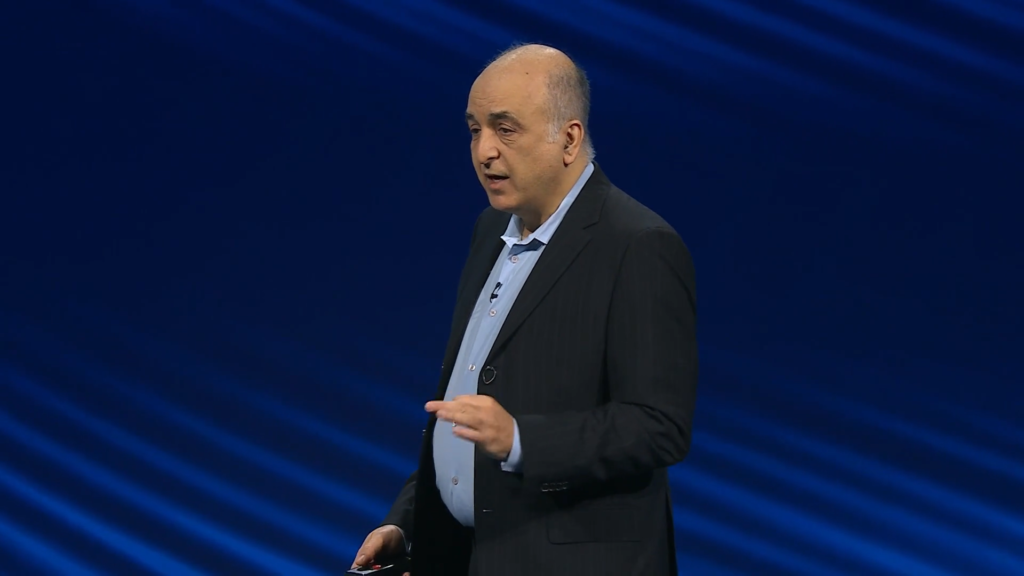
Acumatica is reshaping the world of ERP.
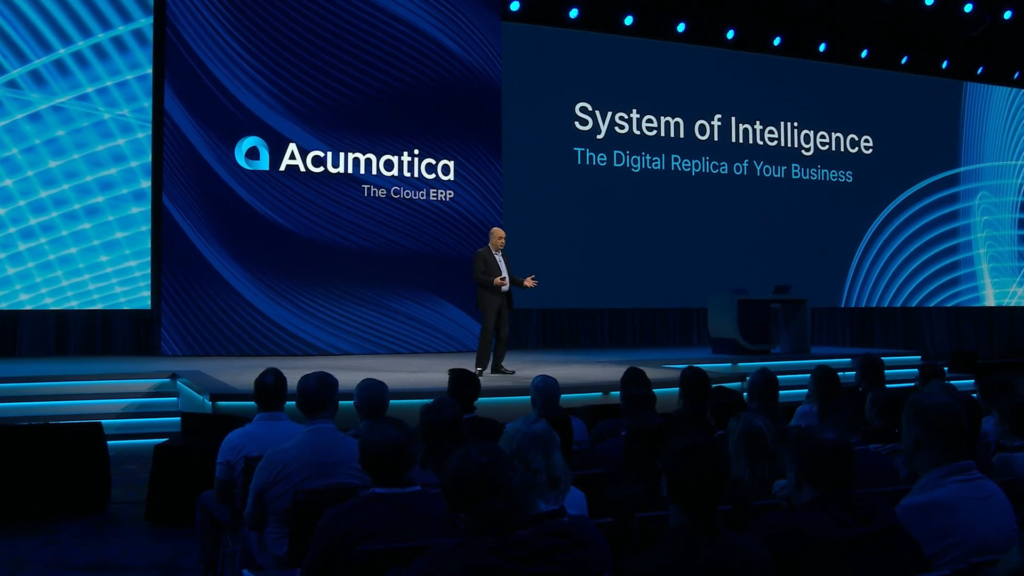
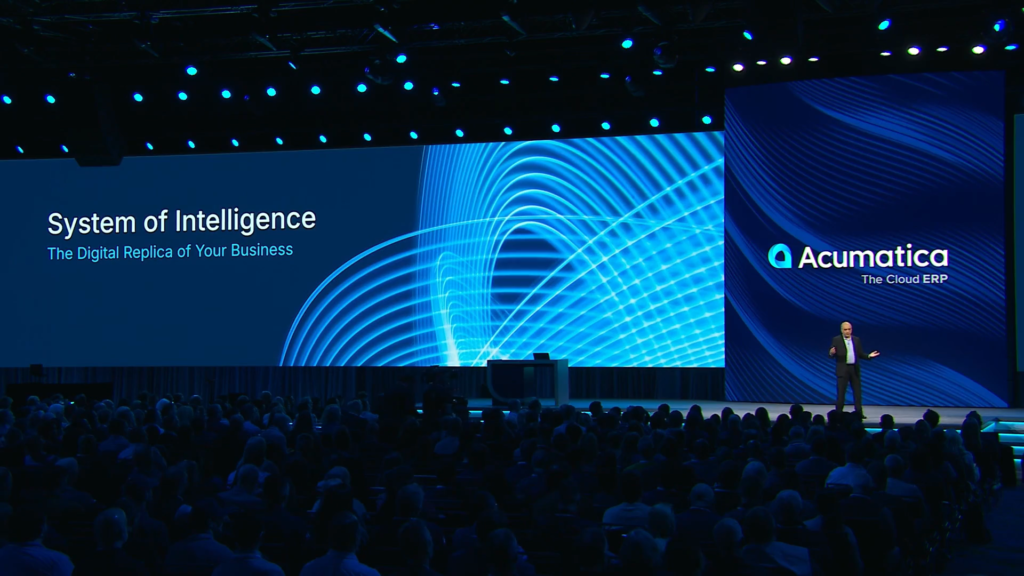
Acumatica is not just about being a System of Record, but about being a System of Intelligence.
One example is going from being “reactive” and pulling reports to being “proactive” and having reports delivered to you.
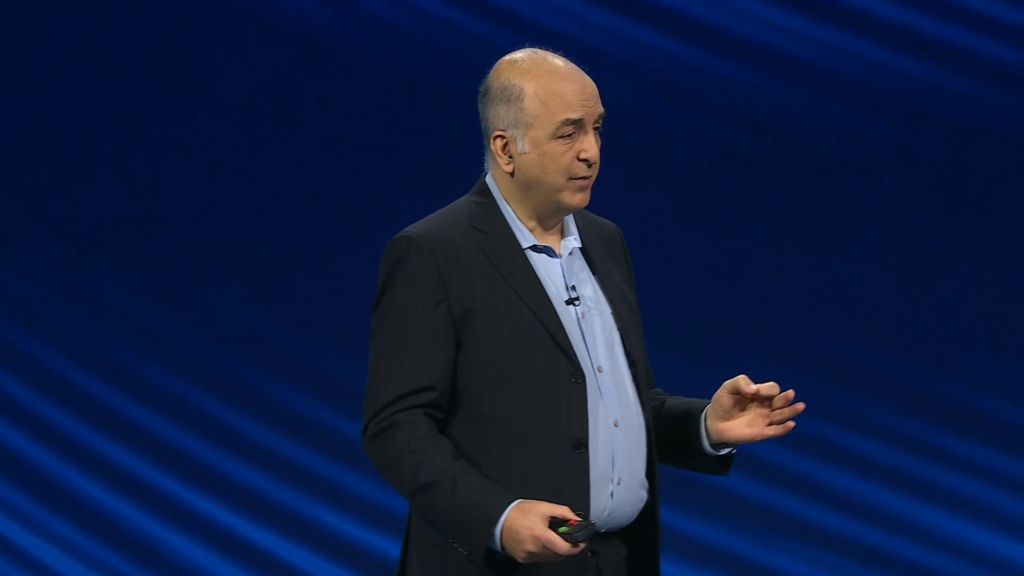
We are moving from “automation” to “autonomy”. “Autonomy” targets an objective like shipping product on time.

Intelligence requires integrity. You can’t have an AI strategy if the AI hallucinates all the time.
If we’re building the system that fuels AI, it has to be founded on truth and not noise.

Acumatica wants to help companies stop managing the past and start engineering the future.
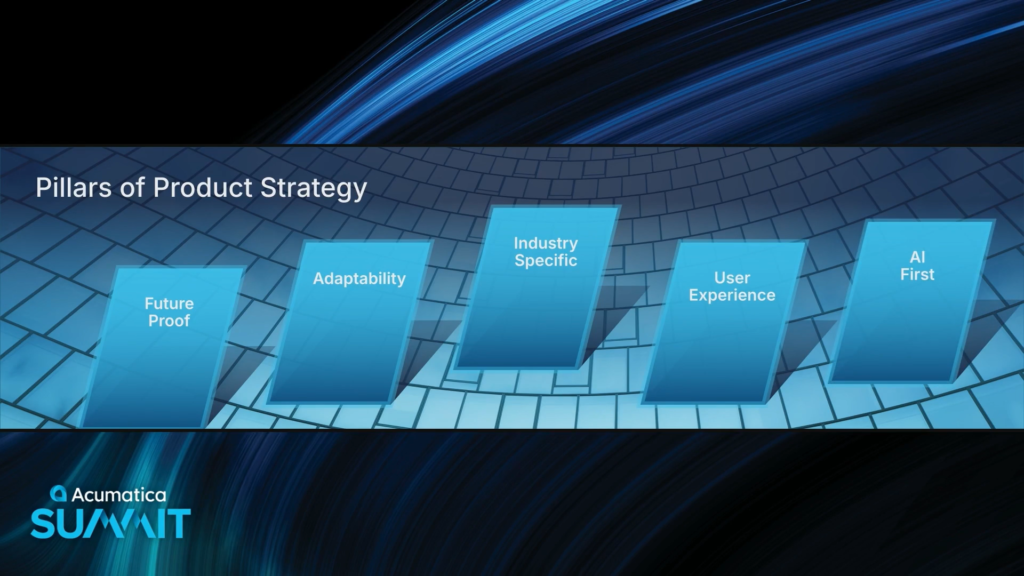
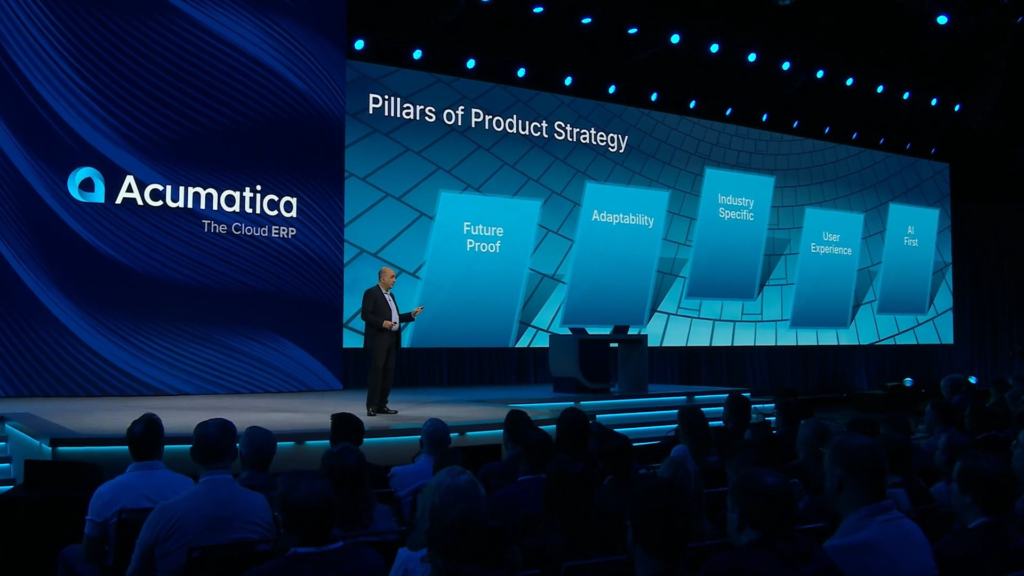
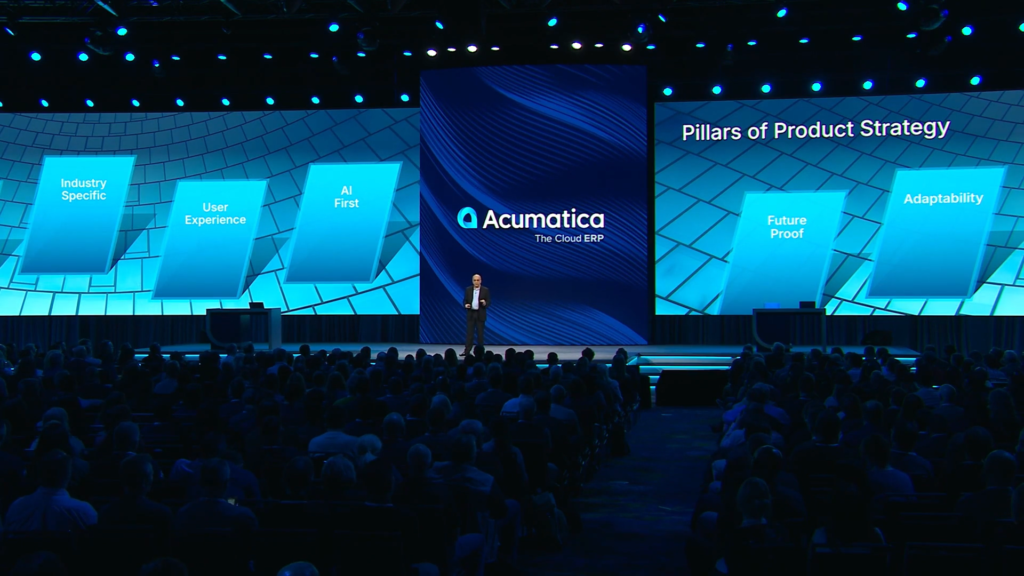
Acumatica’s product strategy is anchored in five pillars. This is their “North Star”.
1. Future Proof – Acumatica architects for decades, not years.
2. Adaptability – the system has to be flexible, not just a generic thing, and it has to involve everyone.
3. Industry Specific – go deep in functionality and “speak your language” in Construction, Manufacturing, Distribution, etc.

4. User Experience – not just about the Modern UI with a fresh coat of paint, but a system that you love to use overall.
5. AI First – AI as a foundation. Not for the sake of AI, but for solving pragmatic problems.
Maybe it should be called “human first” instead of “AI First”?
I would vote for that!!!
Acumatica wants to build ERP that fuels your growth and gives you a way to compete.

“It has been the ‘honor of my life’ to build this great foundation, this great springboard, with you all, for the last 15 years.”
“But now it’s time for me to move on to my next chapter and hand the reins to” …
Jon Pollock

What’s up with Acumatica and people named John / Jon? 😀

Jon has spent the last decade building ERP and payments solutions.
Jon came on board about three weeks ago. Jon and Ali have been working together to onboard. Cool to see them both interacting on stage.
What was your aha moment to realize that this was the place that you wanted to be to build the future of business together?

3 things that Jon is excited about:
1. Great Product
2. Expanding Ecosystem of Partners
3. The People and Culture
Jon thinks that building community starts with having really deep empathy for the customer, understanding their pain points, understanding their problems, and understanding the things that they are trying to get done.
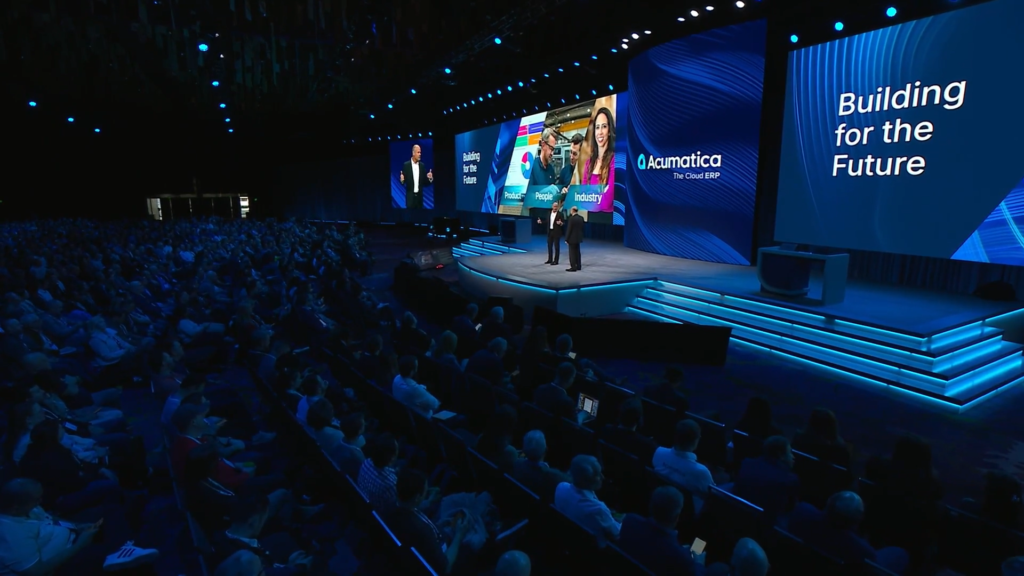
We’ve got to get outside of our four walls and we have to walk a mile in our customer’s shoes.
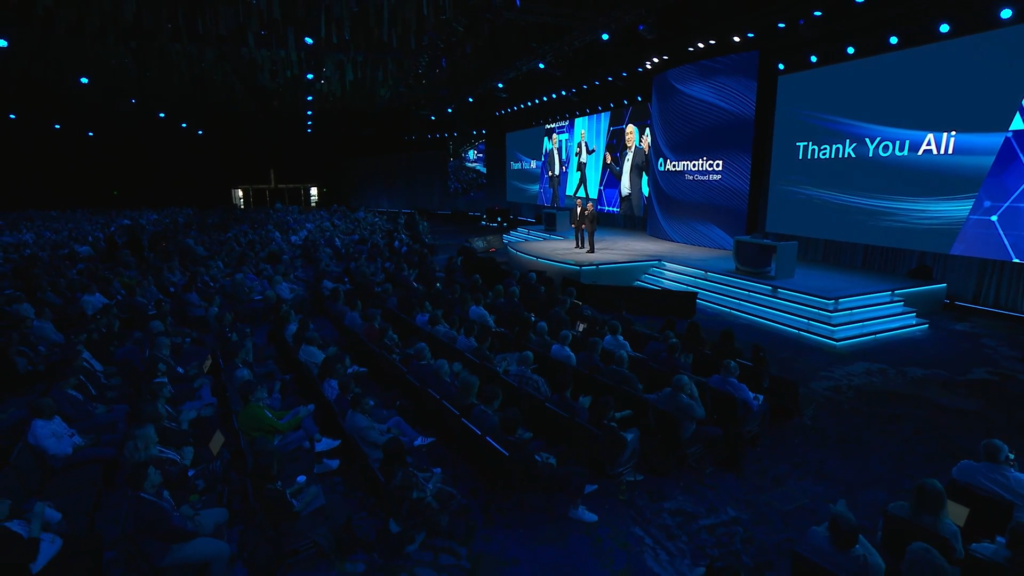
A big round of applause from everyone for Ali Jani. Lasted quite a while. Loved that moment.

Ali will always be an Acumatica Ambassador, cheering the team on from the sidelines, and we will continue to see him out at future Summits.
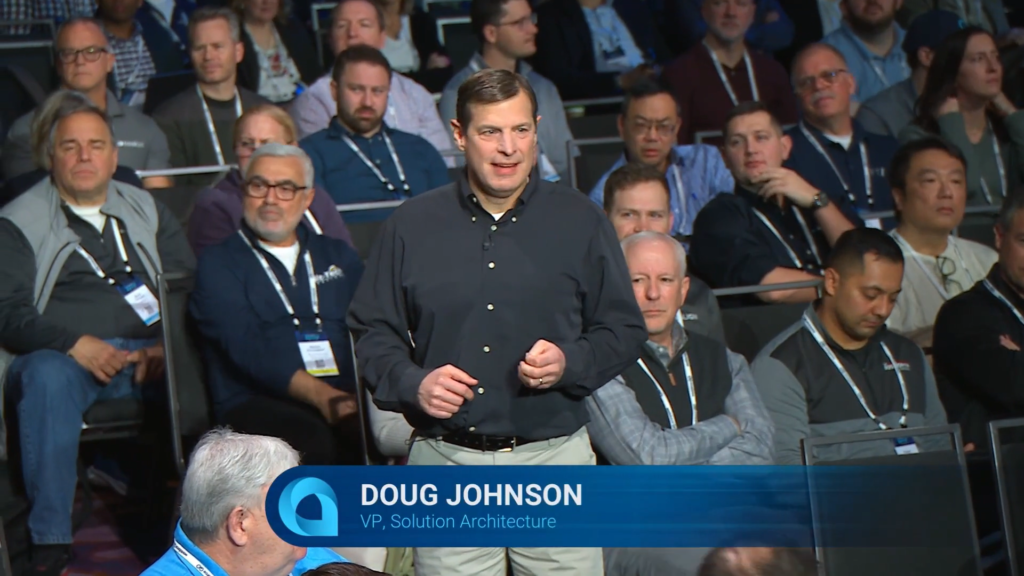
Now over to Doug Johnson who “takes the stage” from the audience, demonstrating the importance of getting close to customers.
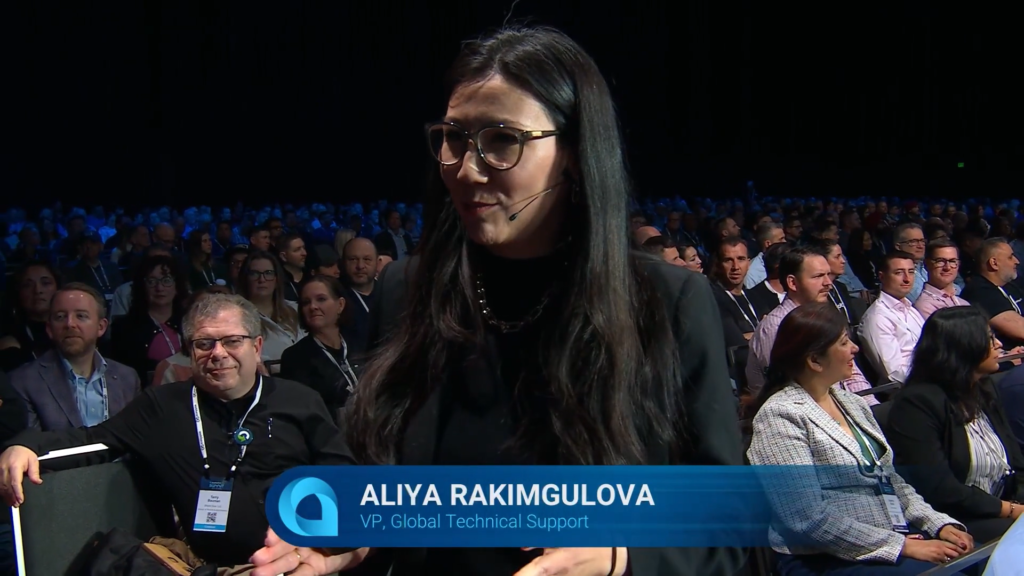
Aliya Rakimgulova joins Doug in the audience.
Who interacts with customers using email?
Show of hands.
Who interacts with customers using Artificial Intelligence today?
Only a few hands.
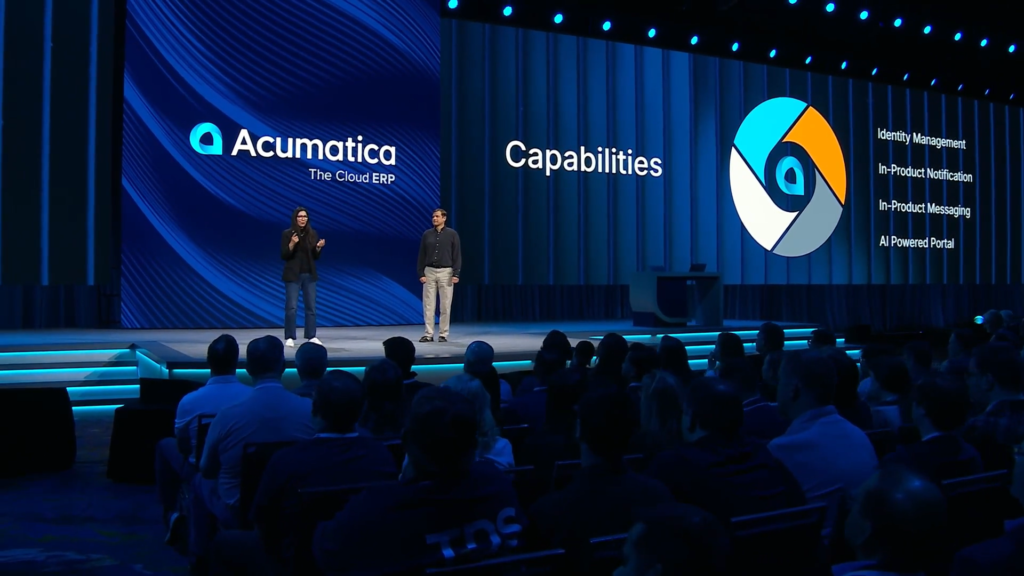
Now on stage talking about bringing everything that you need inside of Acumatica.
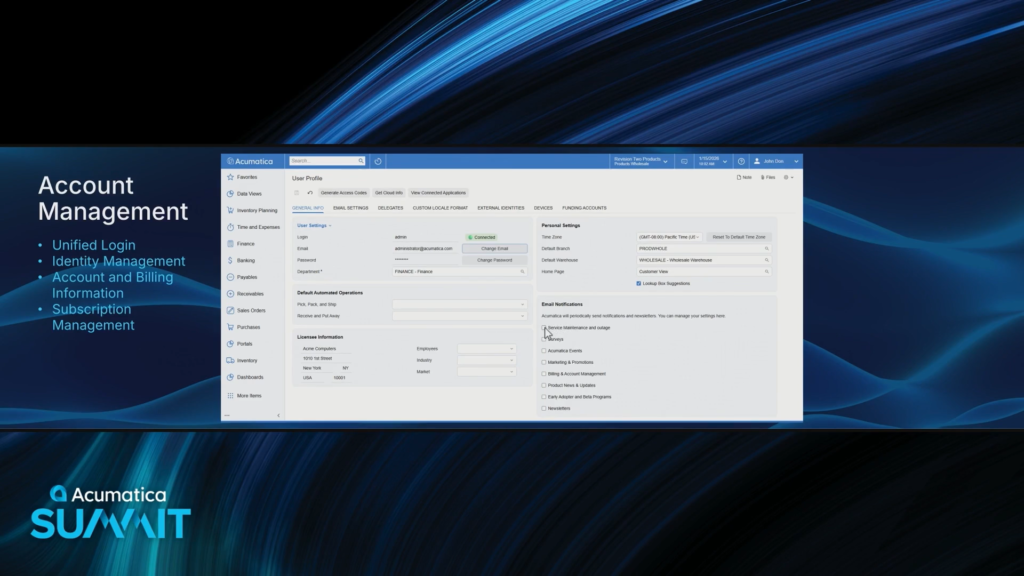
Account and Billing information used to be managed inside the Acumatica Portal, but they have now brought it inside of the product to the User Profile screen.
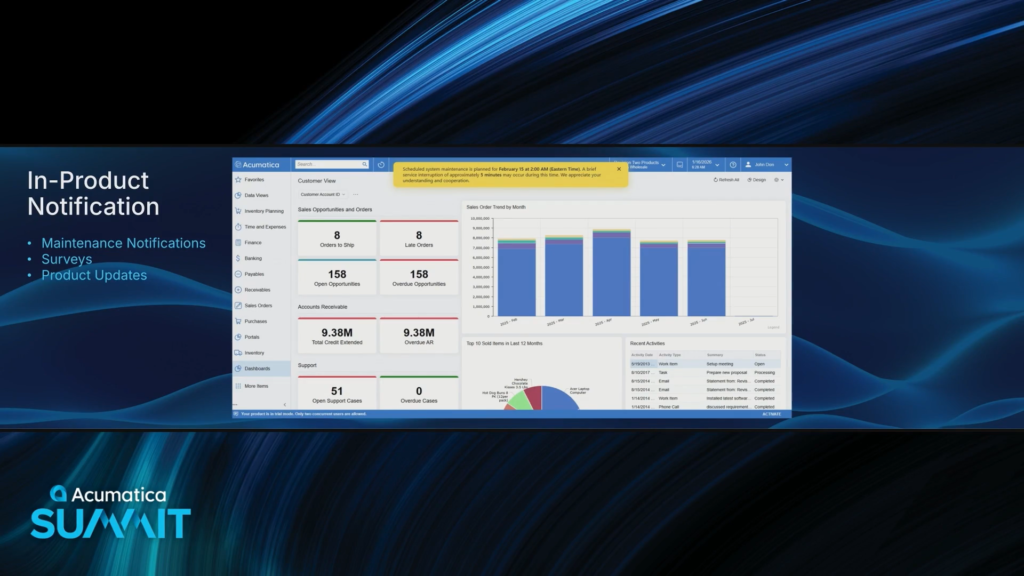
Other stuff has moved into the product as well, shown as yellow text notifications:
Maintenance Notifications
Surveys
Product Updates
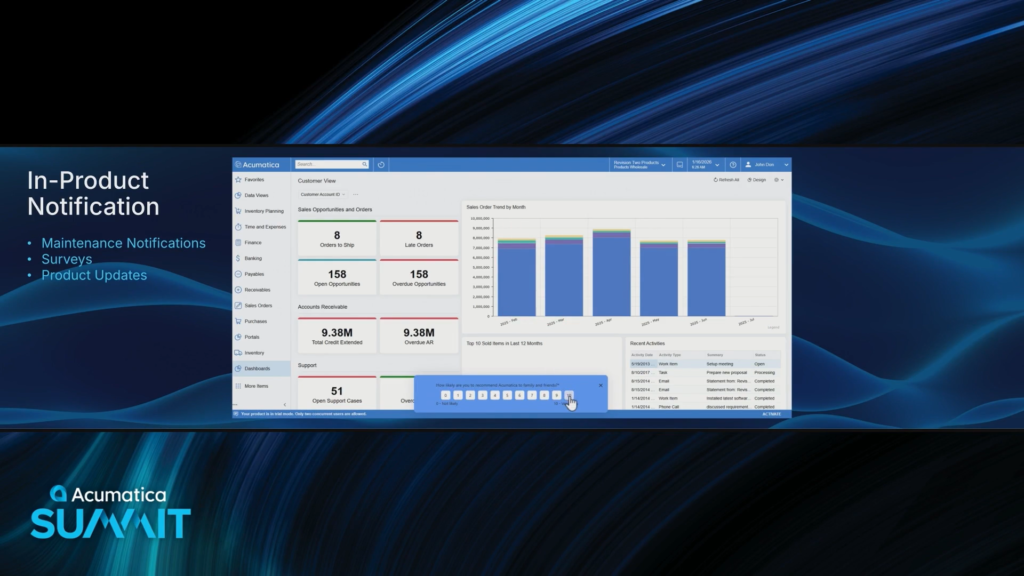
I hope they use these in product surveys sparingly. They could get pretty annoying if too frequent.
Would be cool if you could add your own surveys so you can get feedback from employees about various things.

Also in-product messaging for direct messaging with Acumatica. For interacting with the Product Team and I think even for the Support Team?
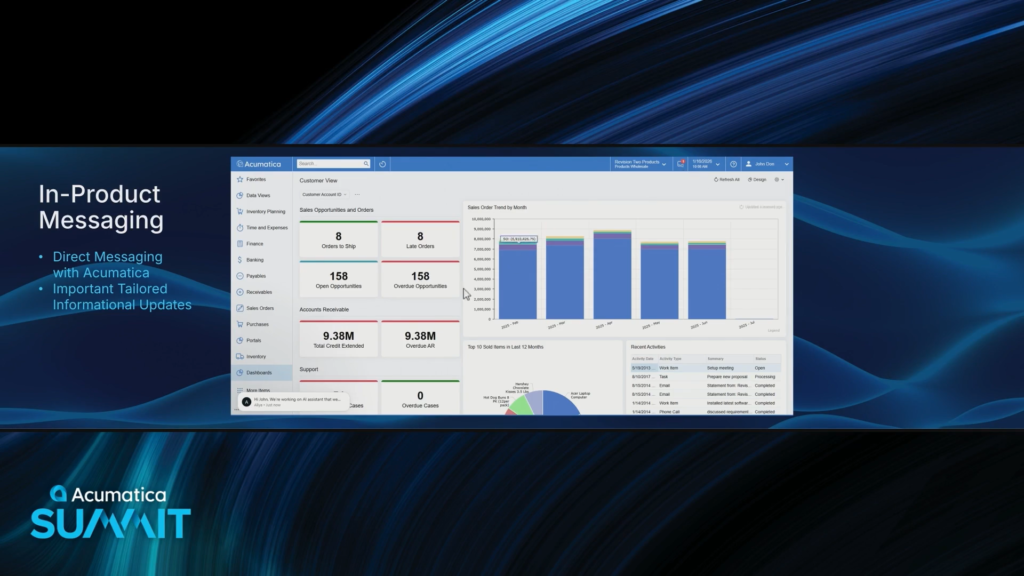
The user can message back by clicking the message icon on the top or bottom-left.
I wonder if VARs can be included in this messaging system. If I’m a VAR, I’m thinking, “Hey, you’re cutting me out of the loop.”
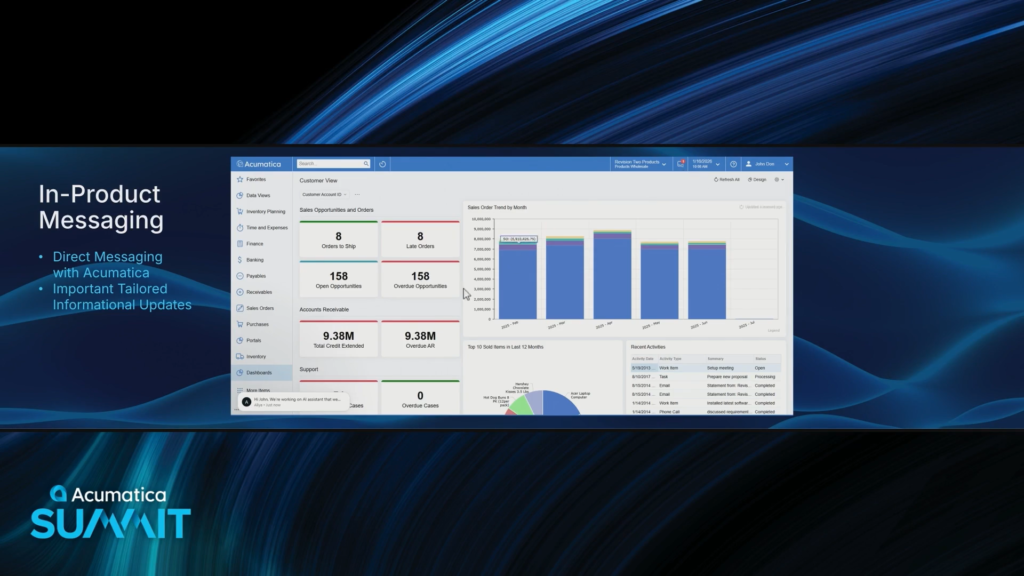
All of those same technology pieces can be used to interact with your own customers through your own Acumatica Customer Portal. Sweet, that’s what I was hoping.

Your Customers can also use the AI Agent within your Acumatica Customer Portal.

And it’s easy for your Customer to escalate to a real human simply by asking.

Now for a live demo instead of a screen recording demo. This is my favorite part!
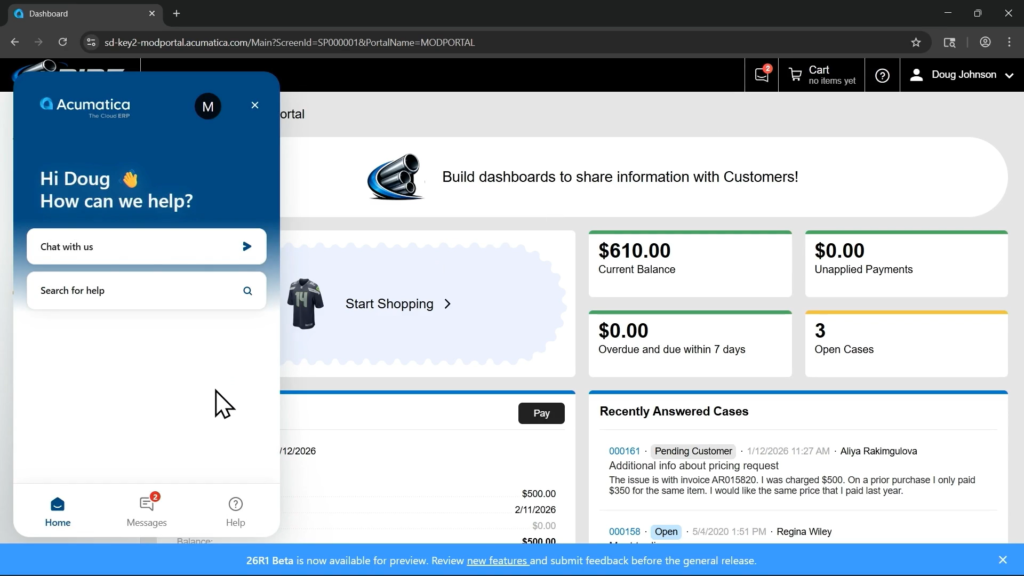
Here’s an example of an Acumatica Customer using the Acumatica Portal to show their own notification messages on the bottom, message inbox (2 unread) on the top, and the AI Agent on the left.
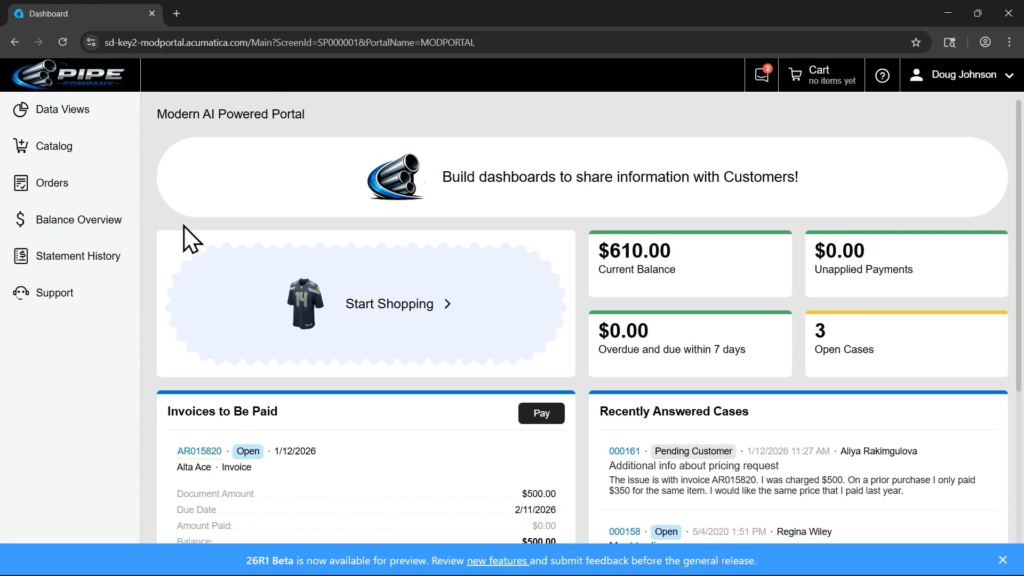
This new customer portal looks pretty slick. I like it!
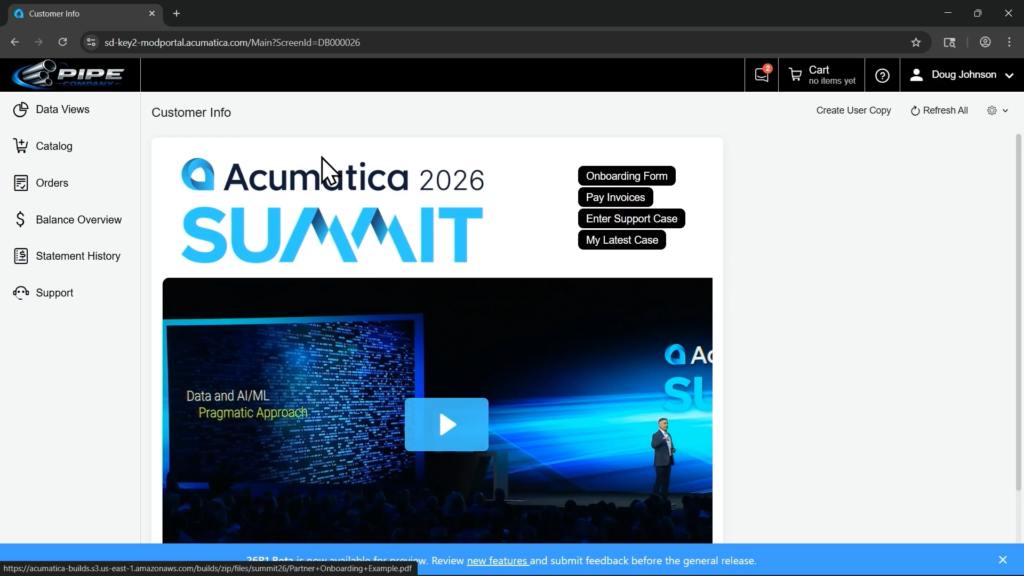
Here’s a nice-looking dashboard that is tailored to the customer.

Here’s a clean page showing invoices that are outstanding.

Here’s what support cases look like in the new Customer Portal.
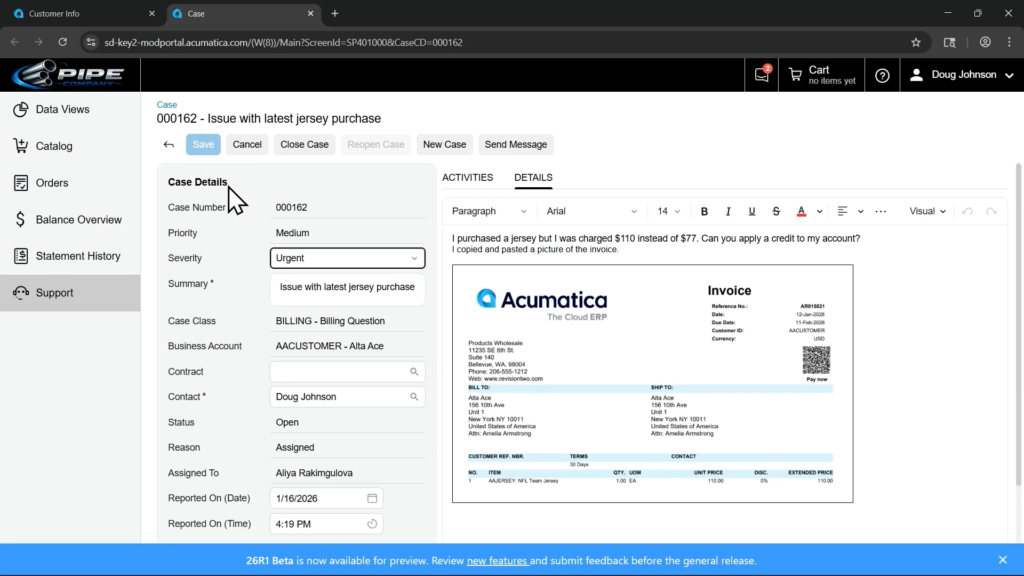
Doug marks the severity as Urgent and saves the Case.
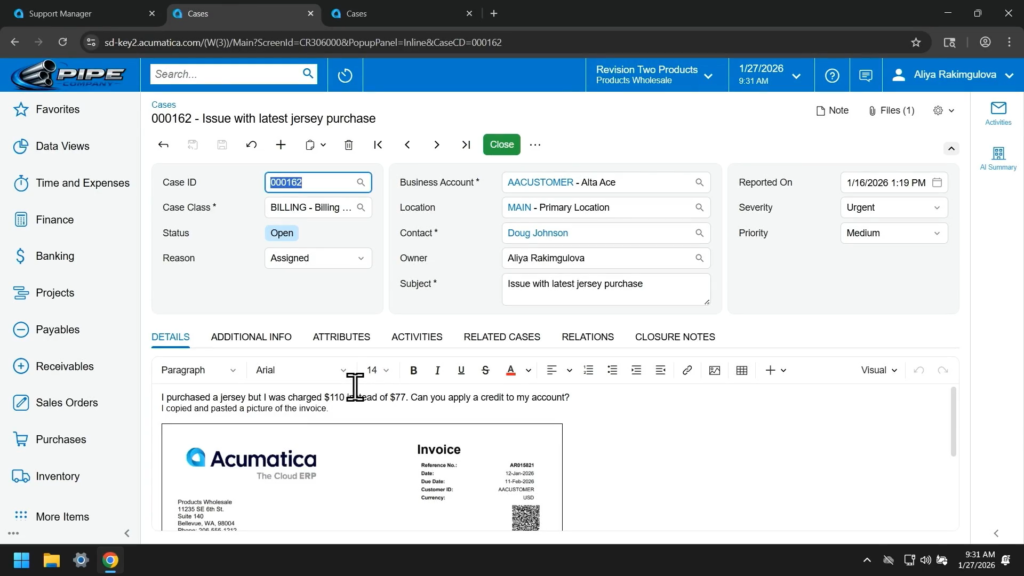
Now on Aliya’s computer, we see what it looks like for the support person who is working the case.

Aliya is skeptical about the Severity of Urgent, but instead of using her personal judgment she can use Assign Priority under LLM Actions.

AI read the case description and set the Severity to Medium.

To work the case, Aliya goes to the RELATED CASES tab. There is a case listed here, but I’m not sure how it got there. Did AI somehow link them together?

In the Classic UI, you had to click through each Activity individually which was super annoying and time-consuming.
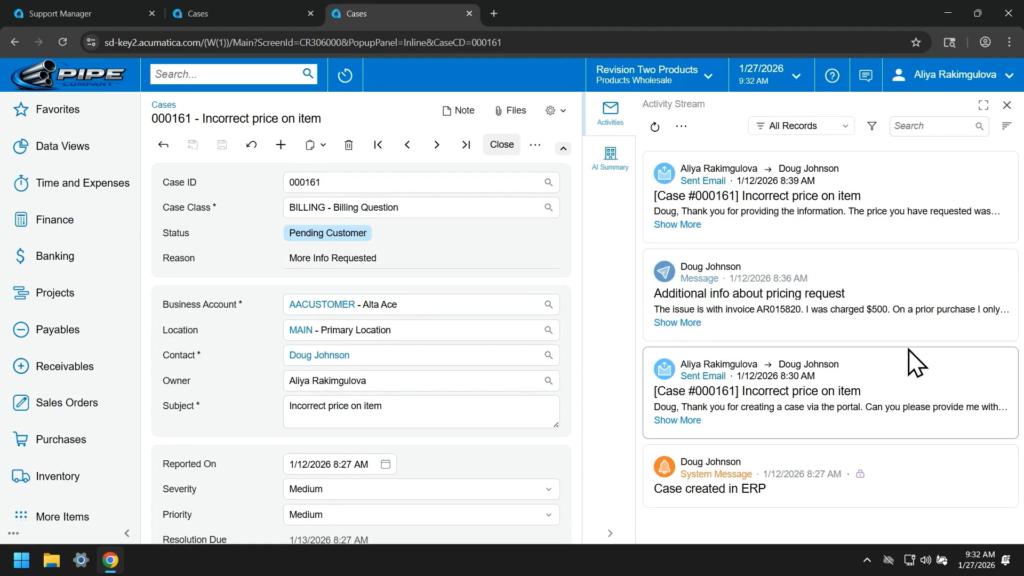
In the Modern UI, there’s an Activities side panel. I couldn’t tell if it’s scrollable, but it’s definitely scrollable if you click the Show More link on an individual activity.

Or you can click the AI Summary button in the side panel…
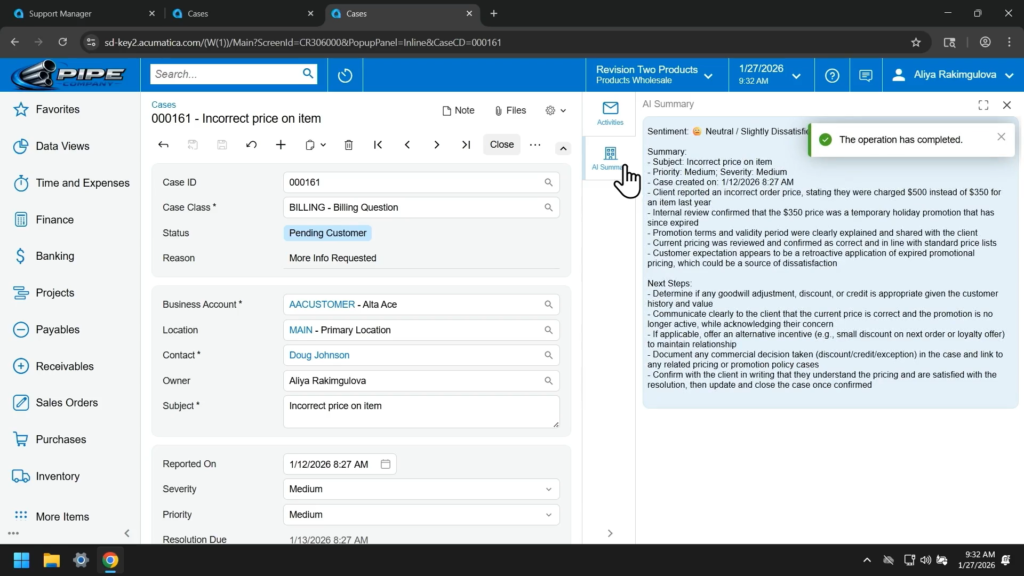
And AI will generate a Summary for the case.
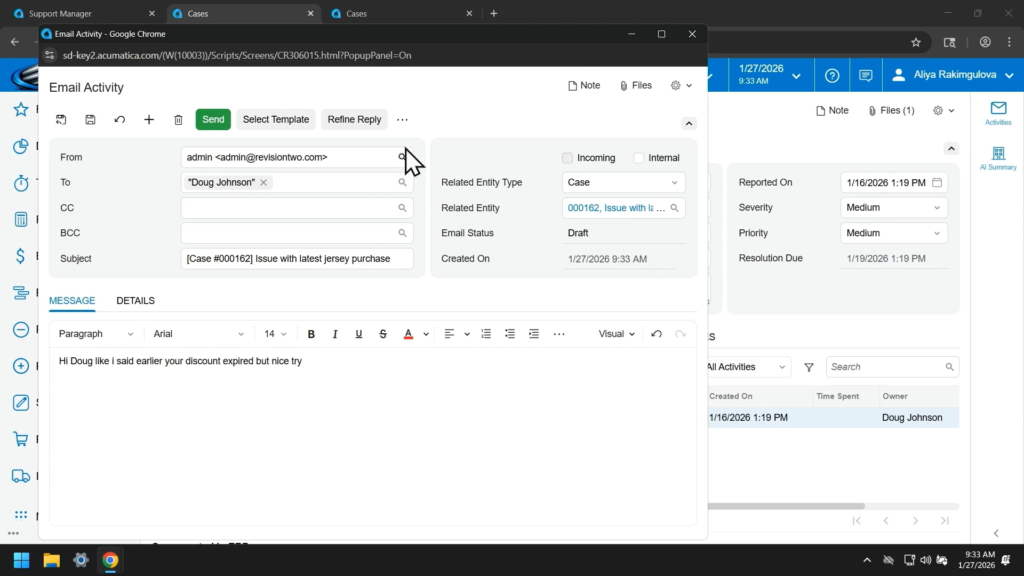
Now Aliya clicks the Create Email button and types a somewhat terse response to Doug 😀
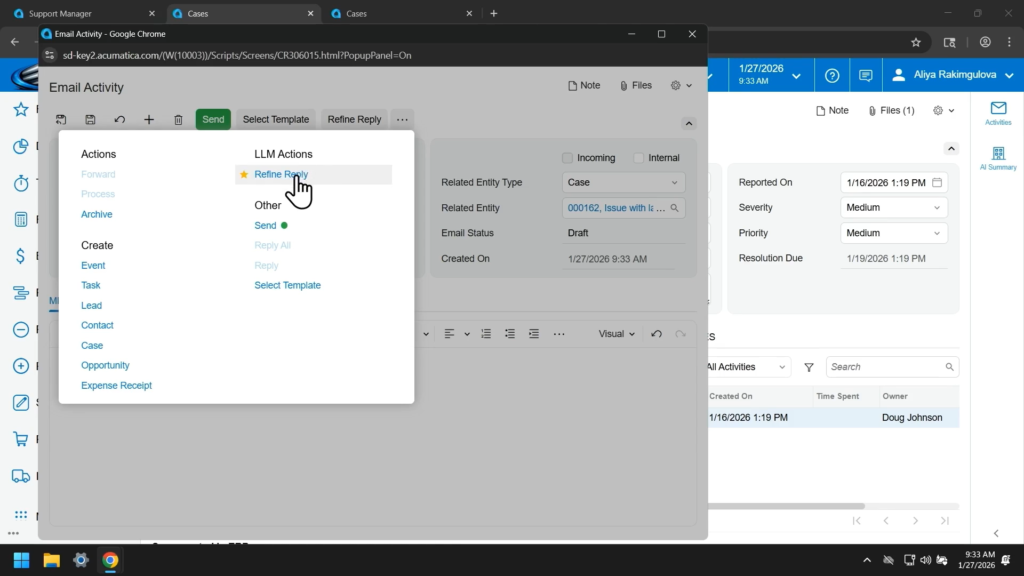
But she uses the Refine Reply button before sending it.

So AI makes the email look a lot friendlier and more professional.
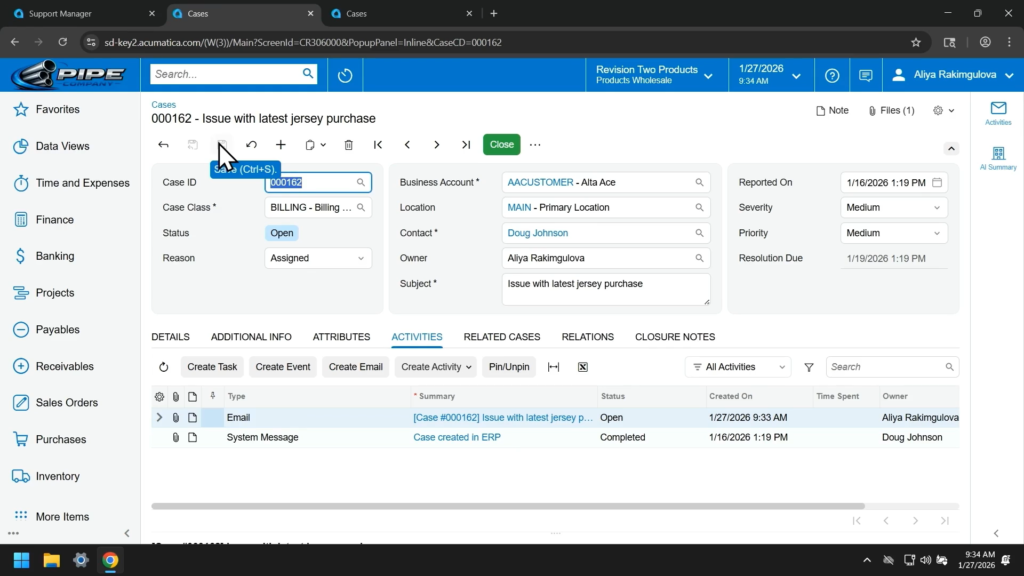
And now Aliya sends the email.
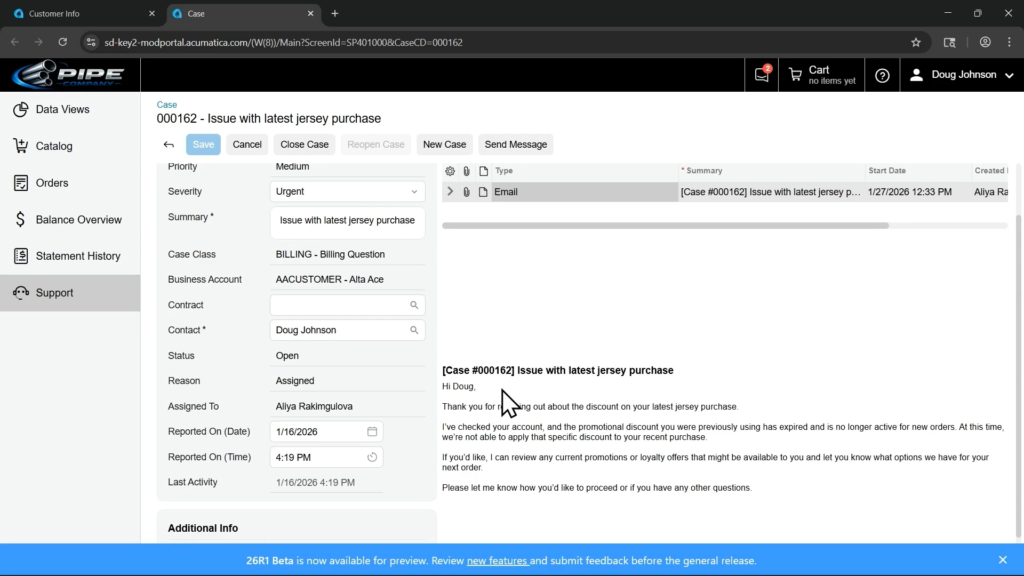
Now Doug pulls up the email on his end and looks at it.
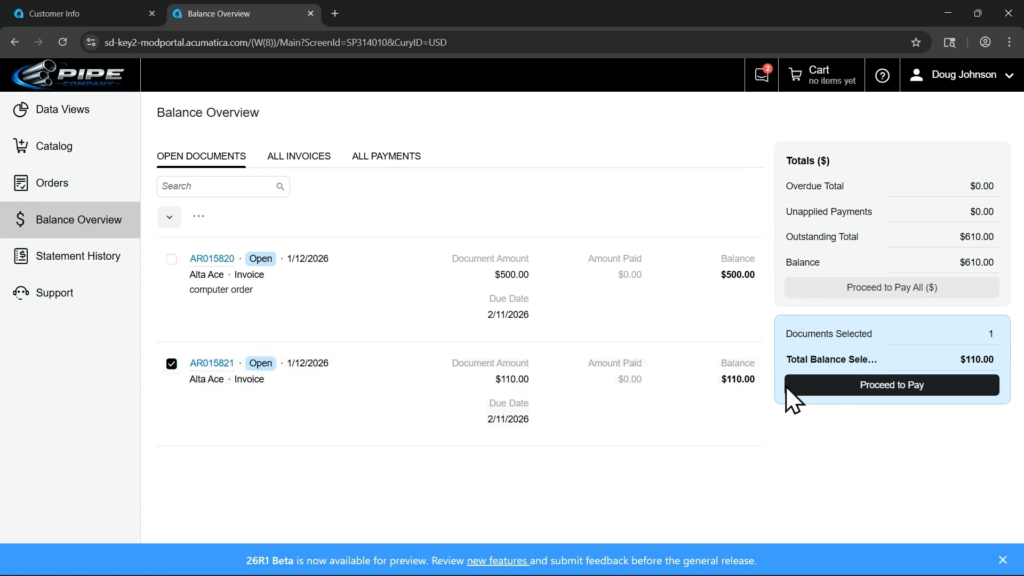
The Modern Customer Portal is integrated directly with Acumatica Payments so you can check off an invoice and then click the Proceed to Pay button.

Select the Payment Method, adjust the Payment Amount (if necessary), and click the Pay button.
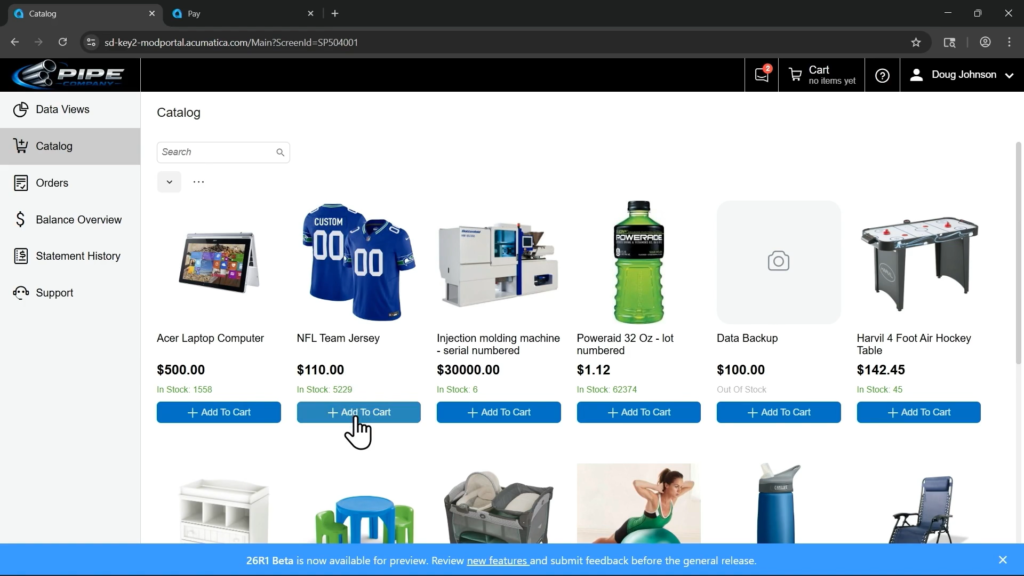
The Catalog area also looks more modern now. Nice job sneaking a Seattle Seahawks jersey in there 😀

After adding an item to the cart, it’s one click to go into the cart.
This looks a lot more like an eCommerce portal than the old Acumatica Customer Portal which looked more like an ERP product.
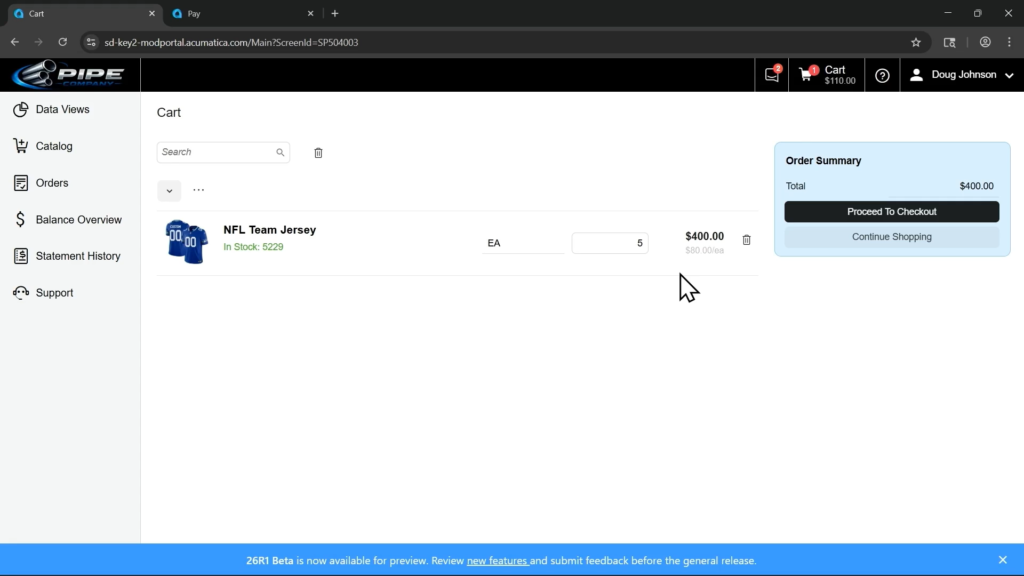
The regular Acumatica customer-specific pricing kicks in as well, which you can see when Doug increases the quantity.
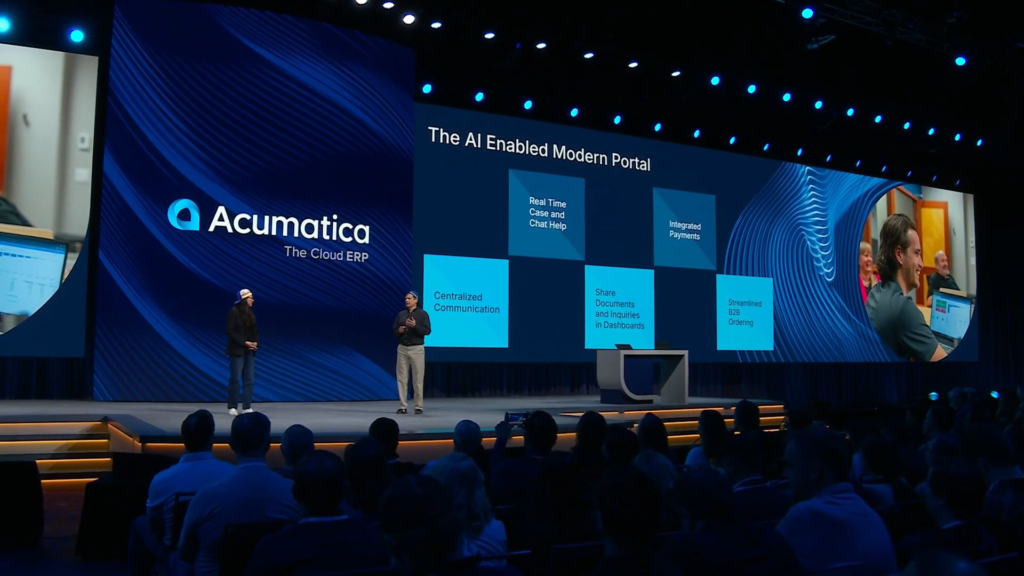
No demo for this part yet, but Doug encourages us to think bigger in terms of how to use the AI Agent in the Customer Portal for doing the things that were demoed using clicks.
It’s all about connecting better with your customers.
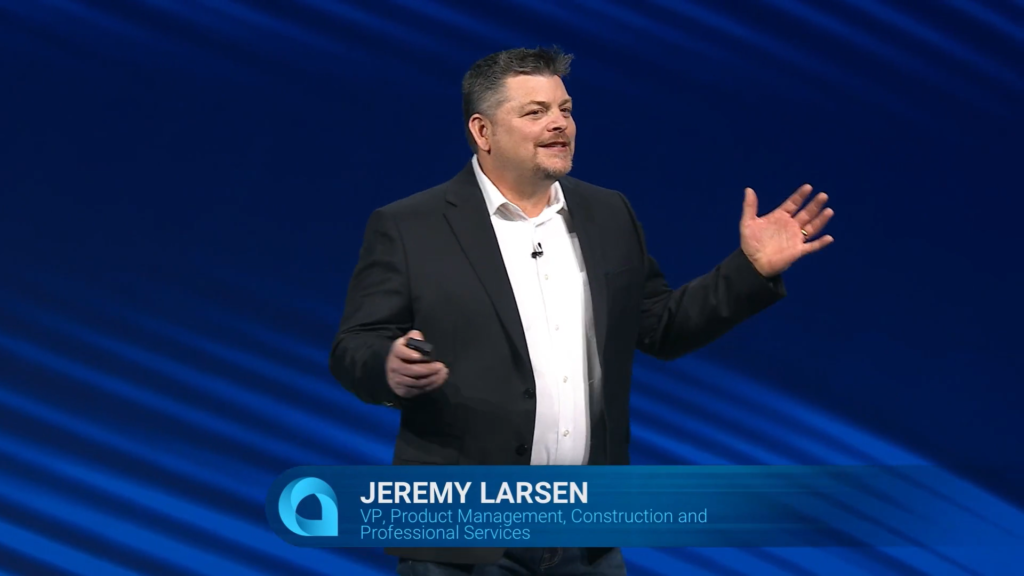
Now Jeremy Larson on stage to talk about more stuff in Acumatica 2026 R1.
Let’s talk about product delivery – how the product team gets feedback from customers and delivers stuff.
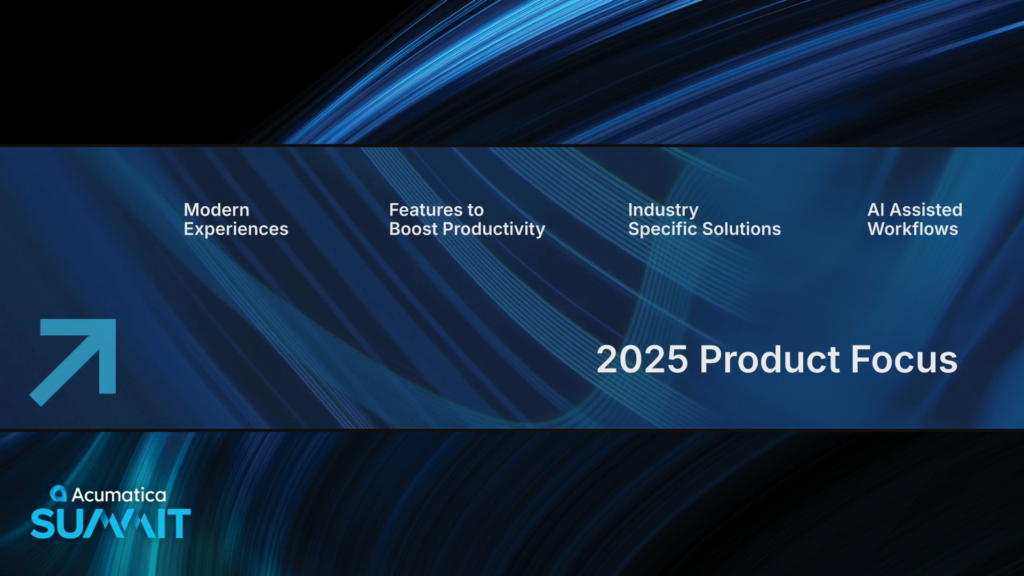
Here were the four key themes of product focus in 2025:
1. Modern Experiences
2. Features to Boost Productivity
3. Industry Specific Solutions
4. AI Assisted Workflows

A big part of 2025 was “laying the foundation” for AI Assisted workflows.
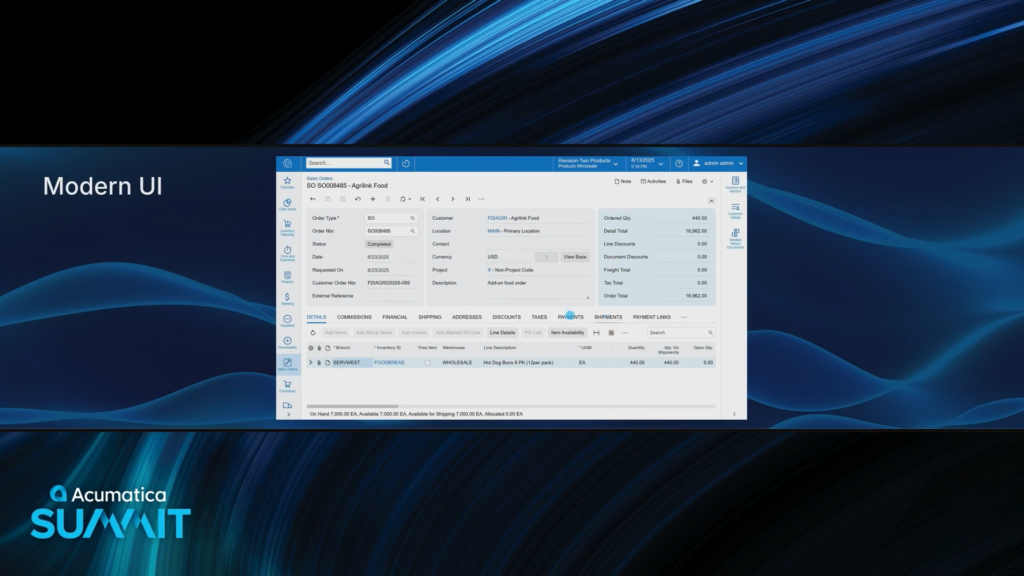
The Modern UI is out now and it’s a massive improvement over the Classic UI.
I knew that you could easily select what fields you want and drag them around, but I hadn’t realized that you could also drag tabs around which was shown in this screen recording demo.

Looks like it’s cleaner on mobile too.
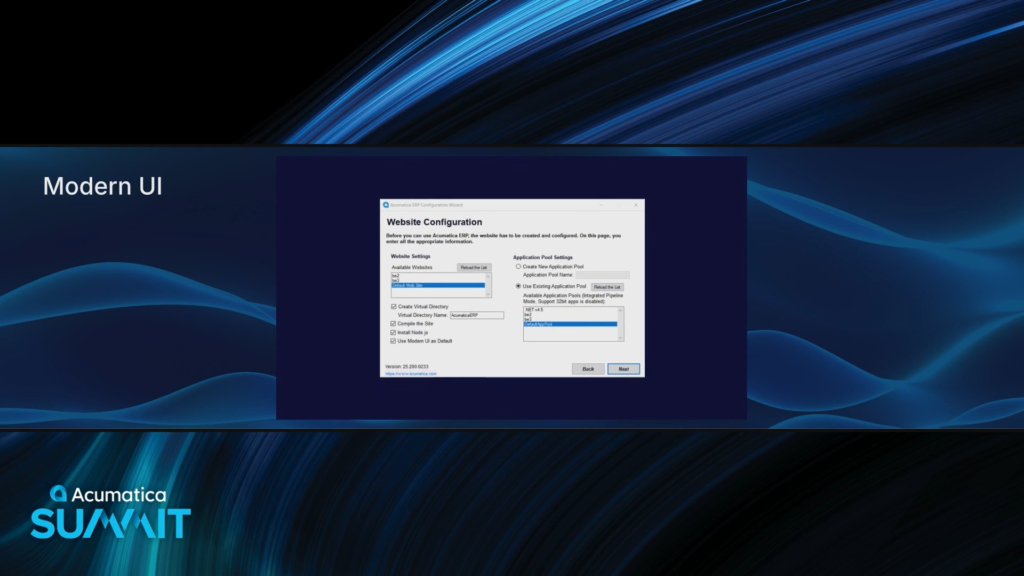
I think it’s time where I personally am ready to check that Use Modern UI as Default checkbox during installation.
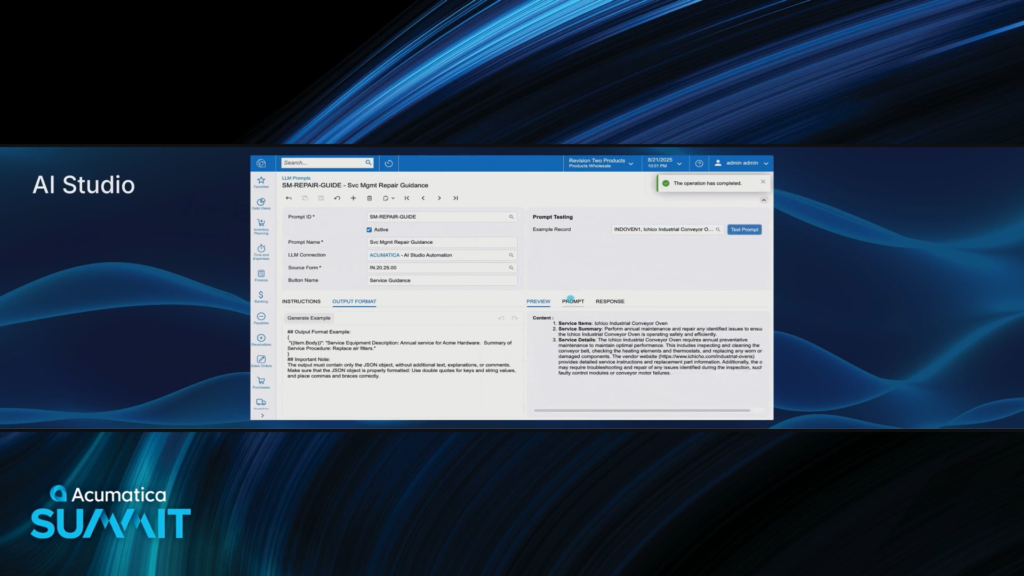
The LLM Prompts screen makes it easy to test prompts with an example record.
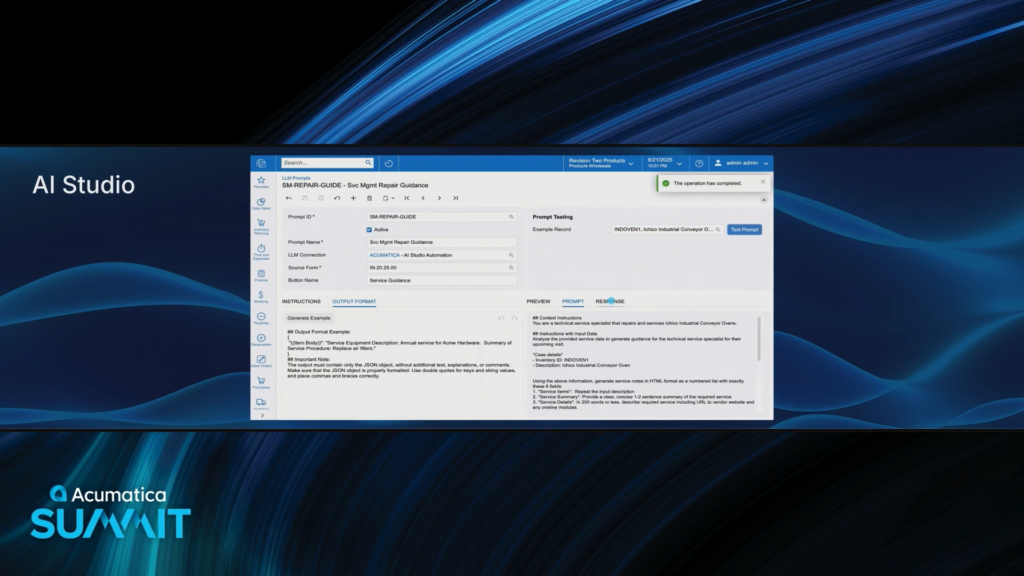
I’m assuming that this PROMPT tab simply takes the INSTRUCTIONS tab and substitutes the data based on what you populate in the Example Record field.
But I haven’t actually tried it yet personally because I don’t yet have access to an environment that is licensed for it 🙁

This Service Guidance button looks interesting, but I’m not sure that it did anything useful. From what I can see in the prompt, it seems like it just looked at the Inventory ID and Description to generate some service guidance.
Not terrible for a demo, but we definitely have A LOT of work to do to build out really solid robust use cases.

Now to talk about AI Powered Reporting and Insights.
I personally am particularly interested in this stuff.
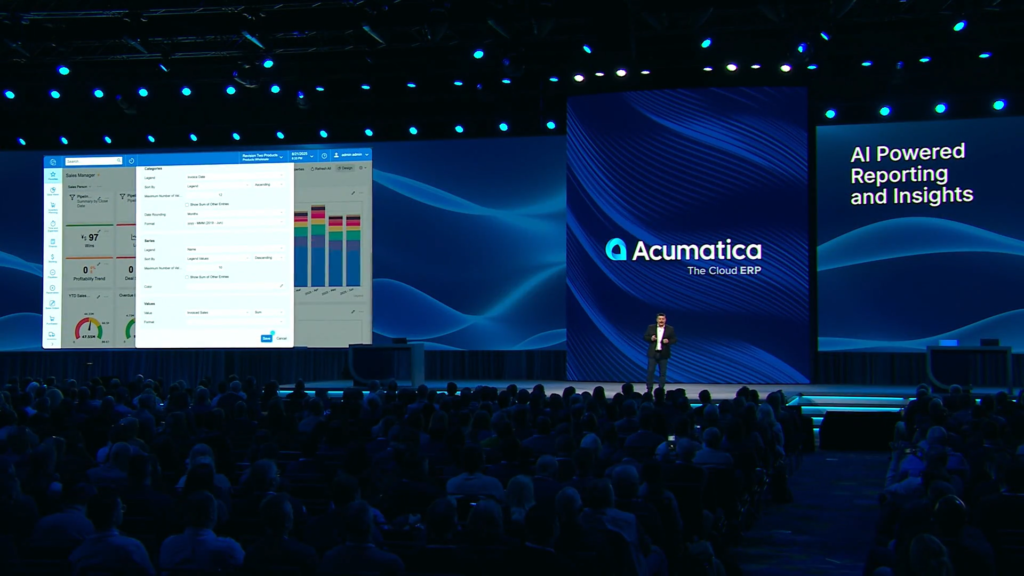
Lots of talk about reporting improvements, but I didn’t really see anything in the screen recording demo. So hard to verify.
Now let’s talk about what’s coming next in 2026.
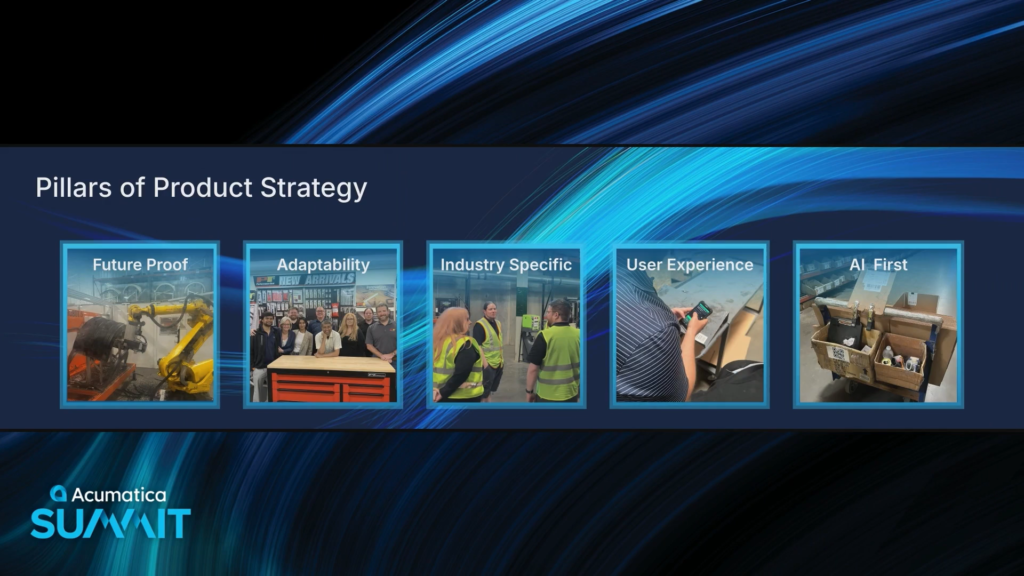
Now there are 5 Pillars of Product Strategy:
1. Future Proof
2. Adaptability
3. Industry Specific
4. User Experience
5. AI First

Introducing InsightXL
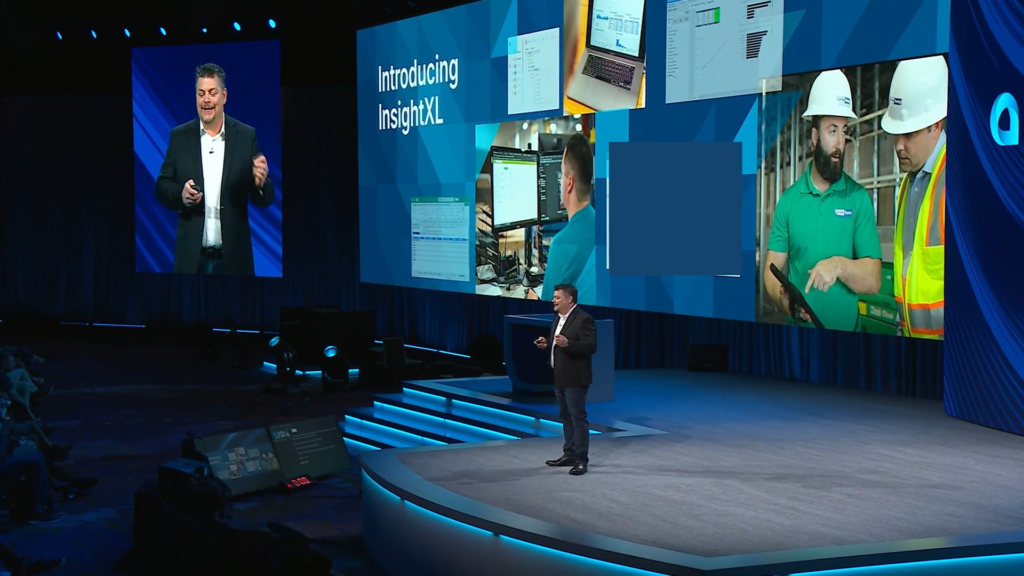
Their newest reporting product is an Excel-based reporting tool.
What? Are you kidding me? We already have Velixo for that!
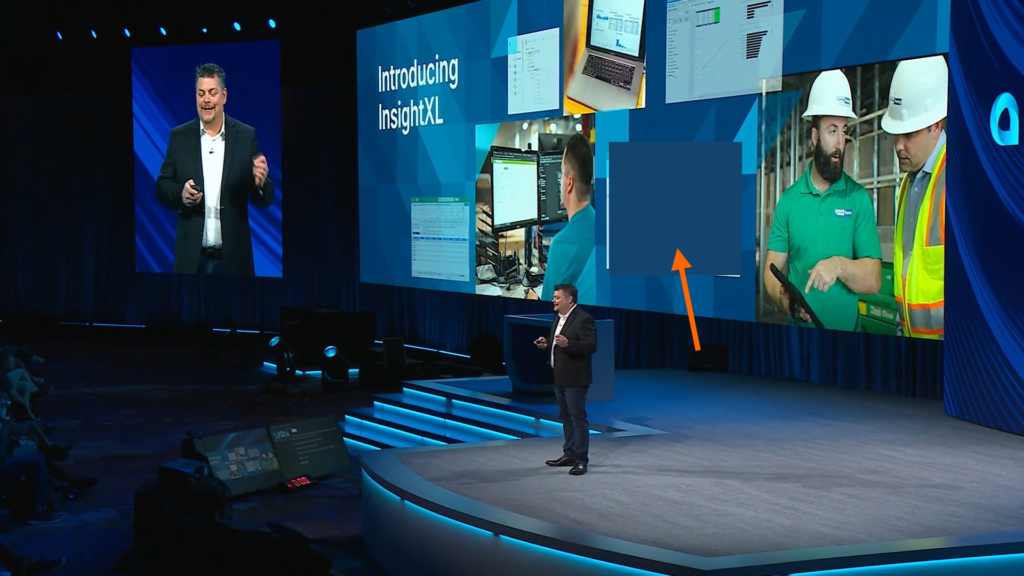
And why is there this huge blue block on the keynote recording that I am watching on February 04 that is hiding something that was shown on the screen during the live presentation?
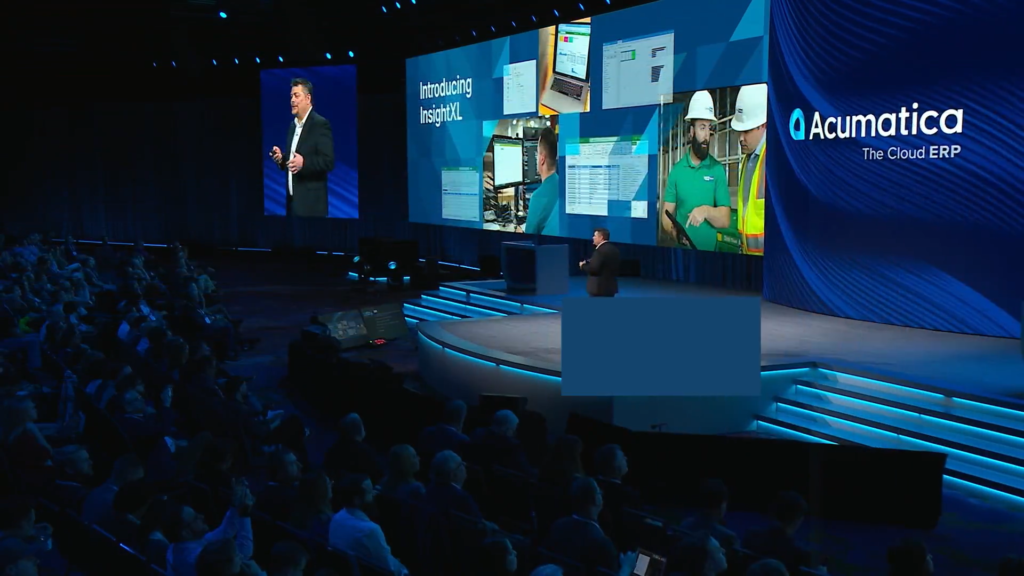
OK, here’s a screen grab from the few milliseconds before that big blue rectangle is able to cover up the screenshot.
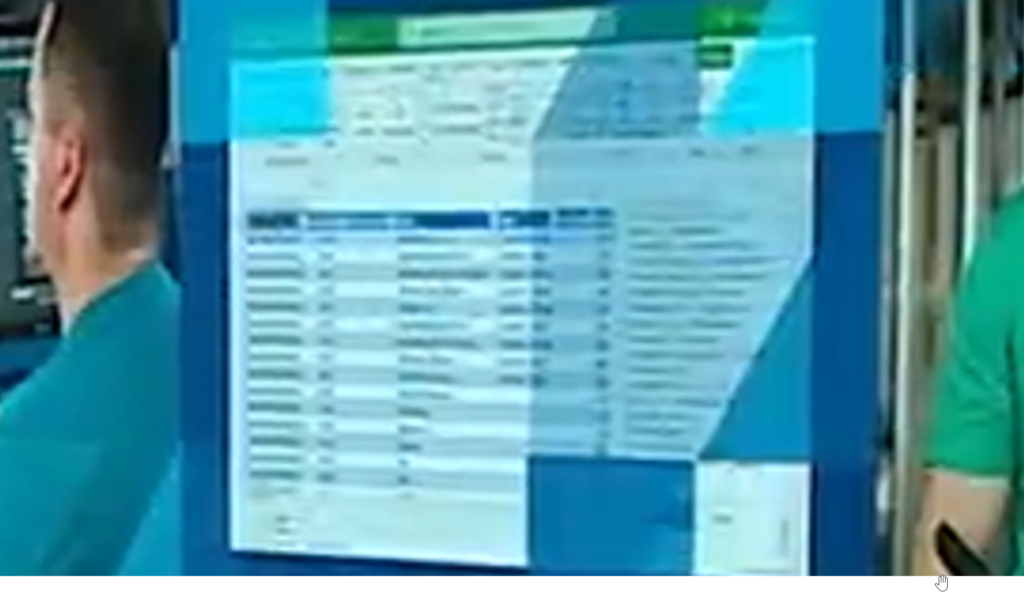
Let’s zoom in on that image which definitely looks blurry but is still somewhat readable.
I wonder why they blocked it out with a blue box in the recording.
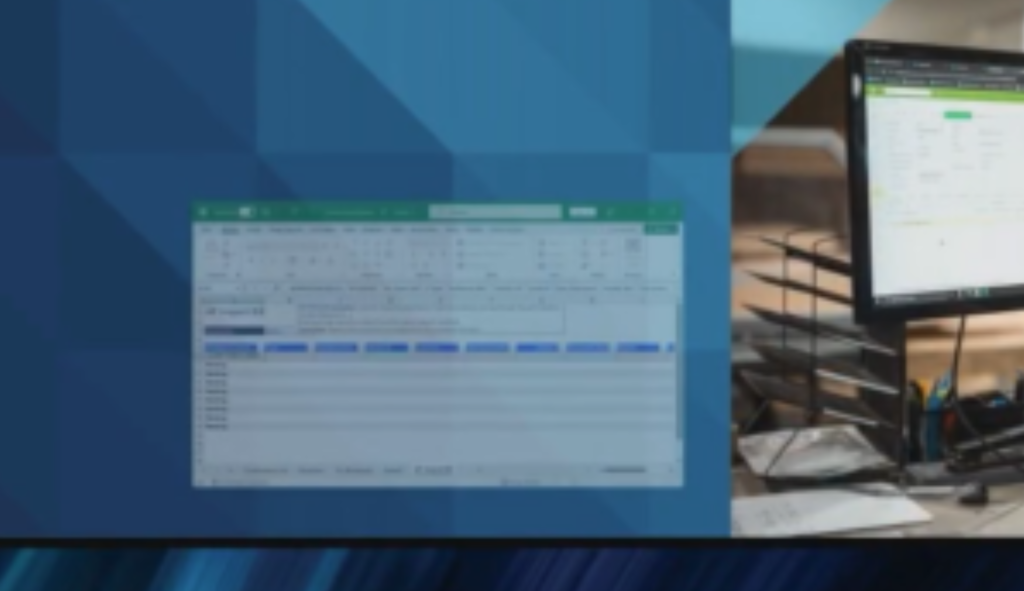
Zooming in on that screenshot in the lower left, from 5 images back, this kind of looks familiar.
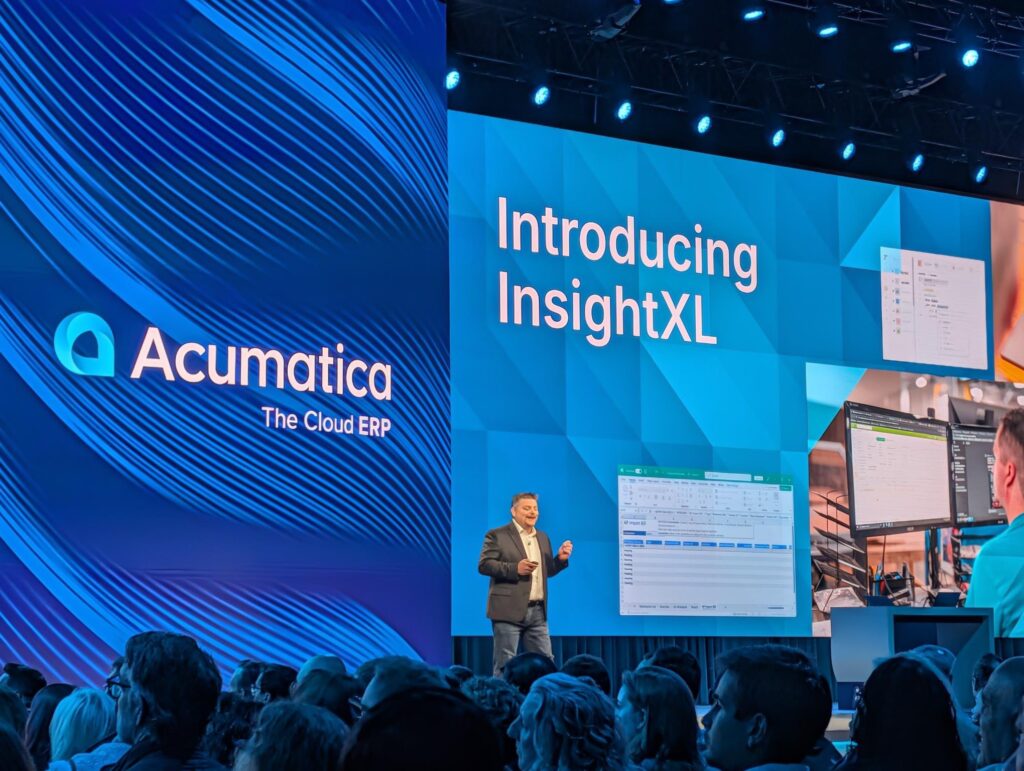
Here’s a better picture of that lower left screenshot from the Acumatica account on X.com, although that post has since been deleted.
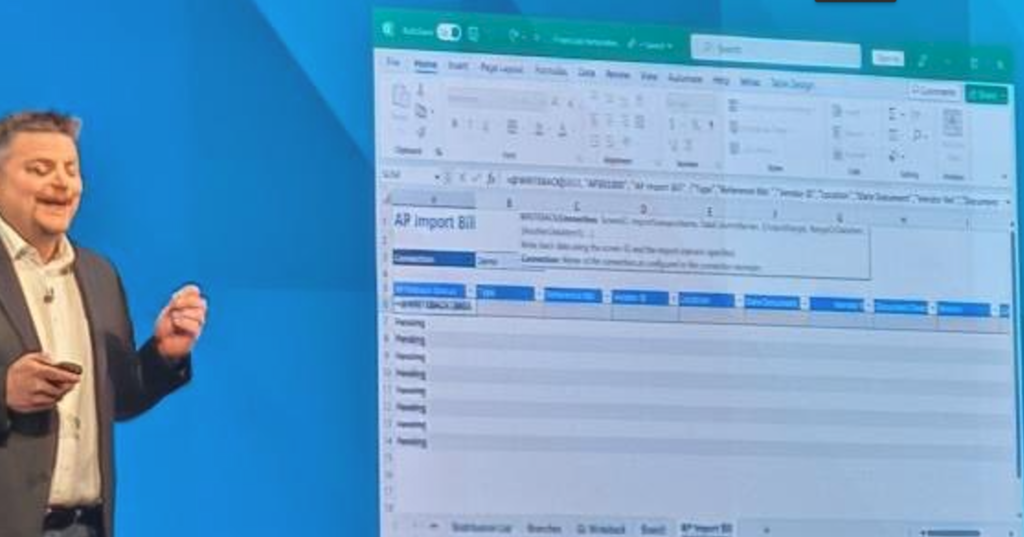
Let’s zoom in on the screenshot from that X.com image.
Wait a second, doesn’t that image look familiar?
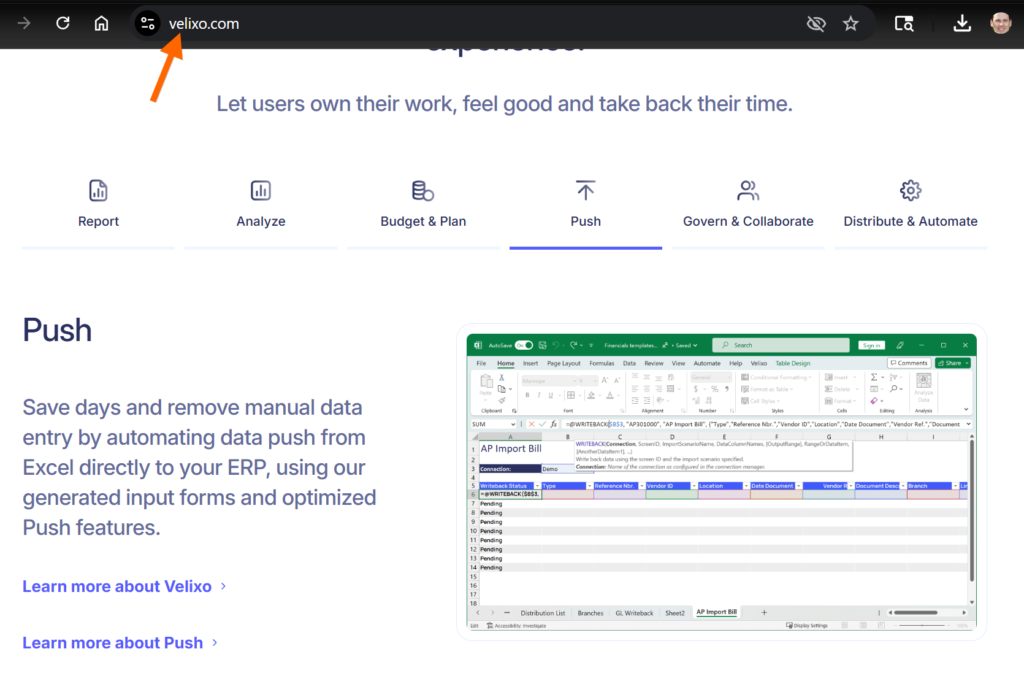
O ya, that’s because it’s on the Velixo homepage!!!
Did Velixo steal that image from the Acumatica Keynote? If so, shame on them.
Or maybe… 🤔
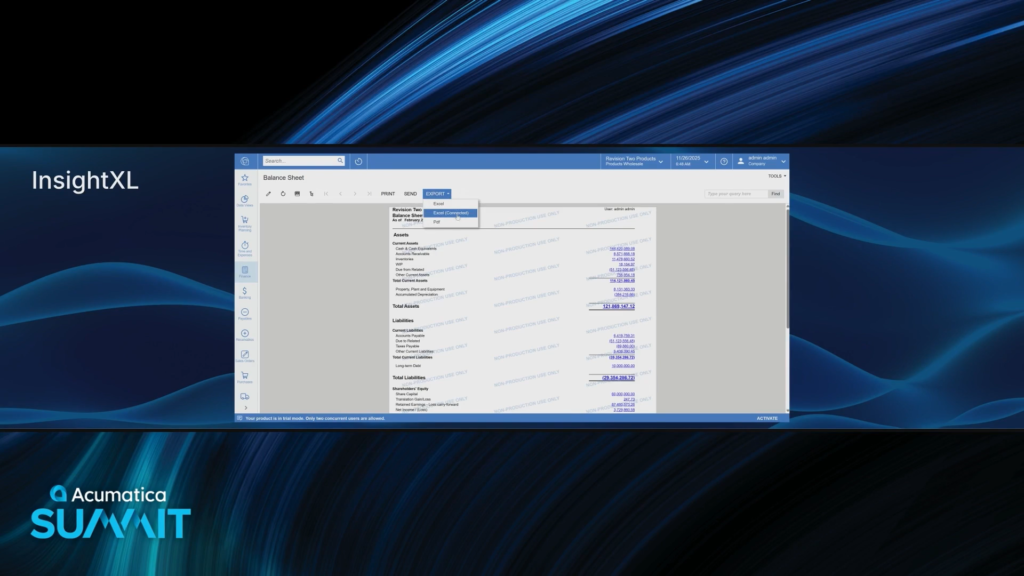
Alright, back to the keynote.
There is now an EXPORT -> Excel (Connector) option on the Balance Sheet.
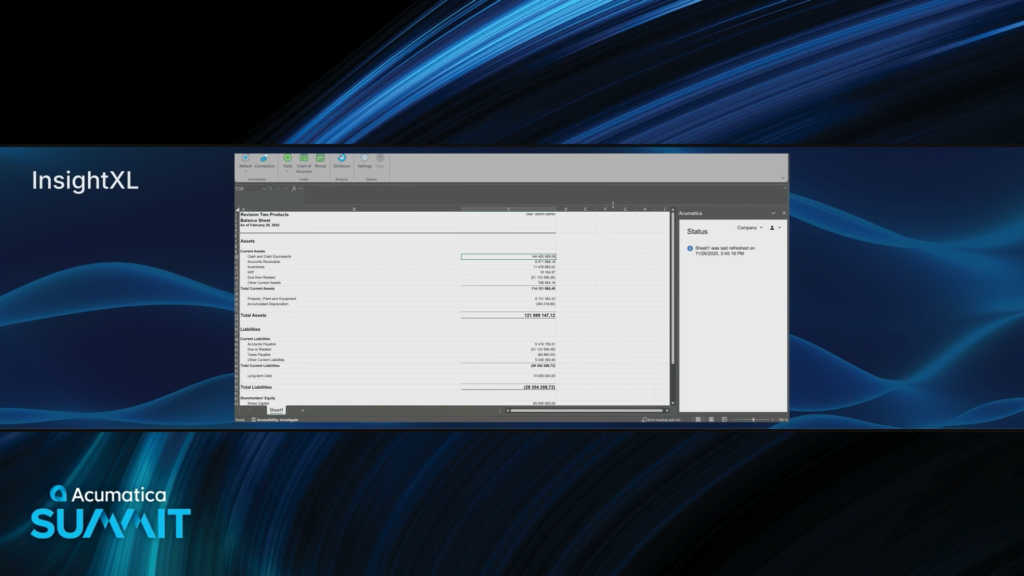
“Everything is now live in your worksheet.”
Then why don’t I see a formula in the formula bar with this C10 cell selected?

Ah, now I see the formula when they double-clicked into the cell.
And the tab up on the Excel ribbon is called Acumatica

Everything is available in the Acumatica 2026 R1 release.
“What do you guys think of that?”
Light clapping from the audience. I think everyone is absolutely stunned that Acumatica just stuck a huge knife in the back of their ISV Partner of the Year from last year.

Another side tangent for a few screenshots.
I’d be willing to bet that Velixo didn’t even know this demo was coming.
The reason why I’d be willing to make that bet is because of how things went down with the WMS ISVs back at Acumatica Summit 2019 which I blogged about in this article (click here)

I am EXTREMELY disappointed, but not because of how Acumatica just treated Velixo since I’ve come to expect that as per blog post link in previous screenshot.
I am EXTREMELY disappointed because there was absolutely no need for Acumatica to try and reinvent the wheel here.
I’m totally fine with them creating a new reporting tool, but why not stick to the Roadmap?

Speaking of Roadmap…
Here’s a slide from Acumatica xRP Summit 2019
Improvements to Report Designer would be welcome.
Adding a Business Intelligence product to Acumatica would be welcome too.
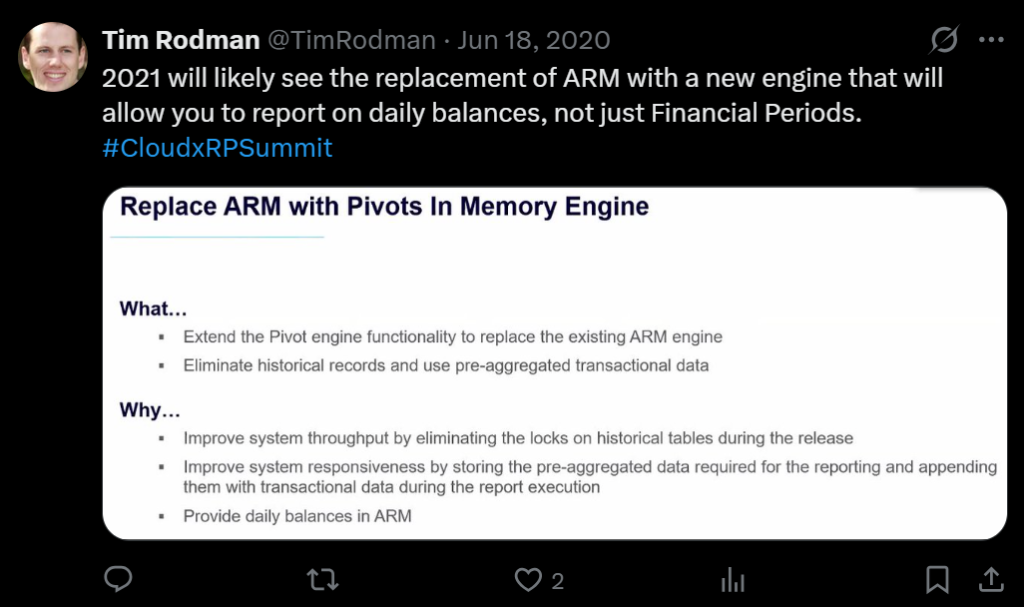
Here’s a slide from Acumatica xRP Summit 2020
An improved ARM (Analytical Report Manager) / Financial Report Writer would be welcome.
My understanding was that they were aiming to do something similar to Sage Intacct Dimensional Accounting which sounded like a cool idea.
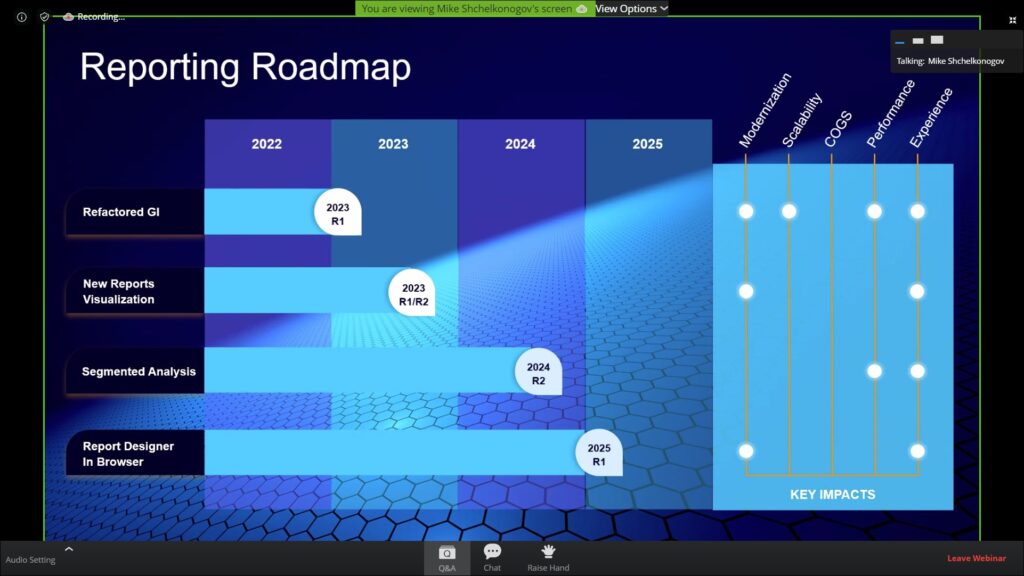
Here’s a slide from Acumatica DevCon 2022 which I’ll break down in further detail in the next few screenshots.

This was delivered in Acumatica 2024 R1 and nice job! I love it! Well done Acumatica!

This idea sounded really cool with a soft targeted release date of 2023 R1 or 2023 R2.
As far as I can tell, nothing has happened with this yet.

This was already discussed a few slides back in the slide from Acumatica xRP Summit 2020.
Soft targeted release date of 2024 R2, but, as far as I can tell, nothing has happened with this yet.

I’m not a big fan of this idea, because I think that designing reports is best done in a Desktop app, especially when it comes to things like dragging objects around which can be laggy in a Browser. Power BI takes the same approach as Acumatica Report Designer currently with Power BI Desktop windows app for designing and Web Browser for consuming and I like that approach.
But there has been talk about using Generic Inquiries as data sources for Report Designer reports for a long time, and that would be super welcome.
My point is that there are so many other reporting things that Acumatica could have put their developer resources into.
I do understand that Acumatica is under a lot of pressure to make big announcements during these keynotes and they’ve been short on things to show because of the heavy multi-year investments in AI and the Modern UI.
But my prediction is that this will go the way of other prototype things that we’ve seen at prior Summits and I’ll be surprised if InsightXL is still getting attention in a couple of years.
I sincerely hope that this whole InsightXL presentation doesn’t become a “Colin Powell” moment for Jeremy Larsen where a good person gets burned for being a good soldier, just because they were asked to present “bad intel”.

Alright, back to the keynote.
Asking for a show of hands of how many people are starting to use AI in their business.
Not that many hands which is pretty interesting, especially coming from a tech crowd.
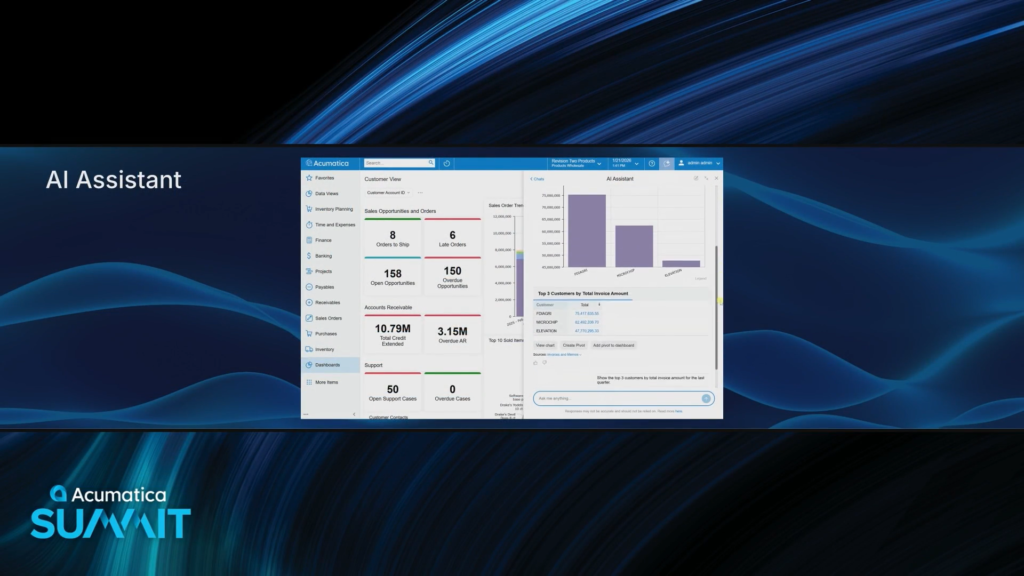
Well, for those hands that did go up, Acumatica is releasing AI Assistant in Acumatica 2026 R1.
We saw this in more detail in yesterday’s keynote, especially the details around the reporting use case which I thought was pretty interesting.

Now talking about enhancements to Document Management.
I like how you can click on a file and see the PDF on the right-hand side. Very cool!
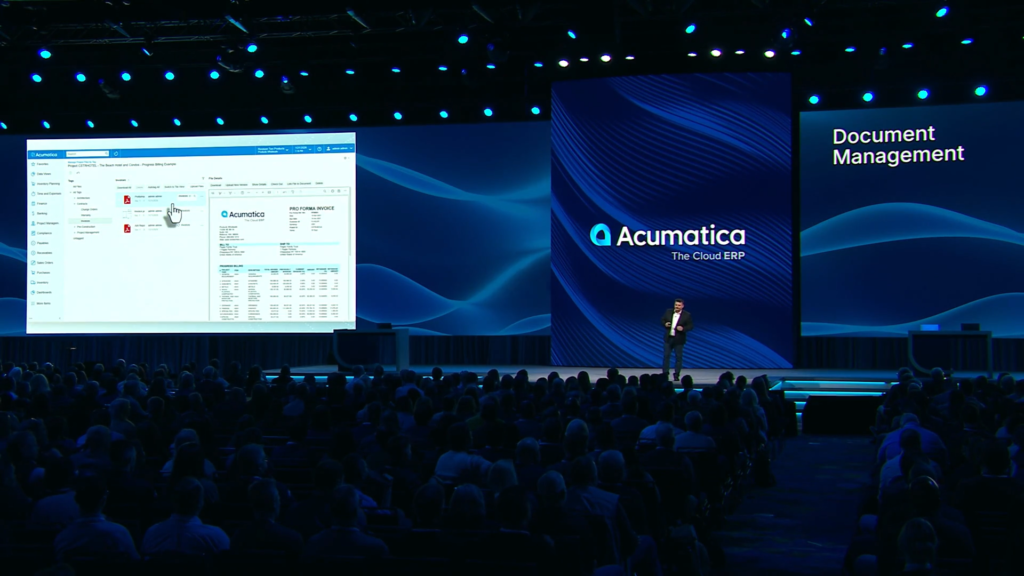
The AI Assistant will auto-organize and auto-tag documents which sounds pretty cool since image recognition is something that AI is good at.
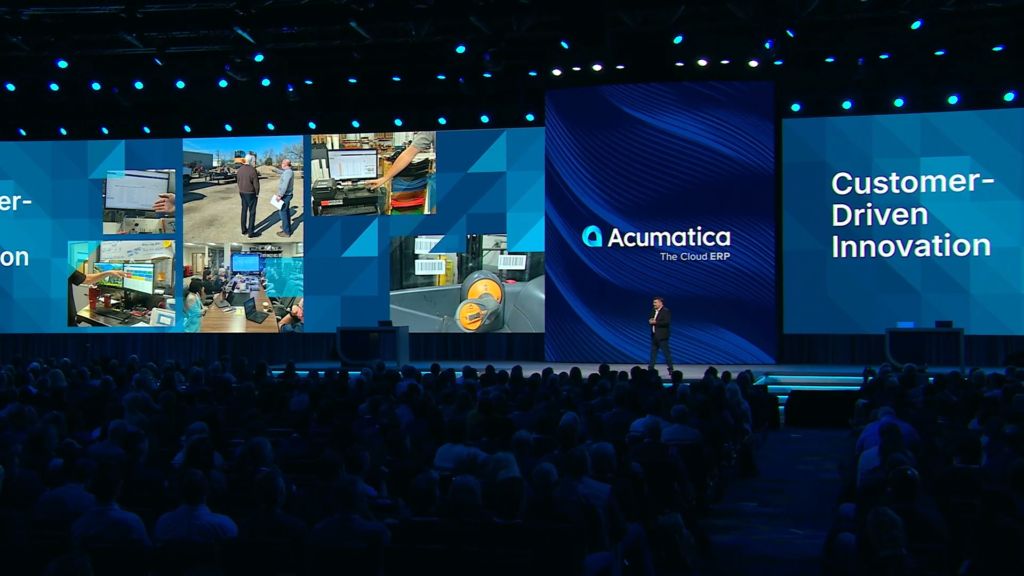
Wrapping up this segment by showing pictures taken by the Product Team when they visit customers on site.
This is super cool and I hope that Acumatica continues to do this because nothing compares to seeing how a customer runs things in real life.
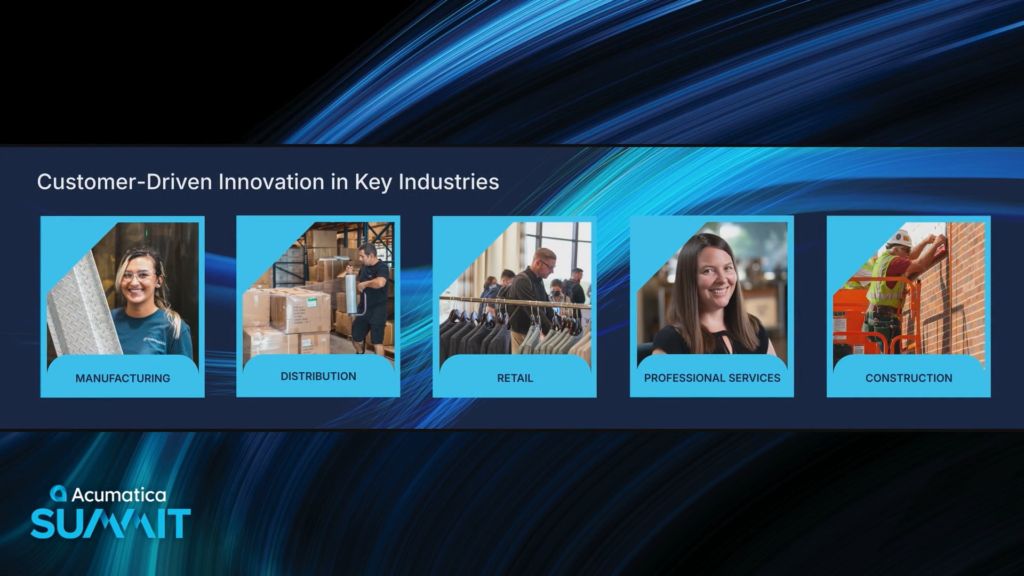
Now transitioning to what’s going on in the industry editions.
Even though Acumatica goes to market with different industry editions, I’ve always liked that it’s just one product, not separate codebases.
I’m sure that creates a headache for the various product managers because they have to coordinate a lot, but it’s really nice for the customer to have one Acumatica product.

Kelly and Debbie come out to lead the discussion about industry editions.

The lines between distribution, retail, and manufacturing are gone.
Manufacturers are selling direct and hybrids are juggling multiple business models.

Acumatica’s unified platform helps you make the most of it.
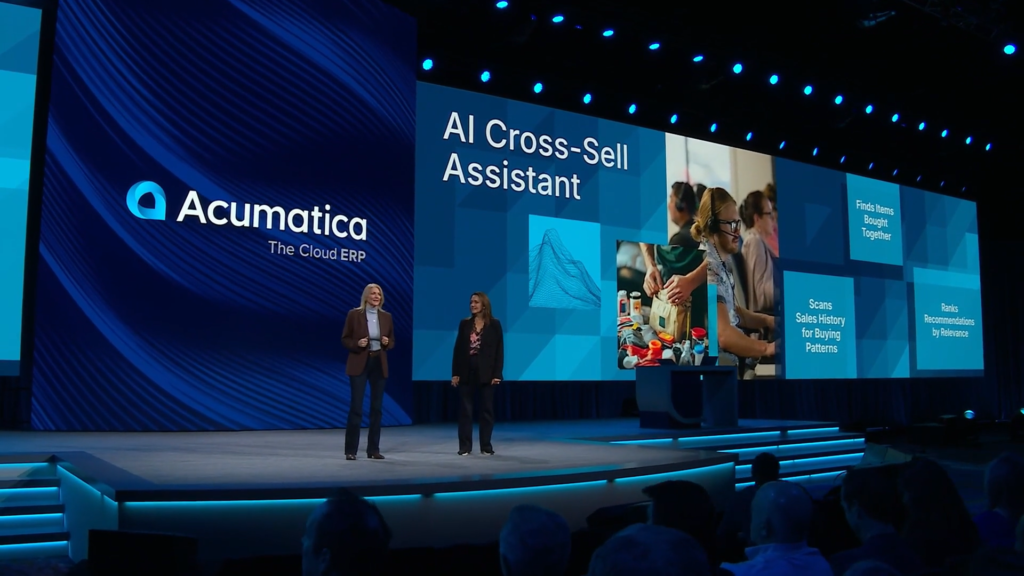
Introducing the AI Cross-Sell Assistant.
It analyzes your sales history and identifies your most relevant items to sell together so you know which items are most likely to sell.

In this demo, the laptop was automatically updated with 4 possible cross-cell items, all with a Rank and Relevance Score (%) assigned to them.

The Manage Cross-Selling Suggestions screen is where you review everything that the assistant suggests across all items.

Once entries are approved, the Related Items automatically show up on the Sales Orders screen.

This makes it easy for even the newest rep to recommend the right accessories with confidence.
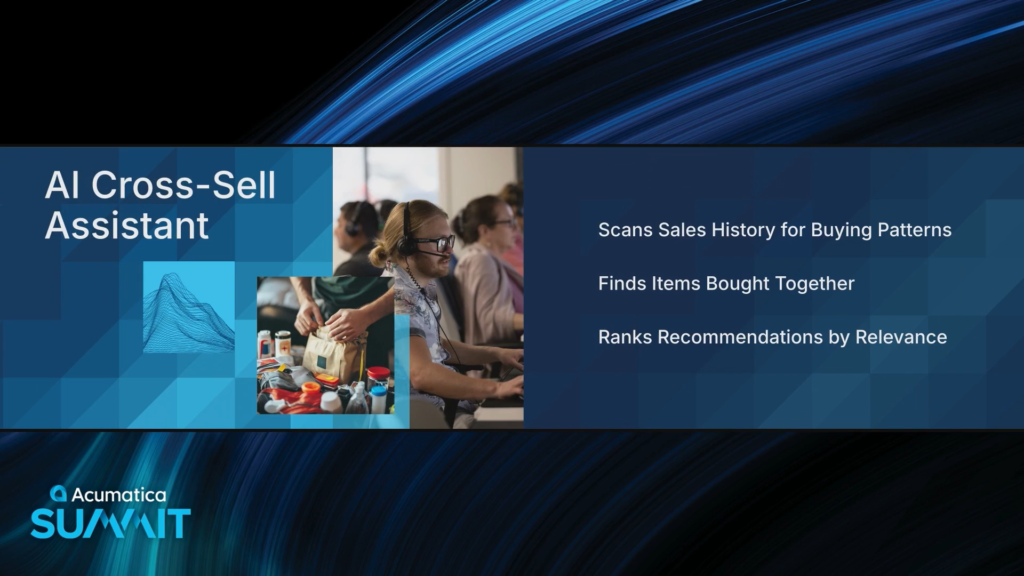
The AI assistant scores and ranks. You simply review and activate.
I have been having a hard time finding good AI use cases in ERP so I really like this because it’s a great use case.
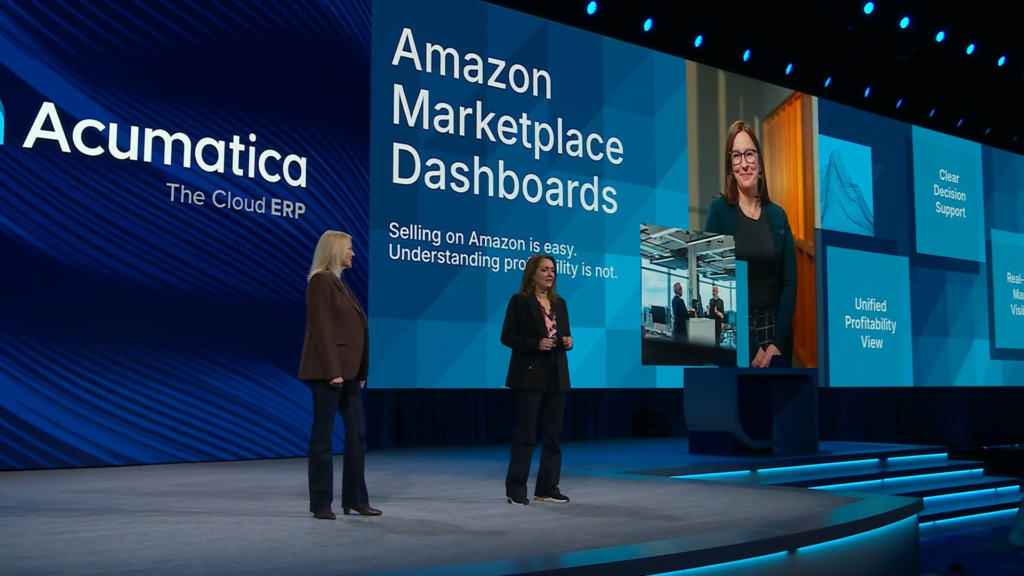
Now talking about Amazon Marketplace Dashboards.
It’s easy to sell on Amazon, but it’s difficult to figure out how profitable it is because information is spread everywhere.

The Amazon Sales Profitability Dashboard brings all that information together in one place, with the ability to drill into the details.
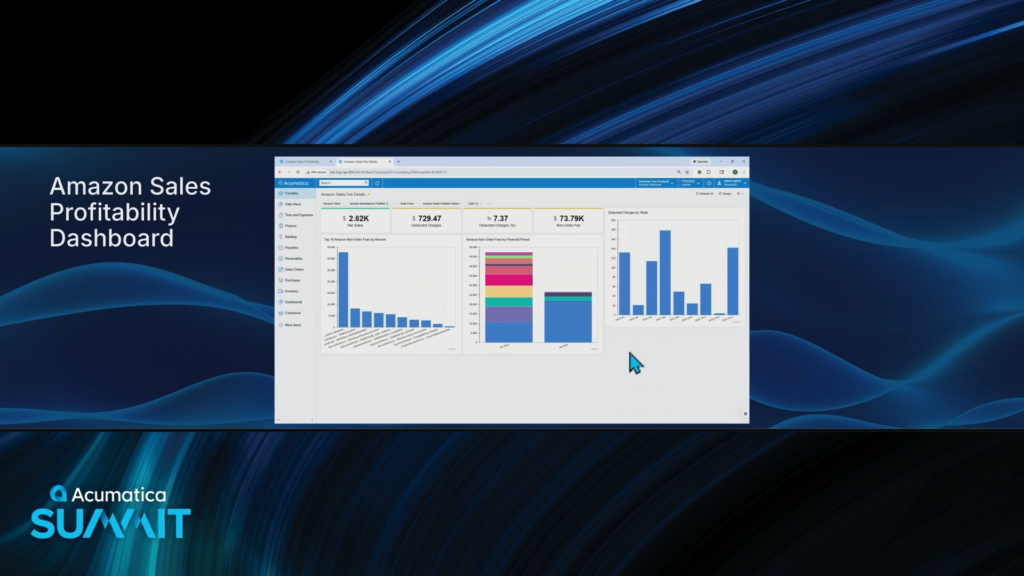
The Amazon Sales Fee Details dashboard shows what you’re paying for by Fee Type over time.

There are also now Dashboards for Refunds and Item-level profitability.
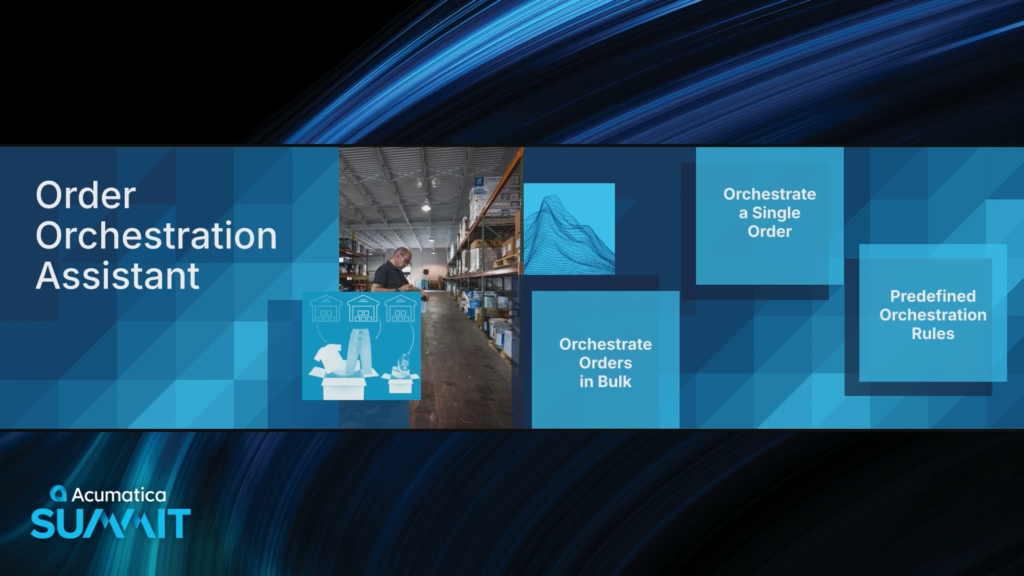
Now talking about the Order Orchestration Assistant.
This ensures that an Order gets routed to the correct warehouse to prevent backorders. You can orchestrate hundreds of orders in seconds.
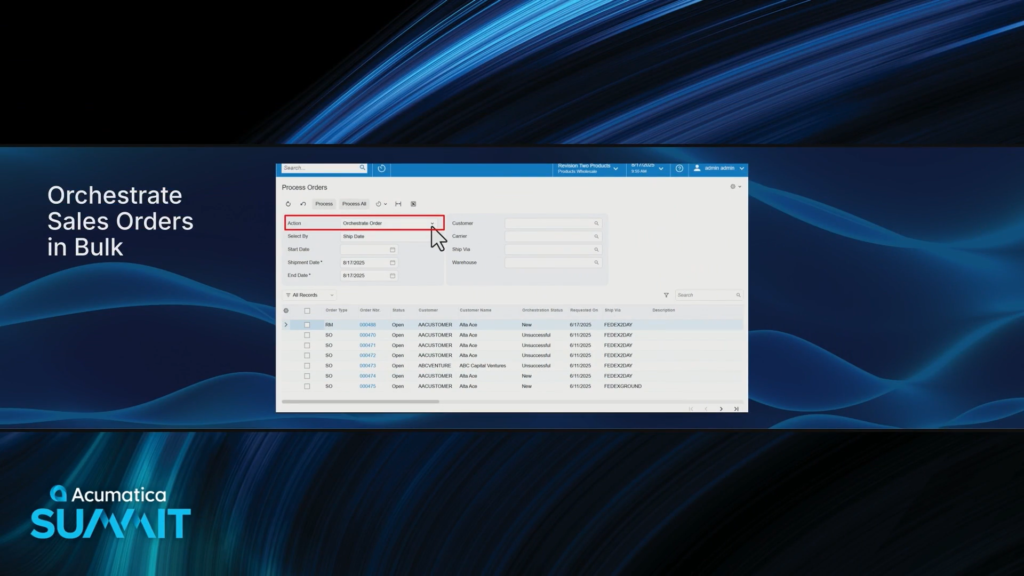
This is available on the existing Process Orders screen as a new Action called Orchestrate Order.

This same action is available on the Sales Orders screen which fires the Orchestrate Order pop-up window.
The Orchestration Details column tells you what it’s going to do.
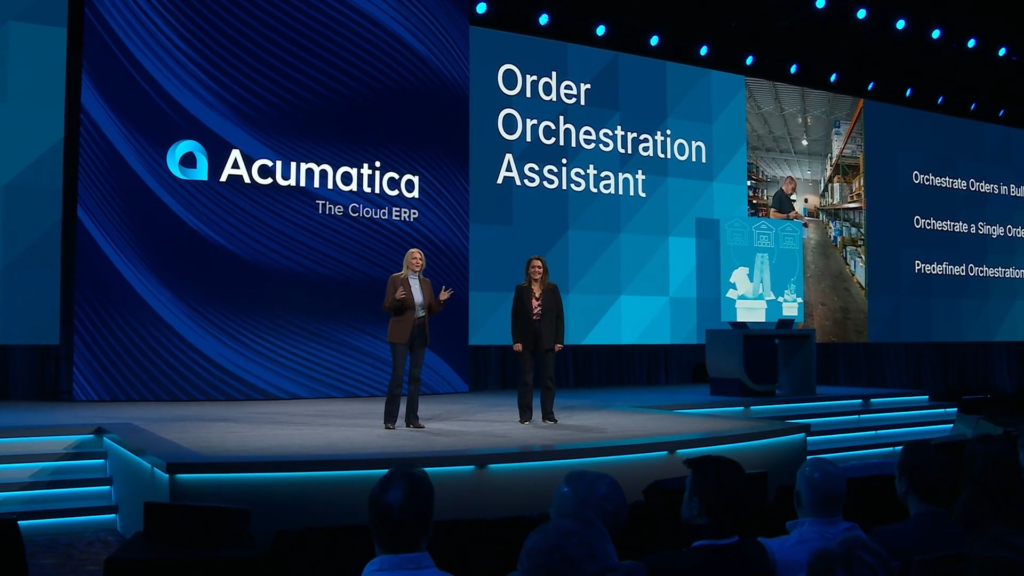
These are great AI use cases. Love it, keep ’em coming!

Shop Floor Kiosk, huh? This looks interesting…

Who I assume is a fictitious character named Glenn is going to introduce us to the Shop Floor Kiosk.

When Glenn walks up to the kiosk, he can sign as himself quickly without needing a password.
In my opinion, this is totally fine on a shop floor. You want to get credit for the work that you’ve done, and there’s an honest camaraderie among the workers.

The menu that Glenn sees after logging in is super simple with really big buttons. Nice and clean with no clutter.

Now he navigates to his Work Center.

And he can see all of the Production Order Operations that are waiting to be done in his Work Center.
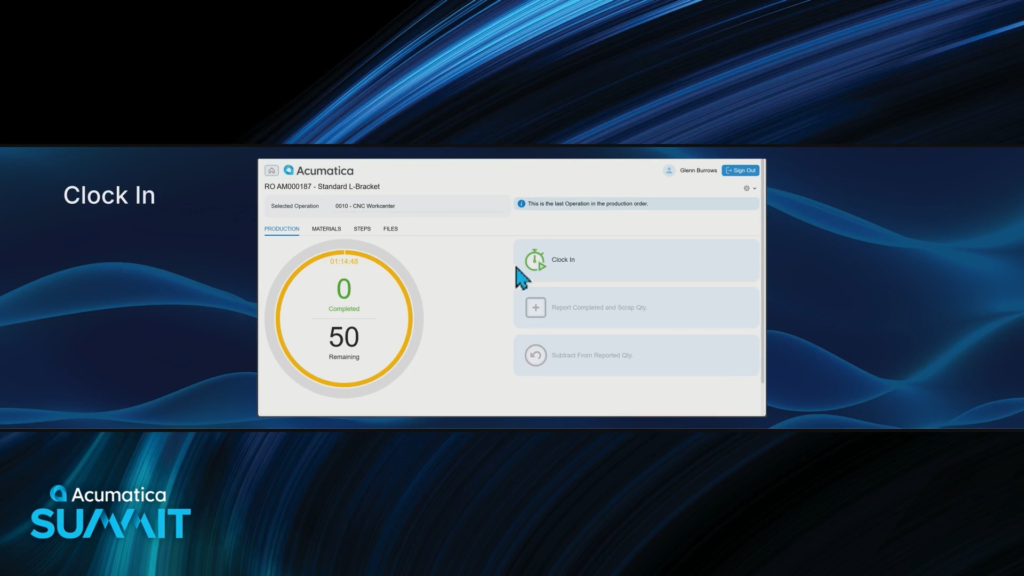
After selecting the Operation that he’s going to work on, he can now Clock In.
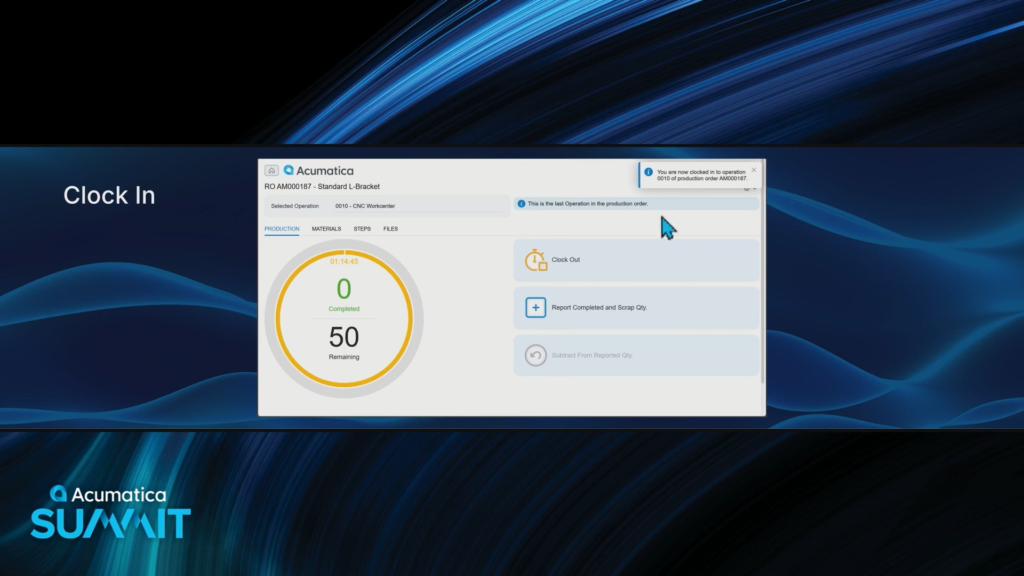
Now labor is being captured automatically, with no extra steps.
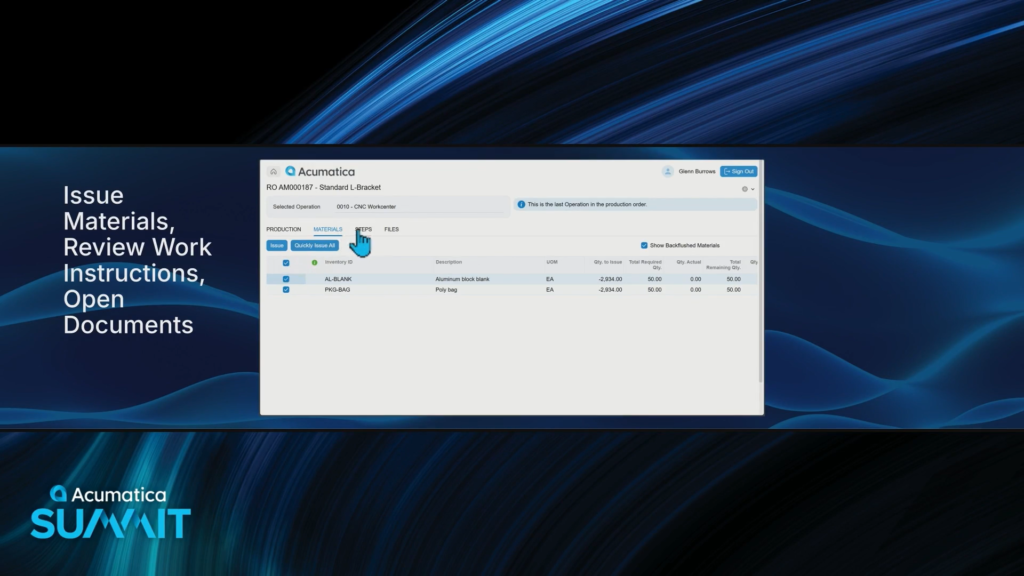
The MATERIALS tab allows him to easily issue materials to the Production Order.
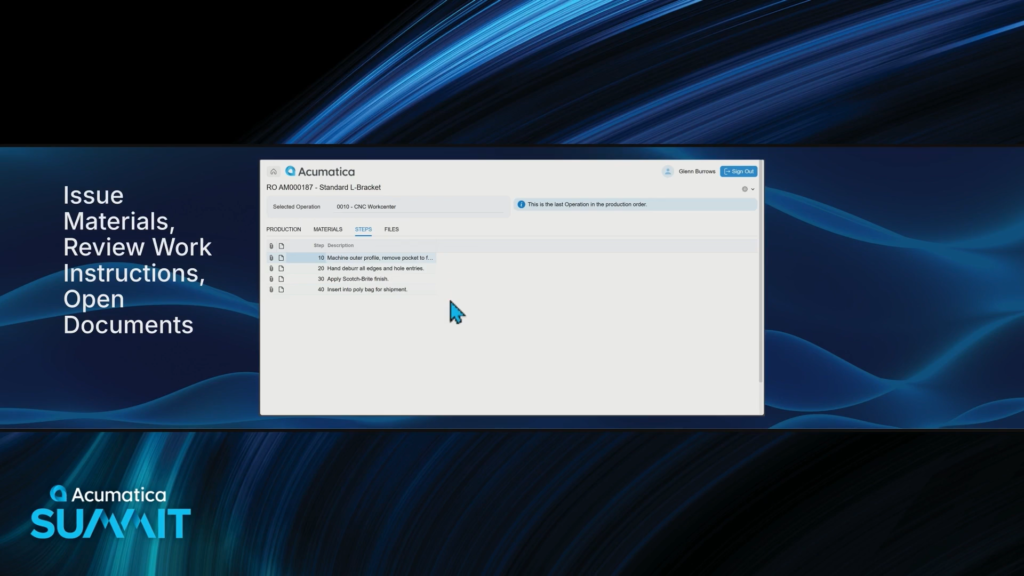
The STEPS tab allows him to easily review any Work Instructions for that Operation.
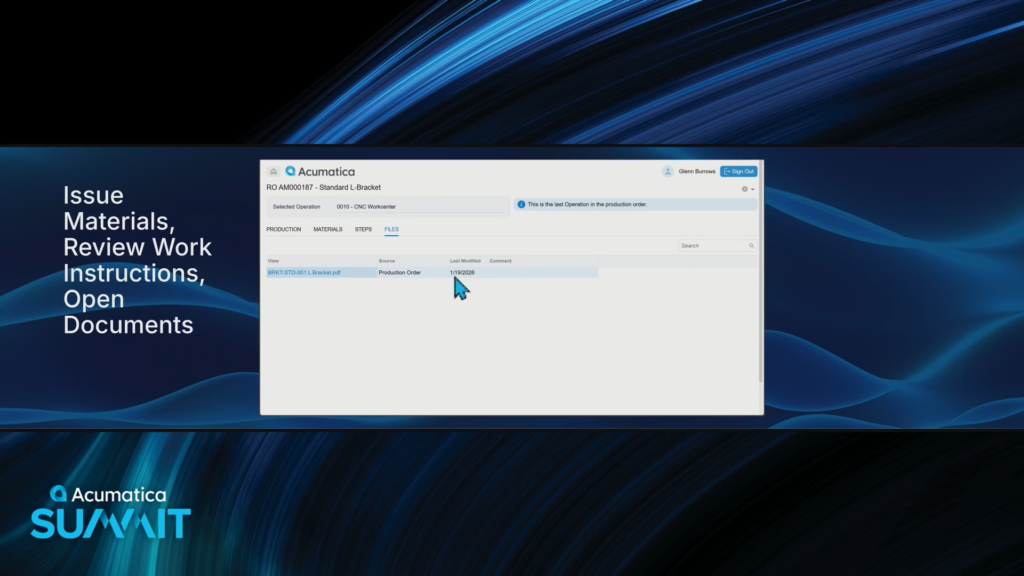
And the FILES tab allows for a quick review of any files that are attached to that Production Order.

When he’s finished with that Operation, he can report the quantity completed with a nice big button.
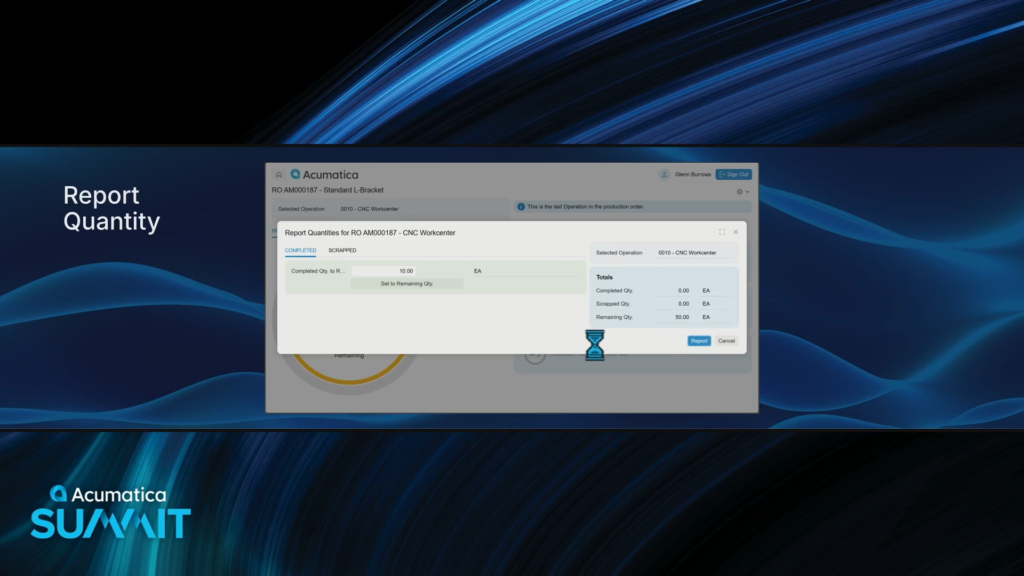
Clicking the Report button updates the Production Order in Acumatica in real-time.
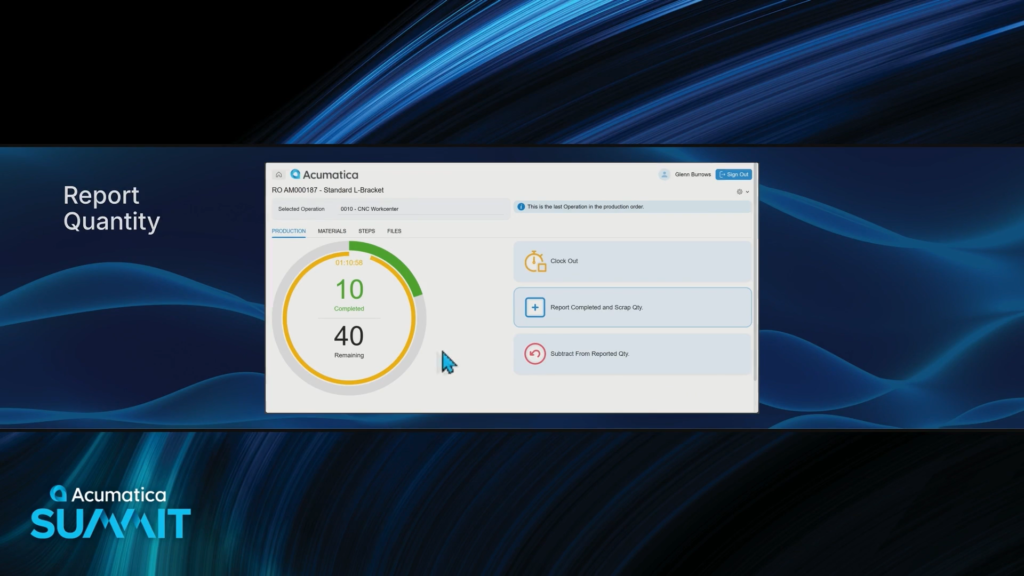
Now we can see that 10 are completed and 40 are remaining.
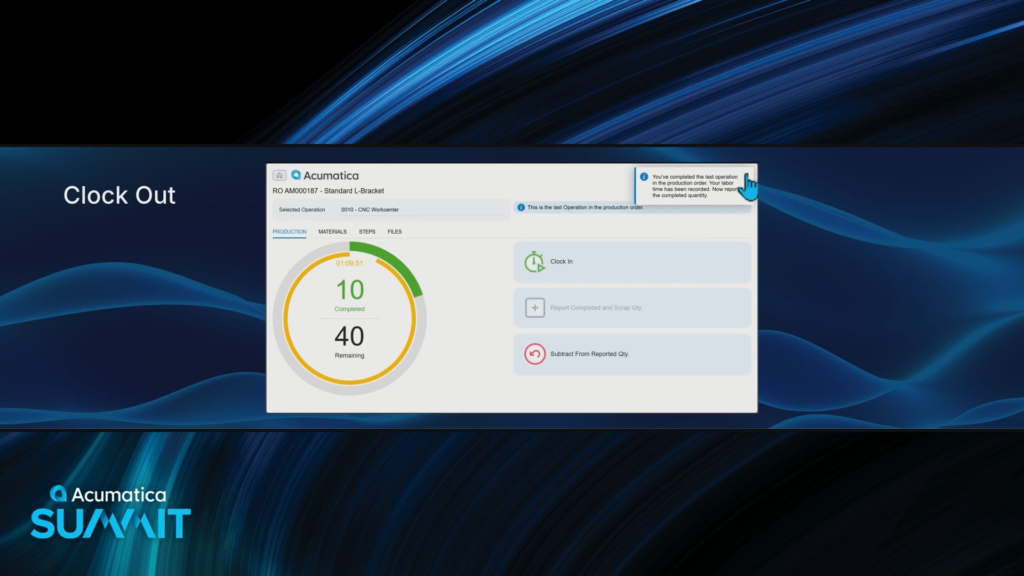
Clicking the Clock Out button stops time from being recorded to that Operation, keeping time tracking accurate for that Production Order.

This Shop Floor Kiosk is really nice. I like how simple it is.
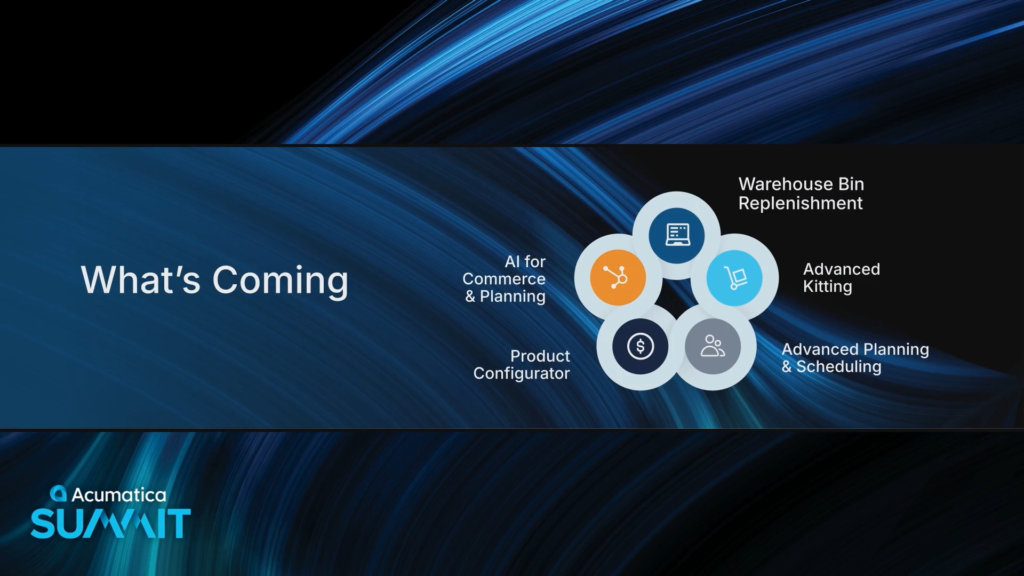
We’ve covered a lot today, but the Roadmap includes even more things that are coming.

Warehouse Bin Replenishment will automate when and where inventory is replenished.
That Release to Mobile button looks interesting.
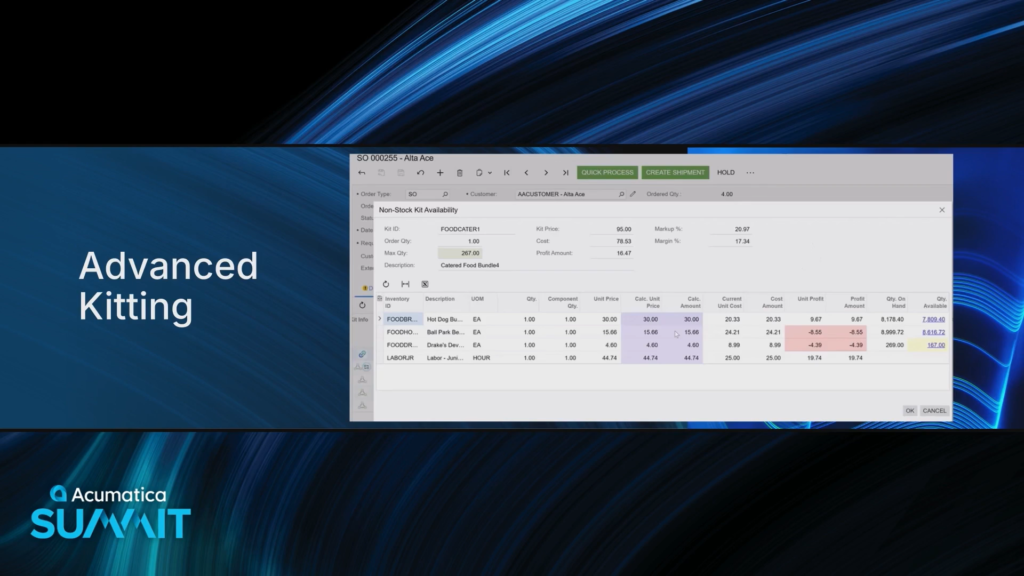
Advanced Kitting on Sales Orders gives you visibility and control over components during Sales Order entry.
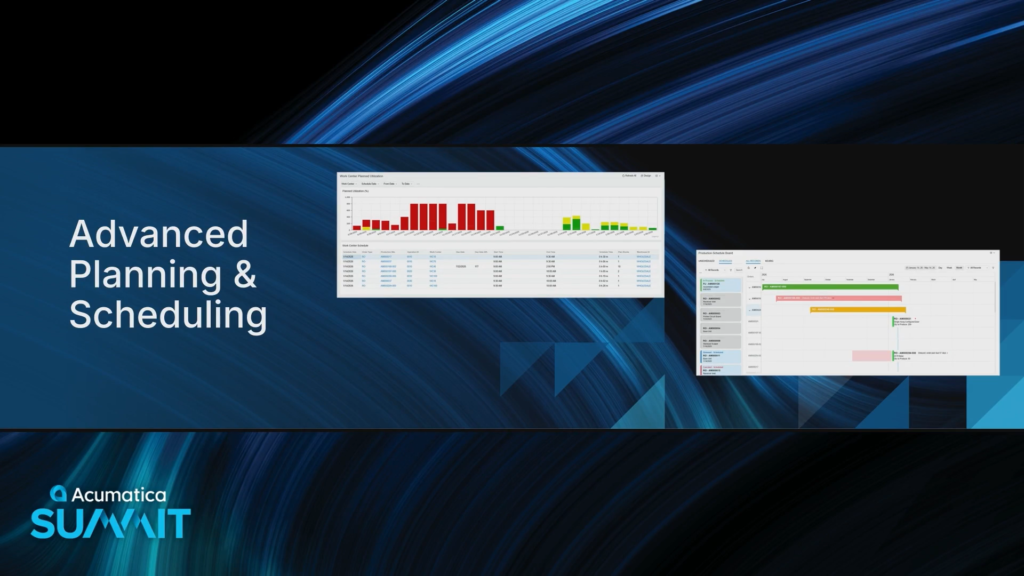
Additional scheduling views and the new APS engine will give more precise scheduling options.
This is a big one. I wonder if it’s going to leverage the same engine that powers the new Field Service scheduling.
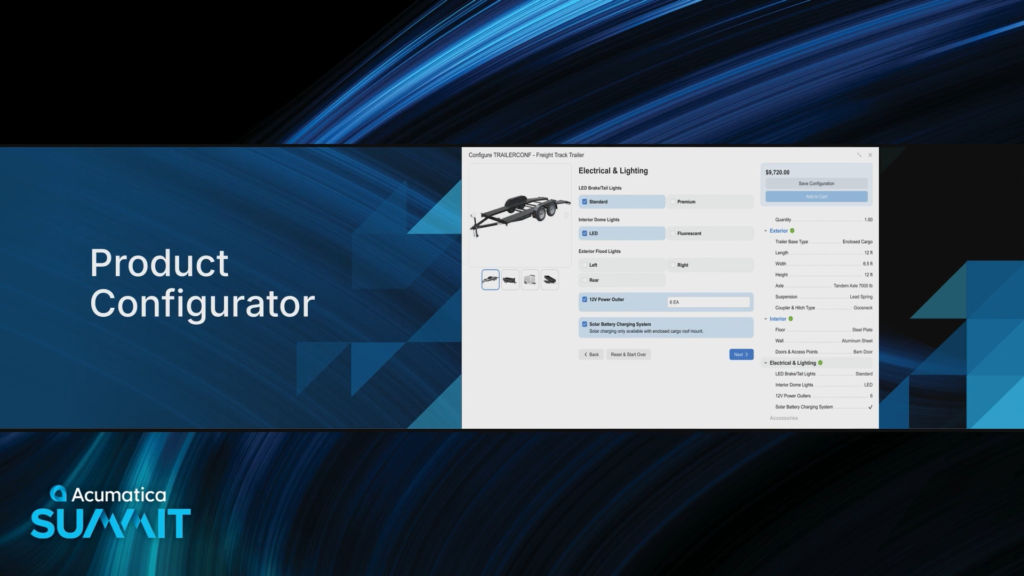
Enhancements to Product Configurator that better supports the increasing demand for personalization. Stephen Hennelly will like this one.
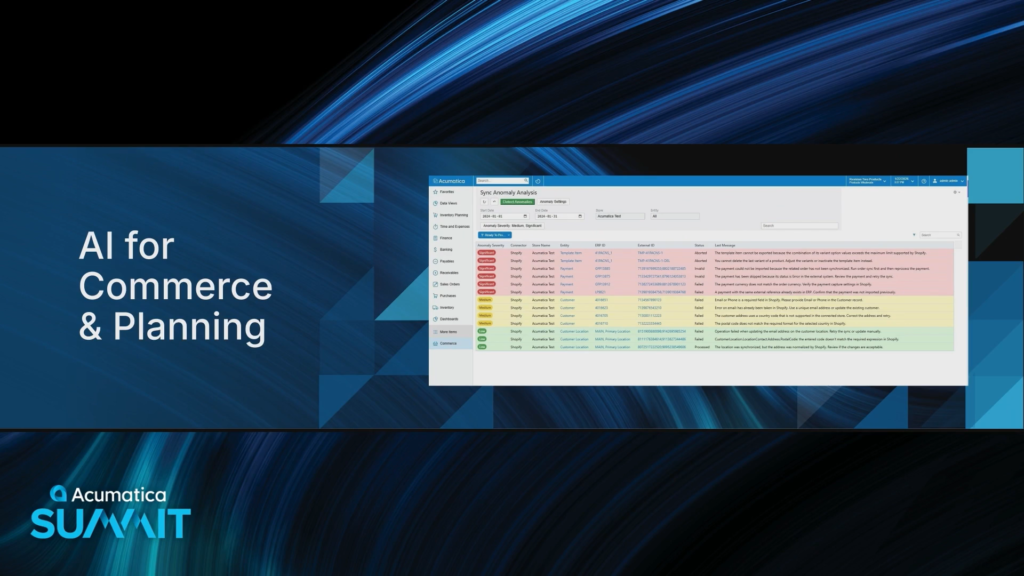
AI for Commerce and Planning will include anomaly detection for e-commerce and the automation of item planning values with AI-driven suggestions.

Now it’s time to dive into Construction and Professional Services.
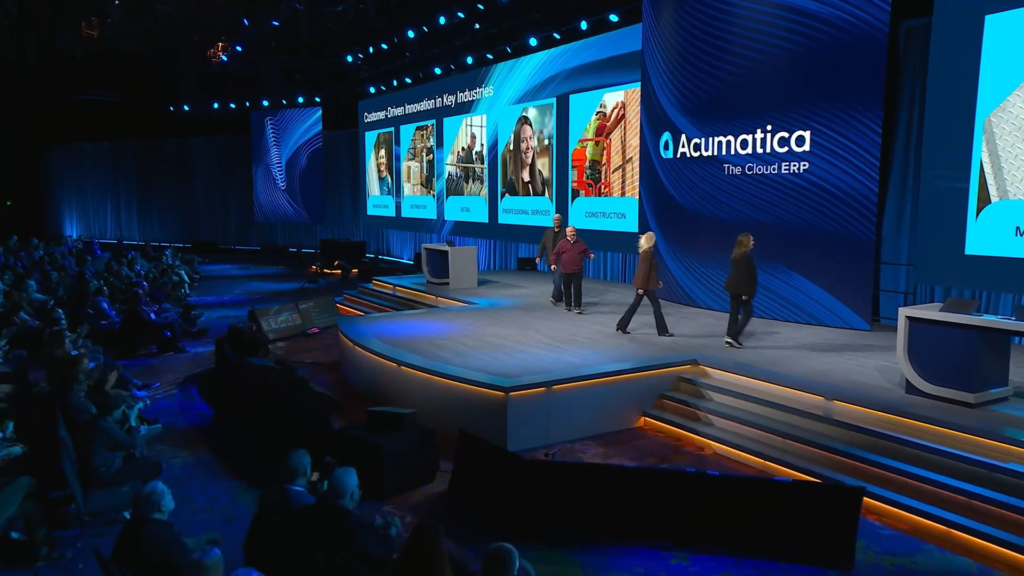
Joel and Greg take the stage to talk about Construction and Professional Services.
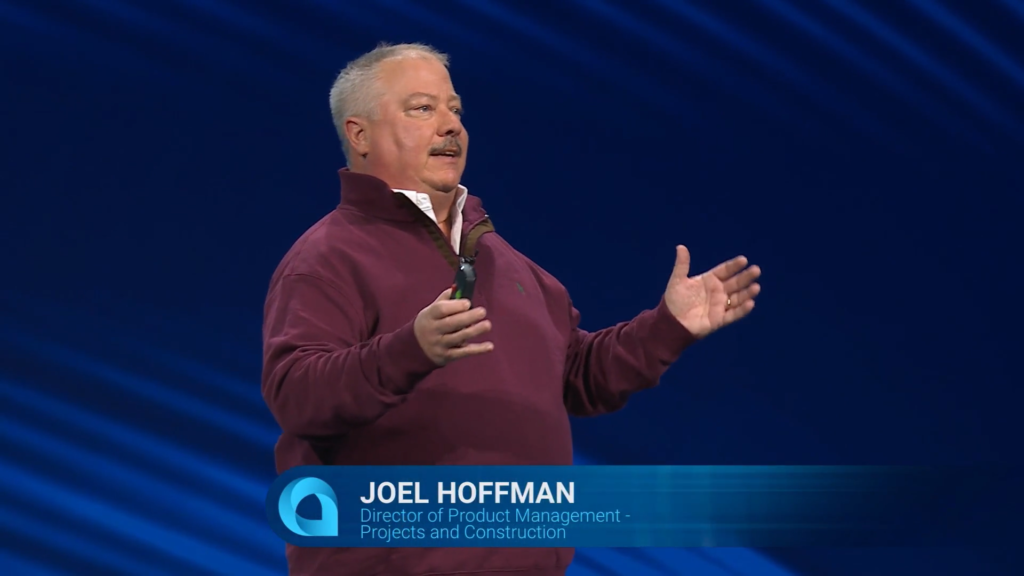
Nice mustache Joel 😀
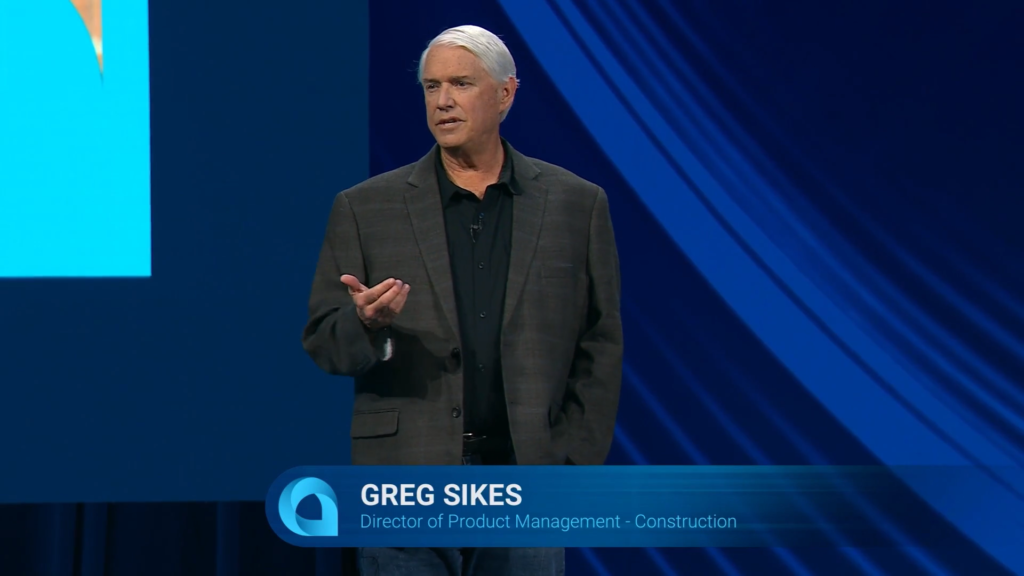
The Construction and Engineering sectors are vital contributors to the economy.
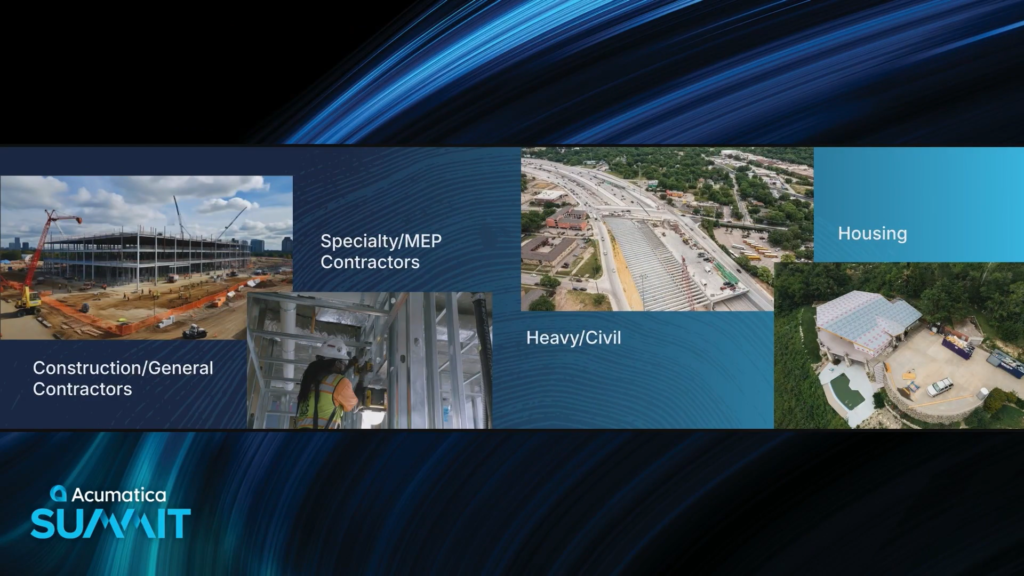
Some components of this industry.
They are all different but share similarities like tight margins, labor challenges, complex contracts, and non-stop pressure on safety and compliance demands.
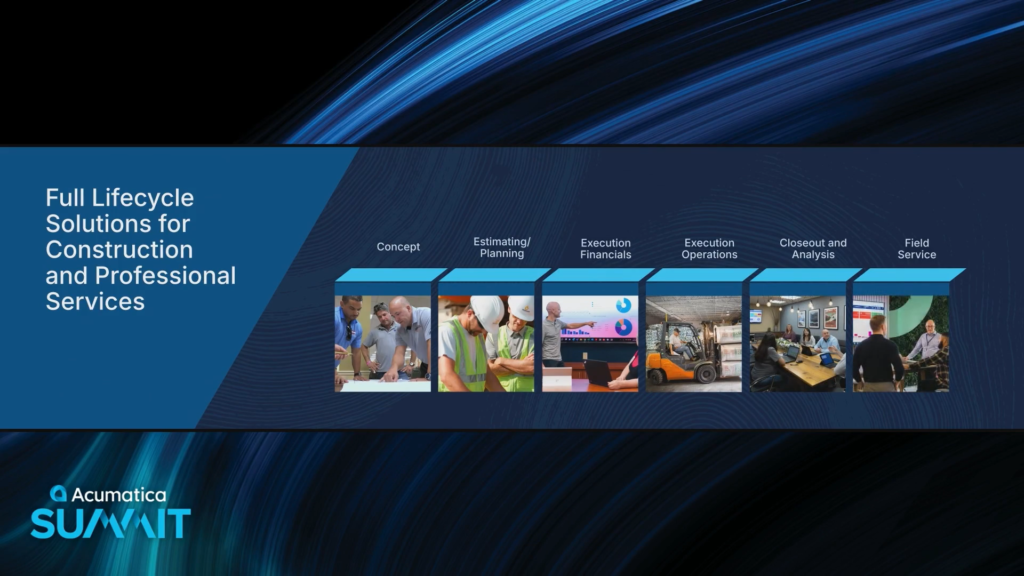
Acumatica has met these challenges by developing Full Lifecycle Solutions for Construction and Professional Services.
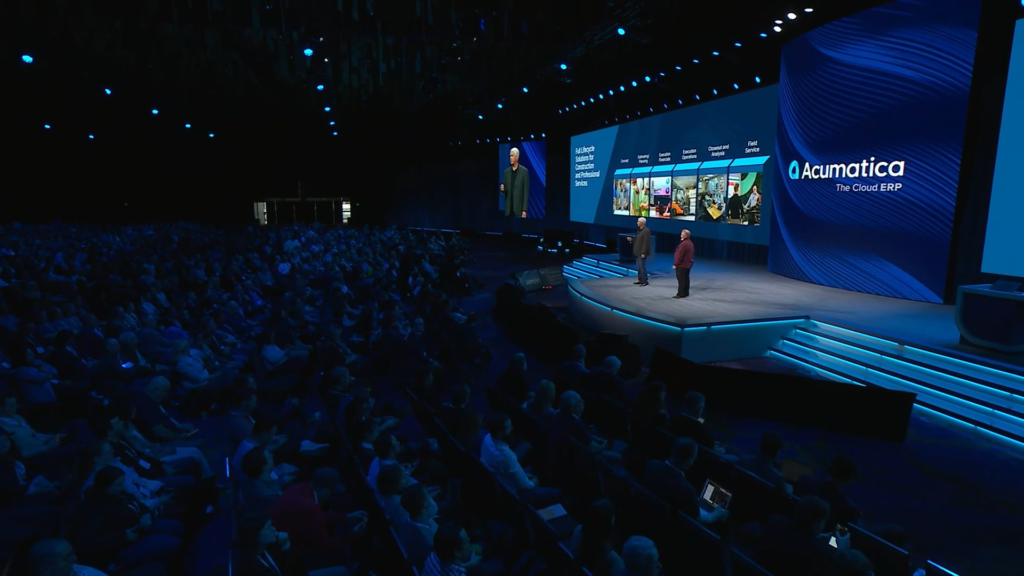
Our strategy is to meet you where you work, connecting the field to the office.
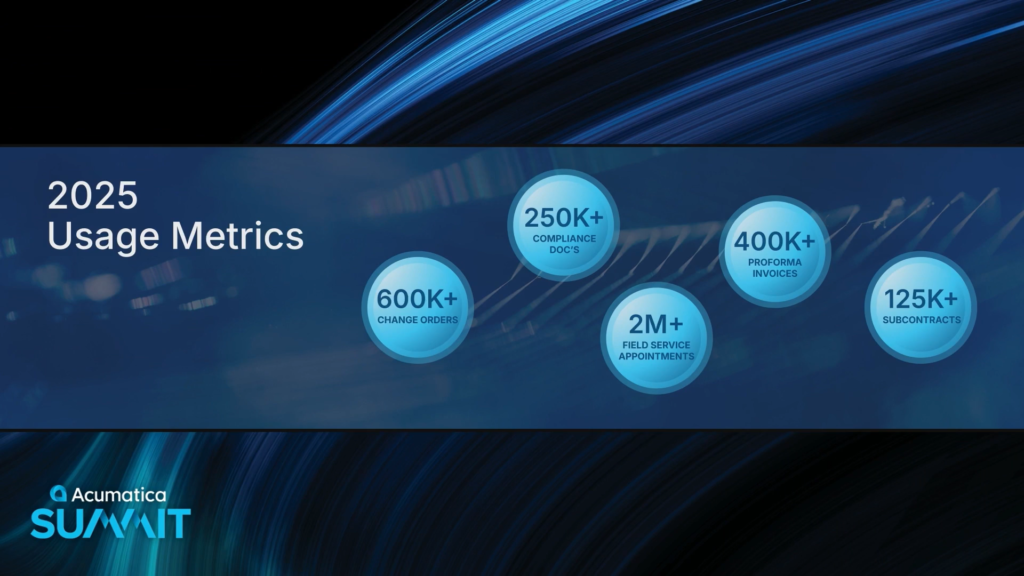
Some interesting Usage Metrics that are specific to Construction and Professional Services customers.

Let’s look at some new stuff, starting with Financials.
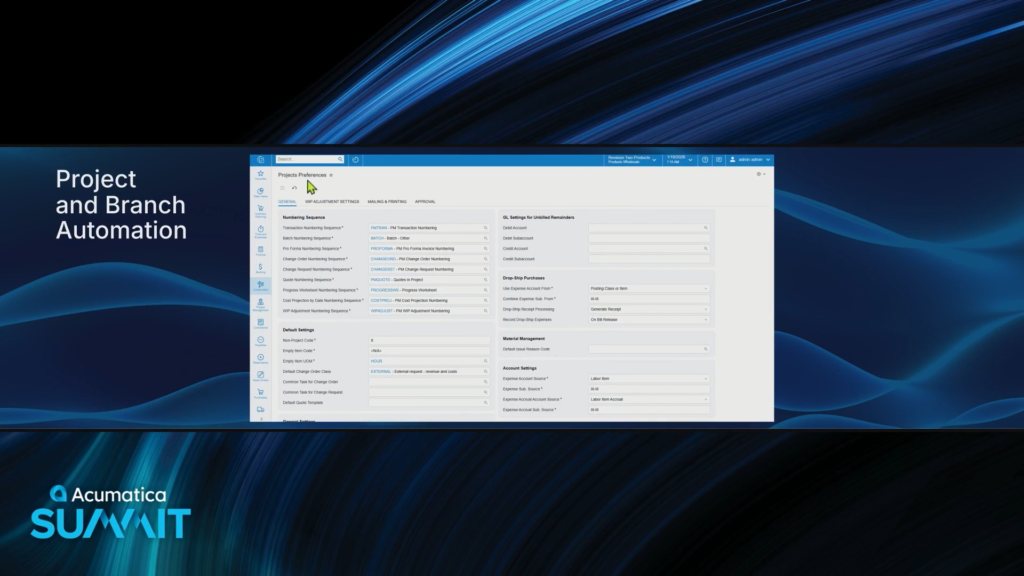
Acumatica 2026 R1 has simplified Project and Branch financials. Hmm, sounds interesting.
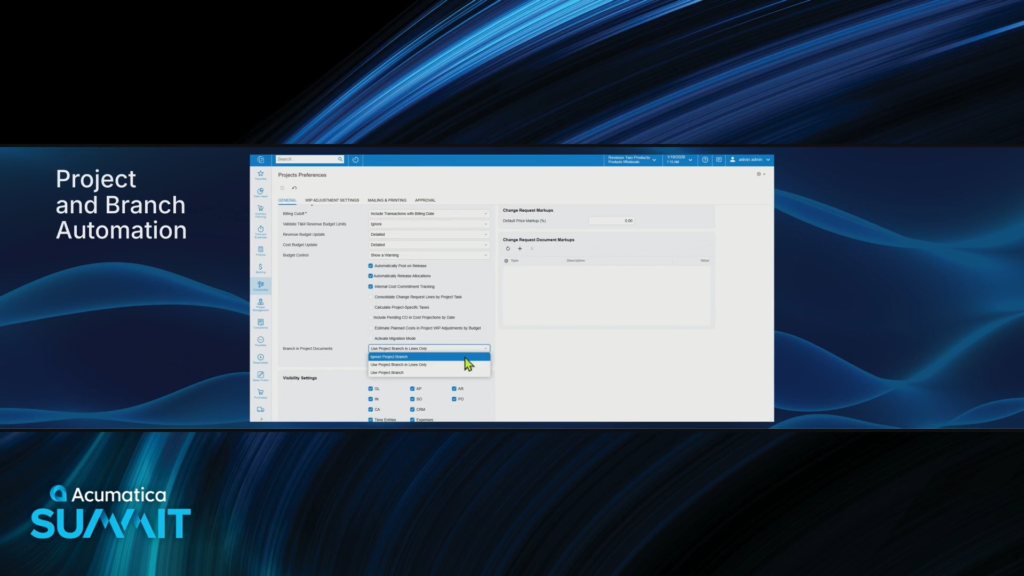
You can decide if you want the project assigned at the line level or at the header level.

I really like the new checkbox that says Block Doc. Processing on Branch Mismatch since that’s a pain point that I’ve experienced.
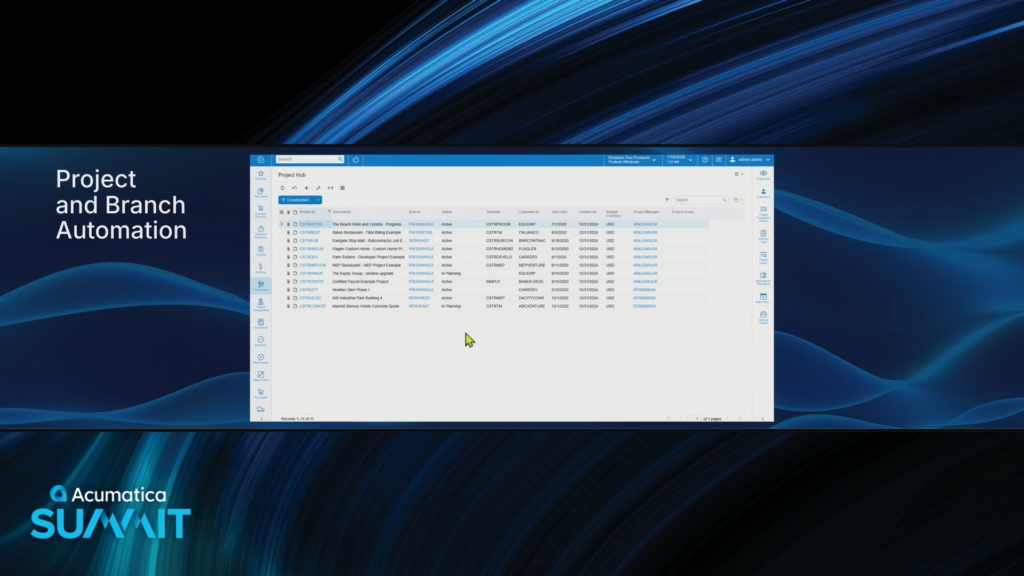
Here is the Project Hub screen showing multiple Projects with different Branches.

Even though the Default Branch on the top is Products Wholesale, the Branches on the lines defaulted from the Project selected.
Joel used the word “assistant” to describe this, but it doesn’t seem to me like there’s any fancy AI going on here, but rather simple old-school ERP business logic.
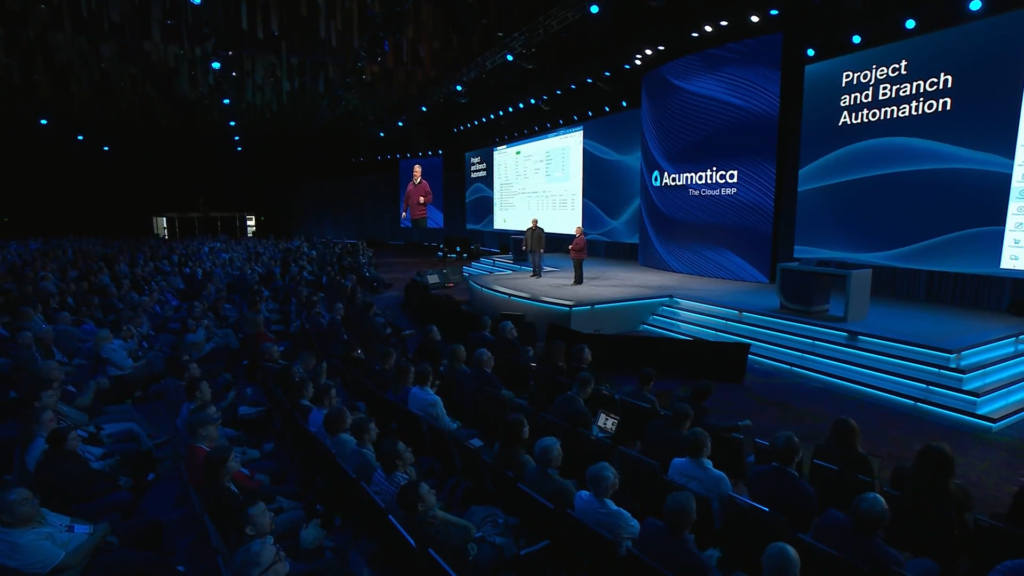
It’s always interesting to me that simple usability improvements like this get the loudest applause.
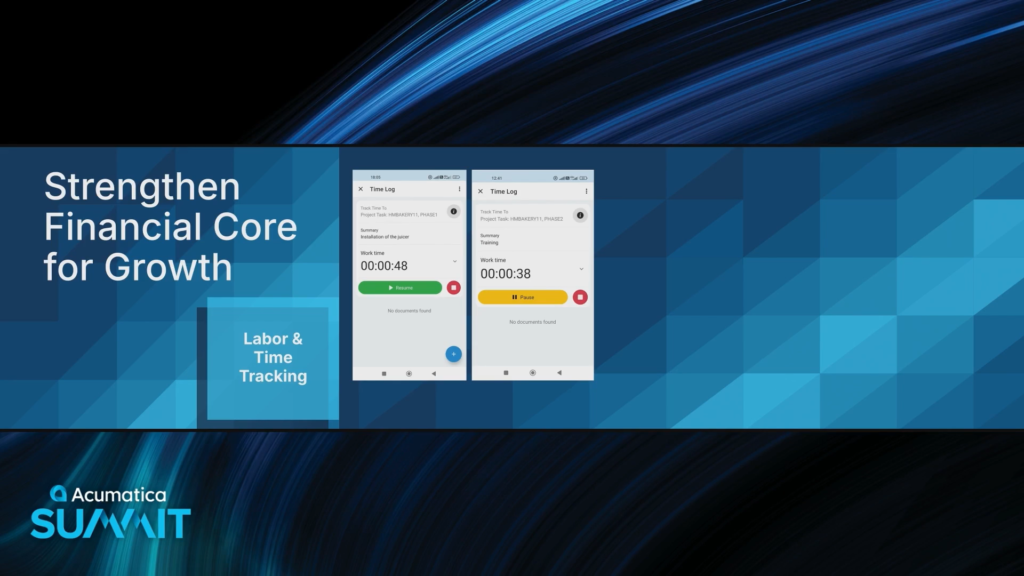
Incremental Improvements have been made to labor and time tracking.
First with improvements to Clock In and Clock Out.
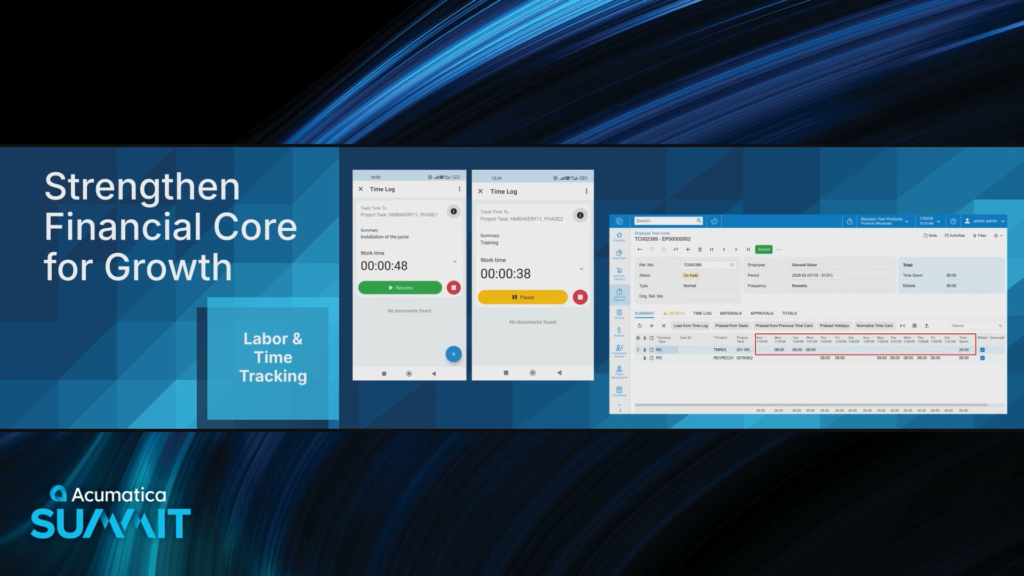
And flexible time cards that allow you to better support different payroll periods, including biweekly payrolls.
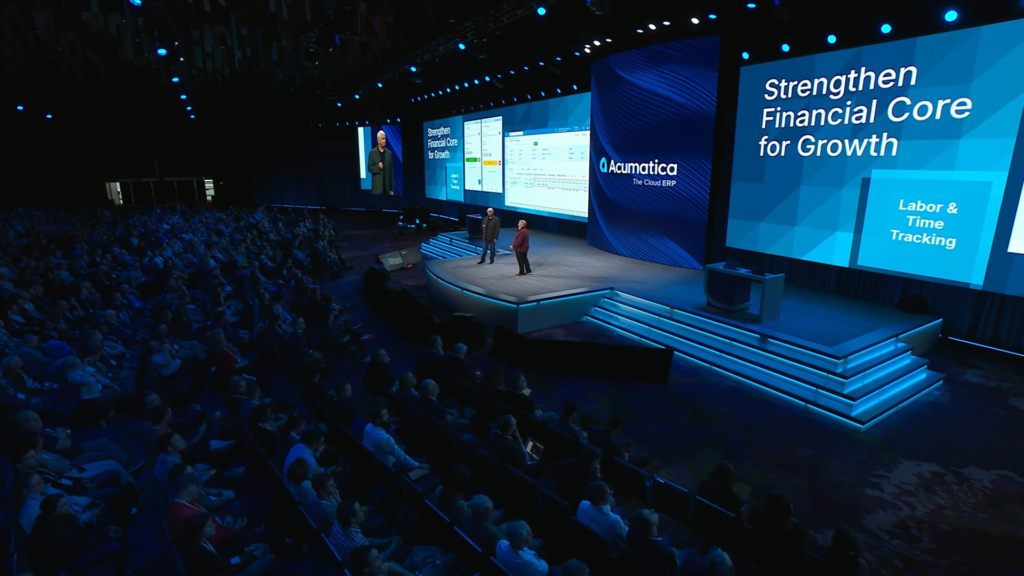
Also incremental improvements to reporting in the areas of employee utilization and project earned revenue.
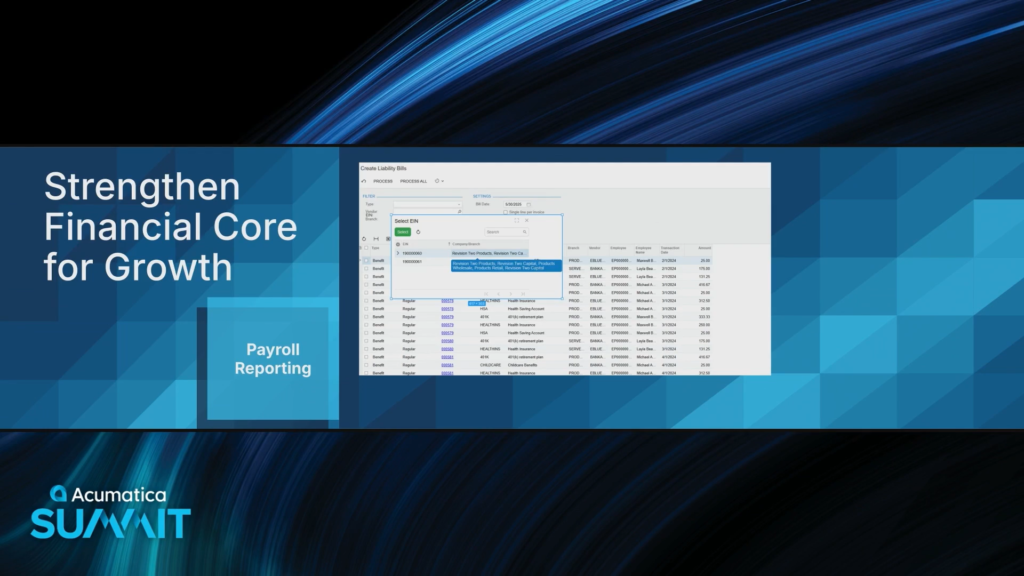
Acumatica can handle tracking and managing multiple Federal IDs.
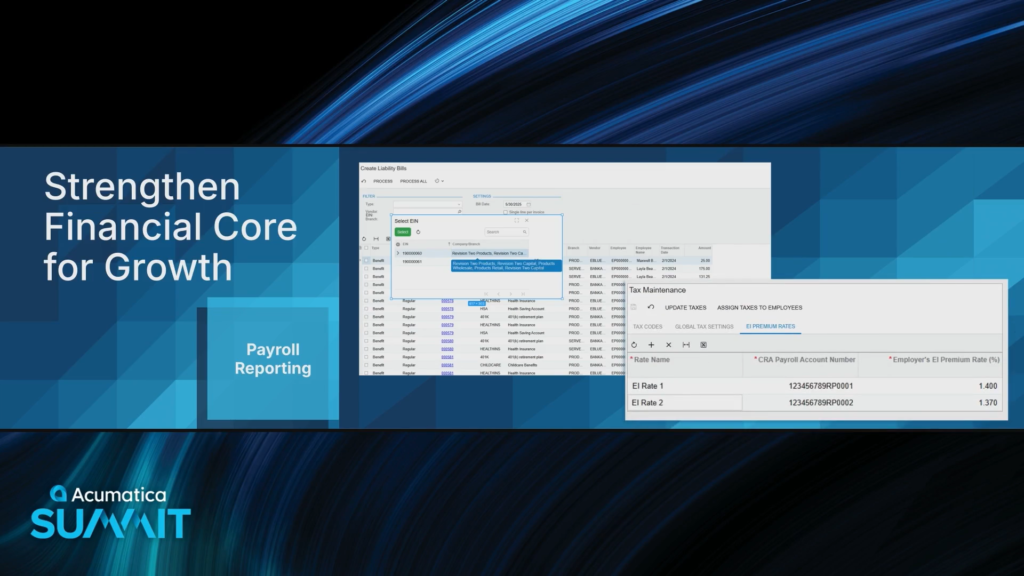
Can also handle different insurance rates by company in Canada.
Actionable Insights.
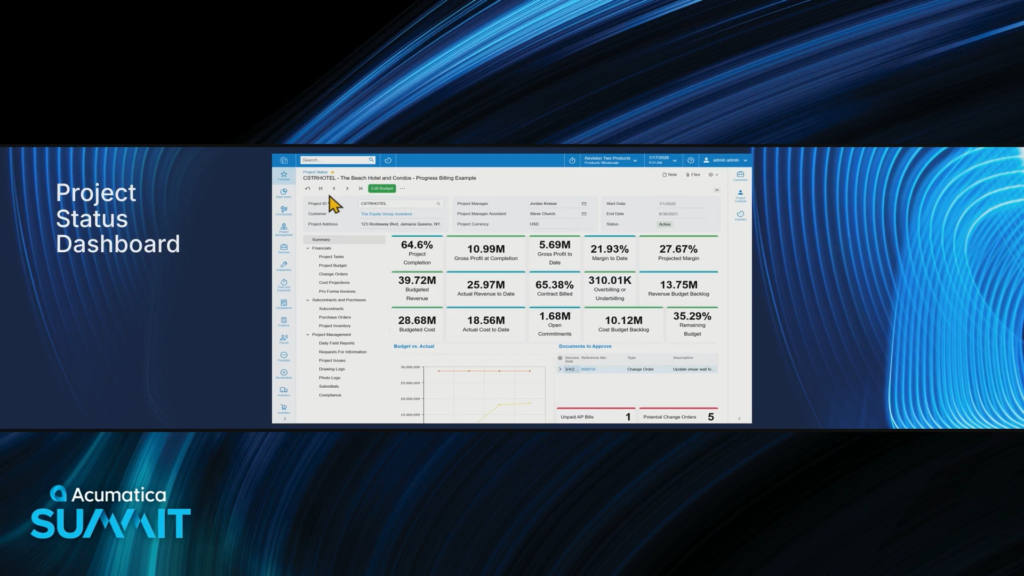
The new Project Status dashboard provides a 360-degree view of Project information.
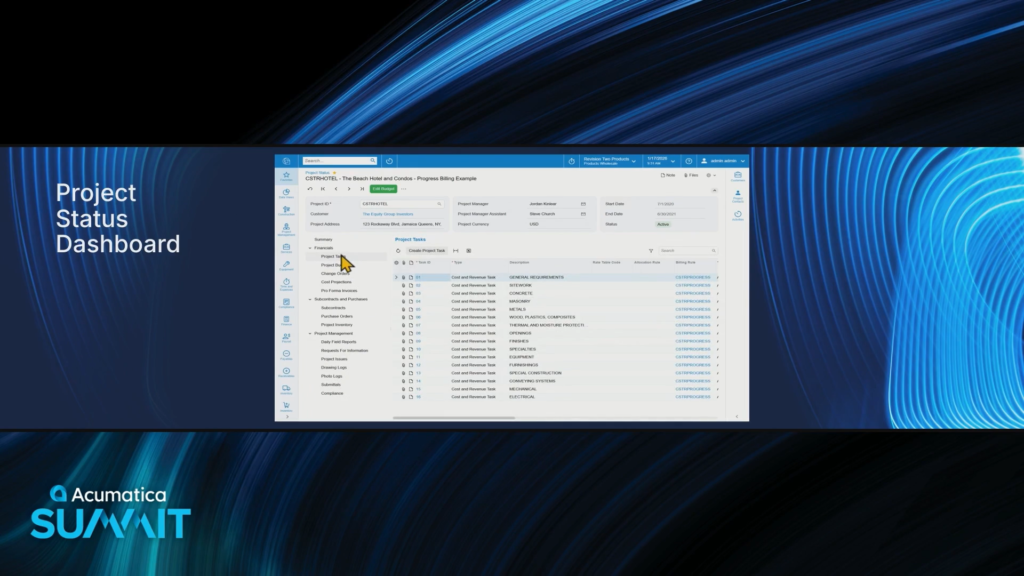
Those links on the left-hand side are pretty sweet. You can click through them to display different information.

Now here’s the budget information being displayed, all without having to change screens.
This is really cool !!!
I’m not entirely sure if this screen was built using the Dashboard Engine, or if it’s a special screen built by developers. I kind of suspect that it’s the latter.
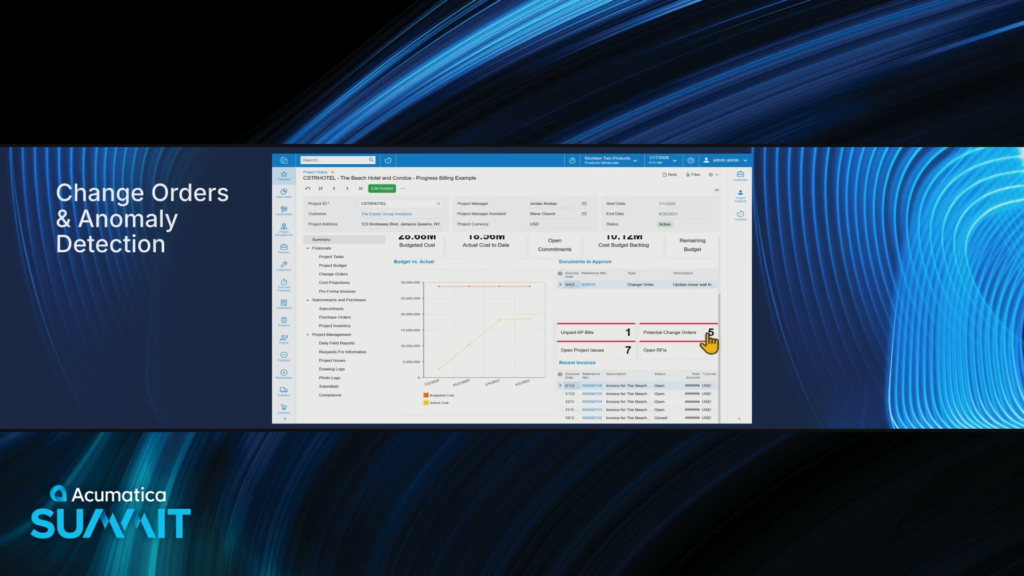
We can drill down on Potential Change Orders by clicking on it.
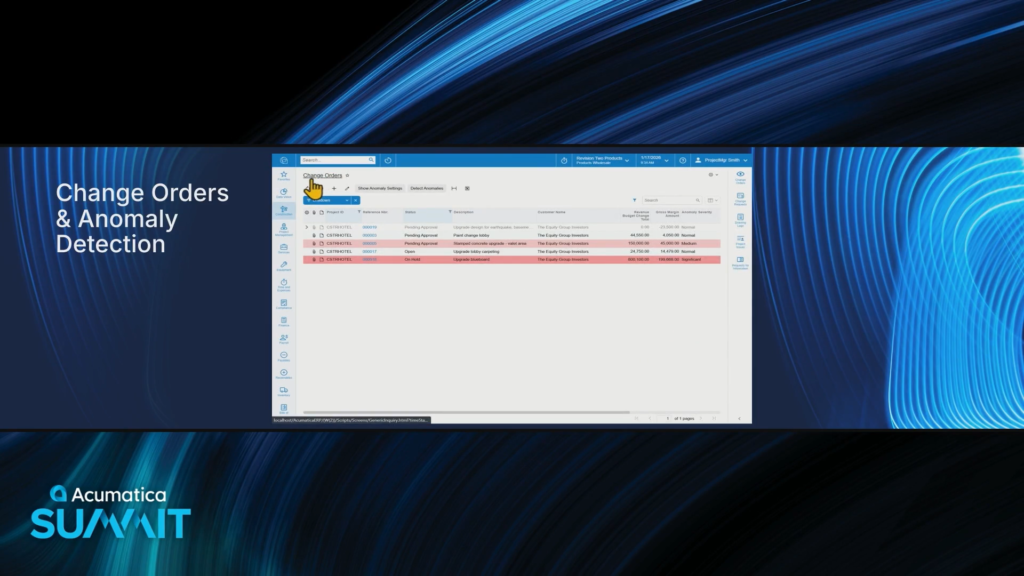
This shows us the Change Orders and a couple of them have been highlighted in red because they were highlighted by Anomaly Detection.
I wish they had time to show the ANOMALY DETECTION tab setup on the Generic Inquiries screen for this example
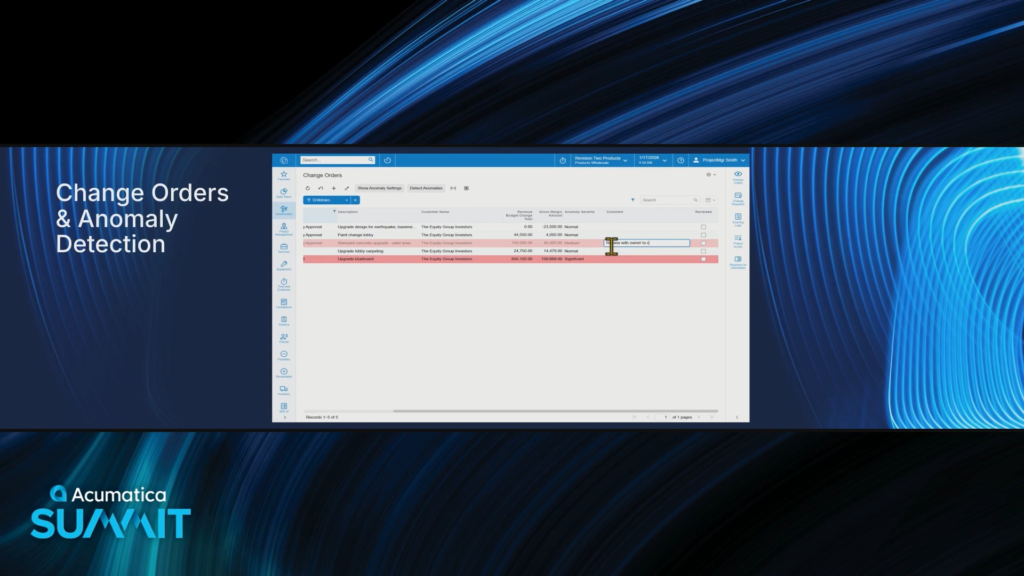
There’s even a Comment column that allows you to type in an annotation which is pretty cool.
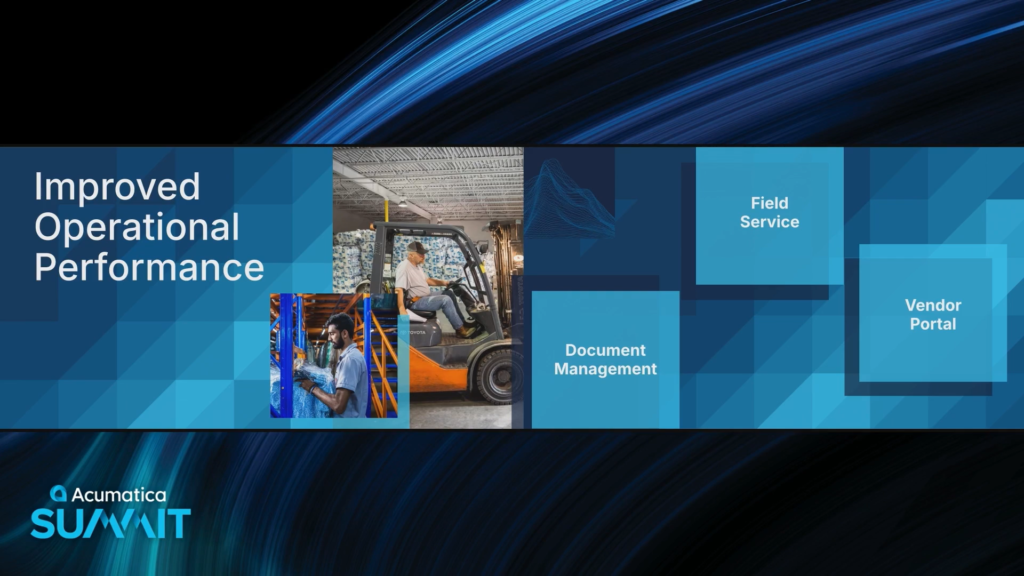
Now let’s take a look at Improved Operational Performance.
When executing on the job site, that’s where Document Management comes into play.
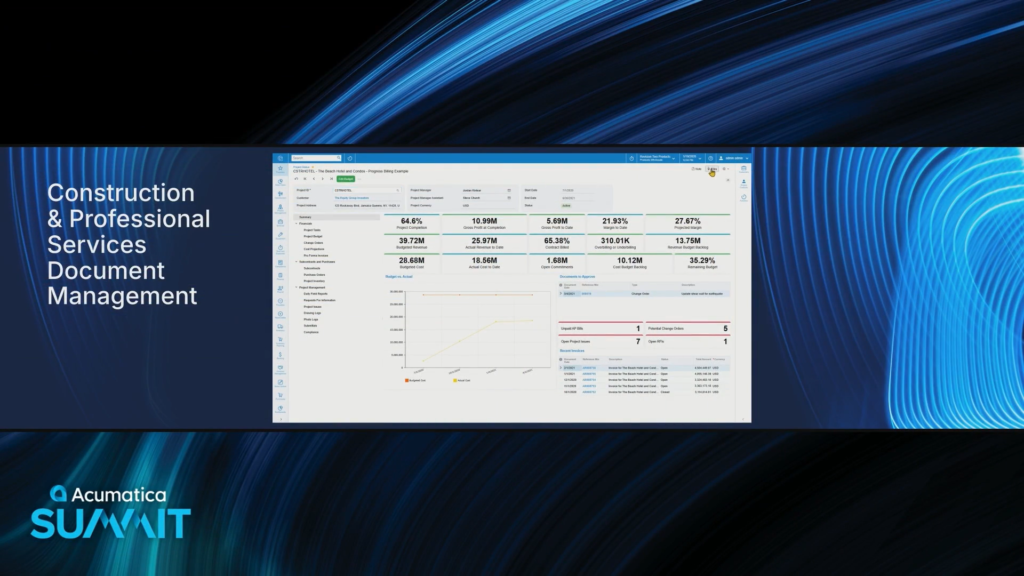
Back on the new Project Status screen, let’s go up to the top and select Files
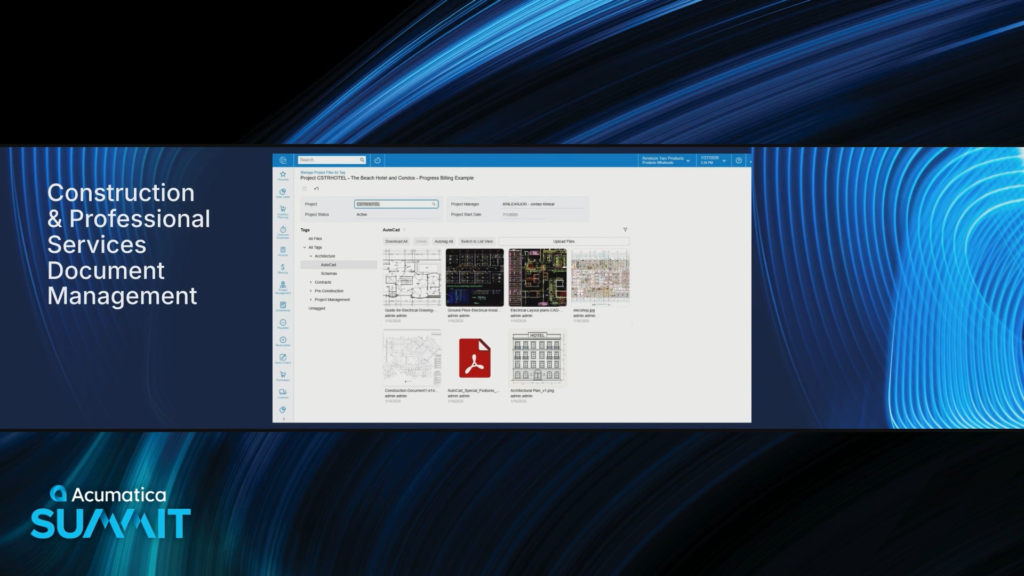
Now it’s going to open the Construction Document Management System.
The documents have been organized by Tags which you can define and which act as a kind of folder structure.

Clicking a Tag on the left changes the files that are displayed on the right.
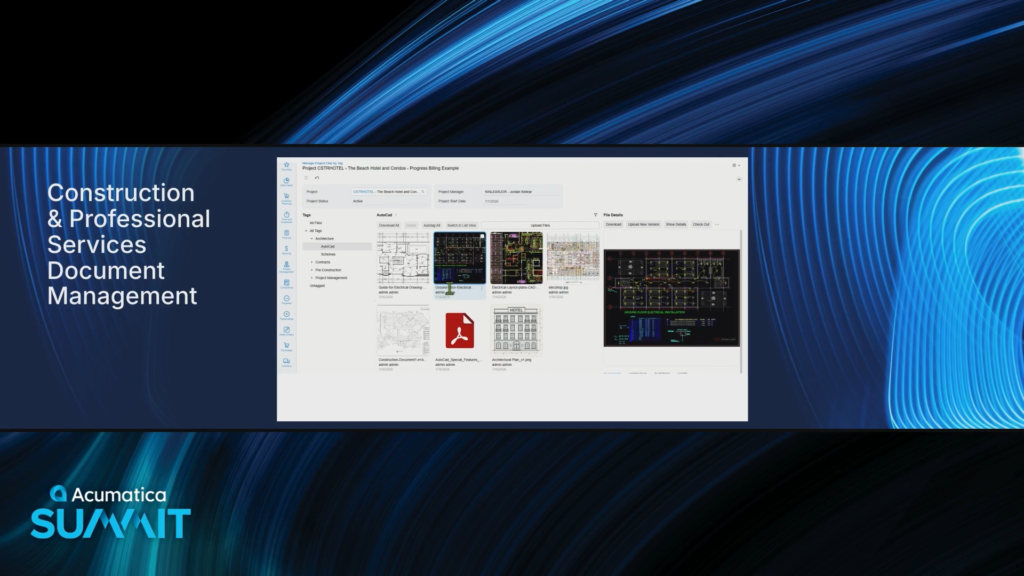
I really like how you can click on a file to see a thumbnail of it on the right. Hopefully you can drag the edge of that pane over to make the area bigger.
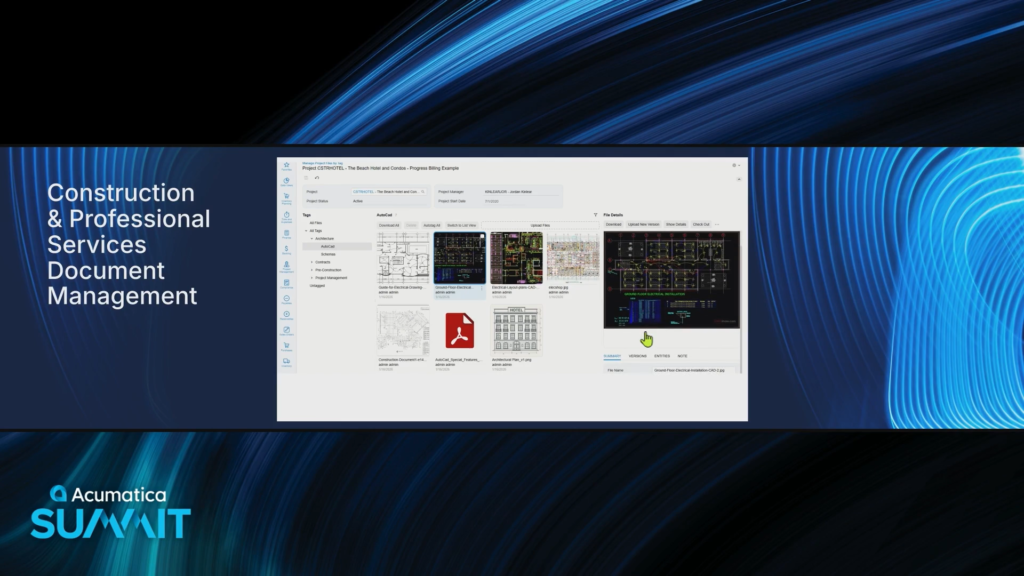
You can also check a document out so that no one else can change it while you are working on it.
The Autotag All button looks interesting.
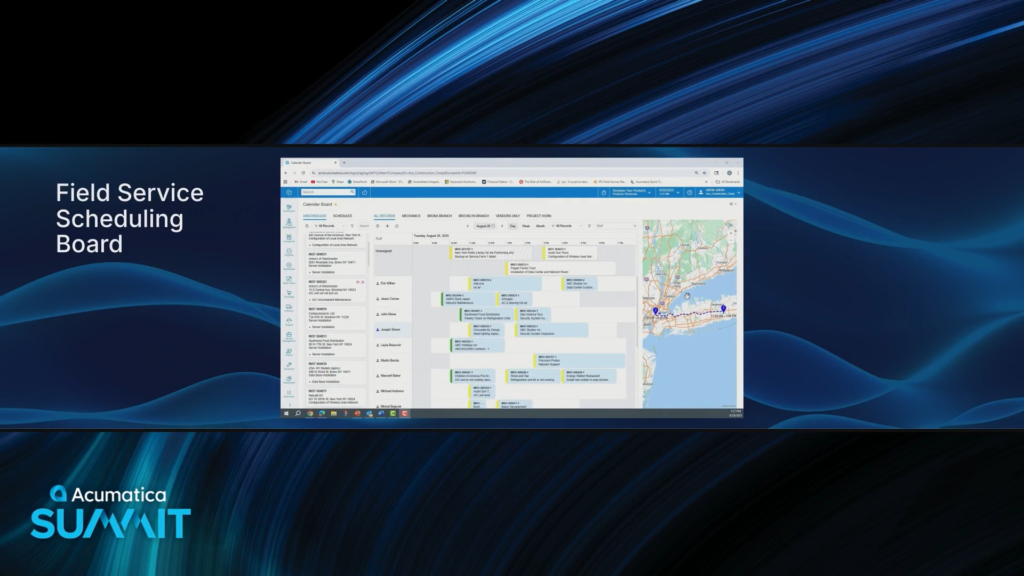
Here’s the new Field Service Calendar Board screen.
This simplifies the service dispatcher’s day and makes things easy to use.

Later this year, Acumatica will introduce a Vendor Portal where General Contractors, Vendors, and Subcontractors can go to share project information.

Here’s the Company Profile screen within that vendor portal, which I assume is showing a vendor that is logged in.
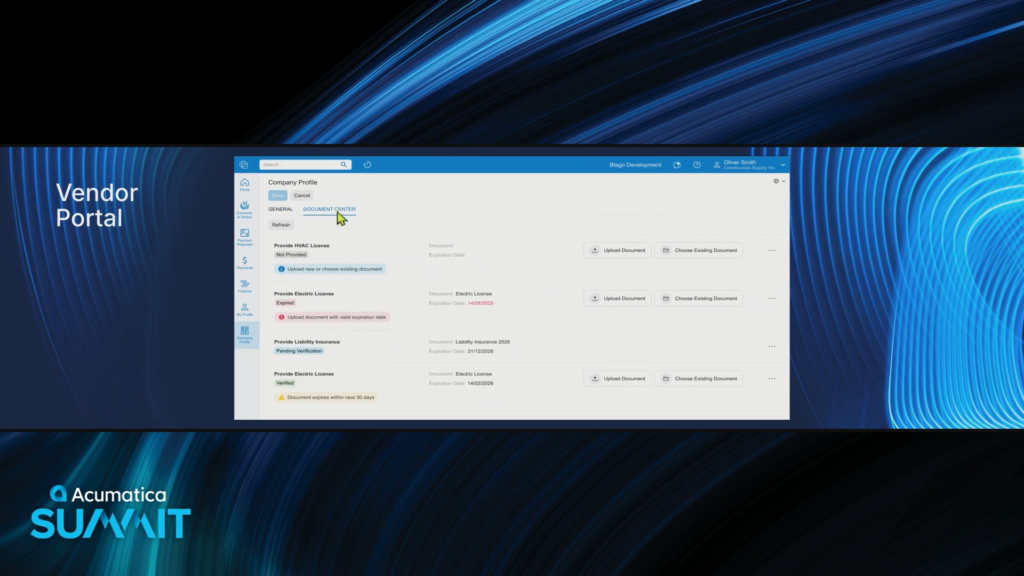
The DOCUMENT CENTER tab looks cool.
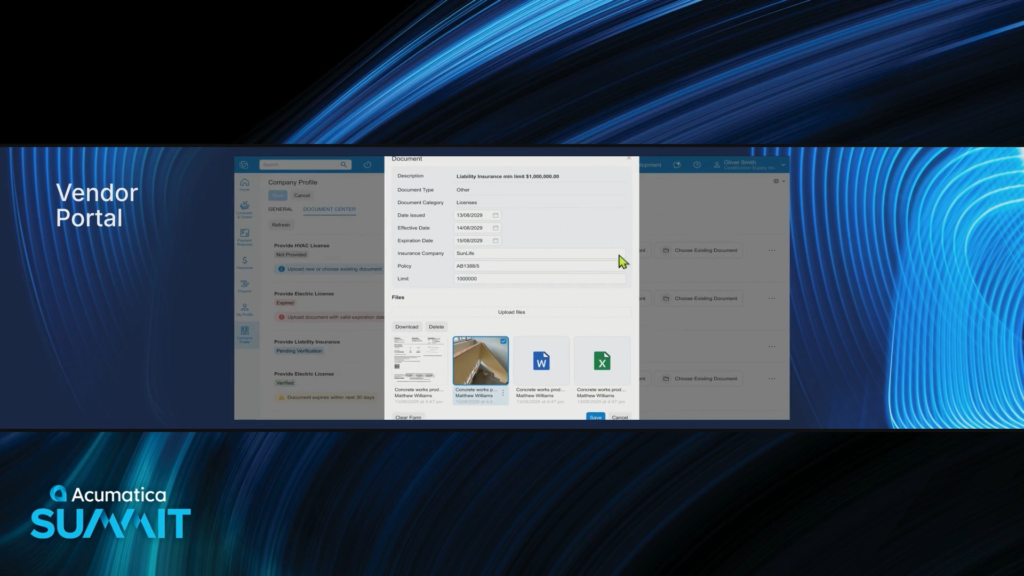
This is showing how a Vendor can upload their HVAC license.
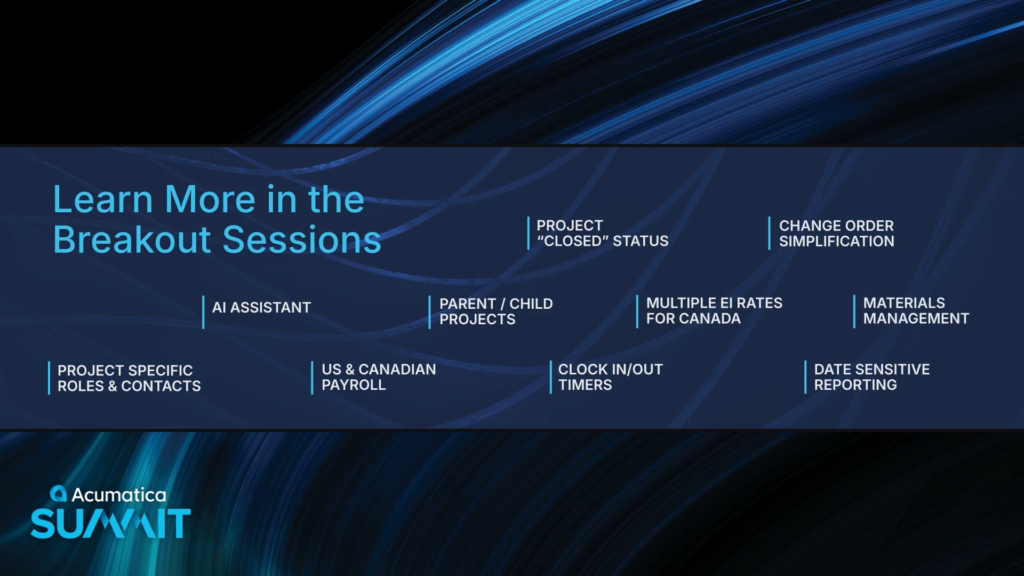
They could go on for hours and hours, but don’t have the time in the keynote, so there are breakout sessions to cover this stuff that they are working on in more detail.
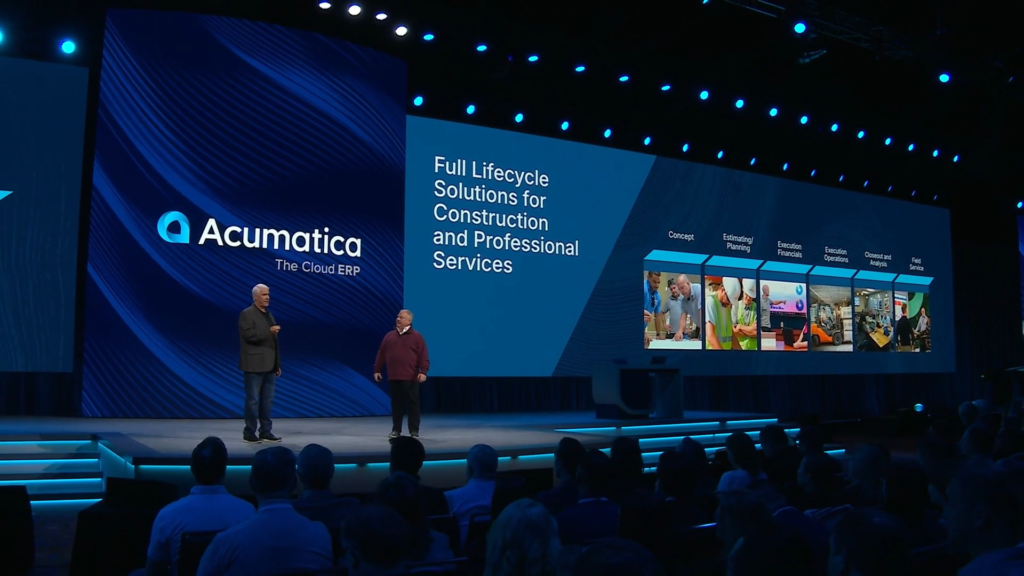
Wrapping up this segment by reminding of their overall strategy which is to deliver complete lifecycle solutions that meet your business needs.
Jon Pollock comes back to the stage.

Jon is a “roadmap guy”, so he loves to see what’s new and what’s coming.
There is so much happening in each one of the editions.
Customer feedback, insights, and guidance are super important as they navigate the roadmap going forward.

How do we transition from a System of Record to a System of Intelligence?
Acumatica wants to build that trust gradually, over time, with the end user.
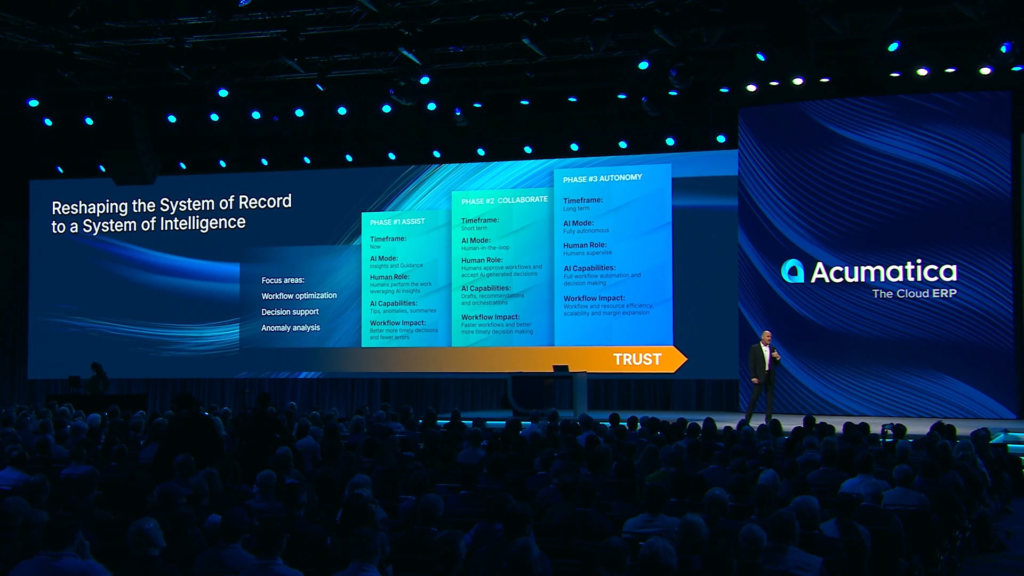
Phase 1: The AI delivers Insights and Guidance.
Phase 2: The AI collaborates with the end user to help them through tasks.
Phase 3: The AI becomes fully autonomous. I guess this is when we all die?

“The end user will always be in control.” Hmm, we’ll see about that.
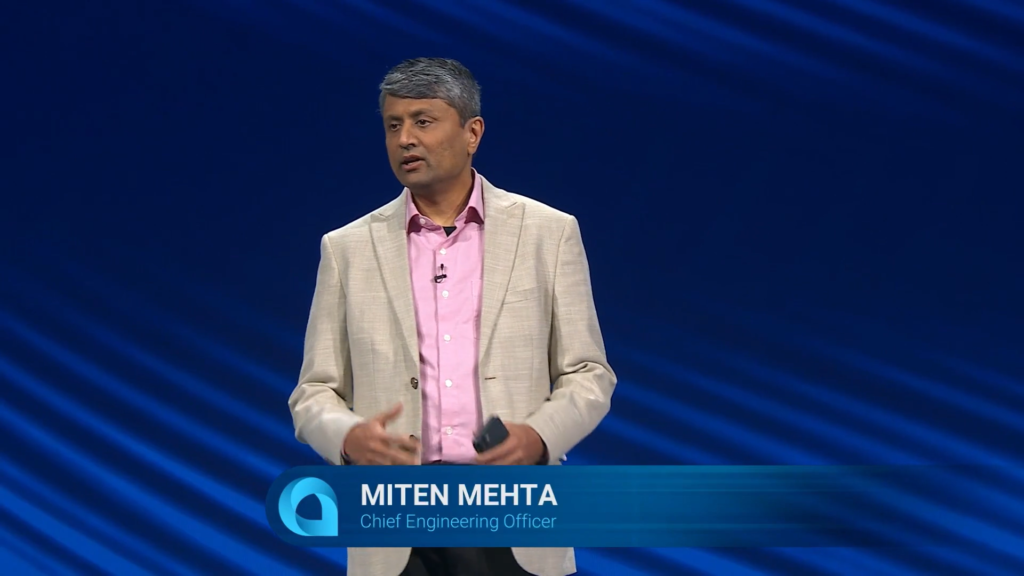
Miten back onstage to talk about how to develop this new “System of Intelligence”.

With Acumatica 2026 R2, we’ll be able to harness the full power of AI Assistant.
Acumatica’s investment in MCP Server allows you to also use third-party AI apps like ChatGPT, Claude, Perplexity, etc.

What is MCP Server? It is designed to enable AI models to connect to Acumatica’s ERP data in a secure way, providing a standard connection bridge.
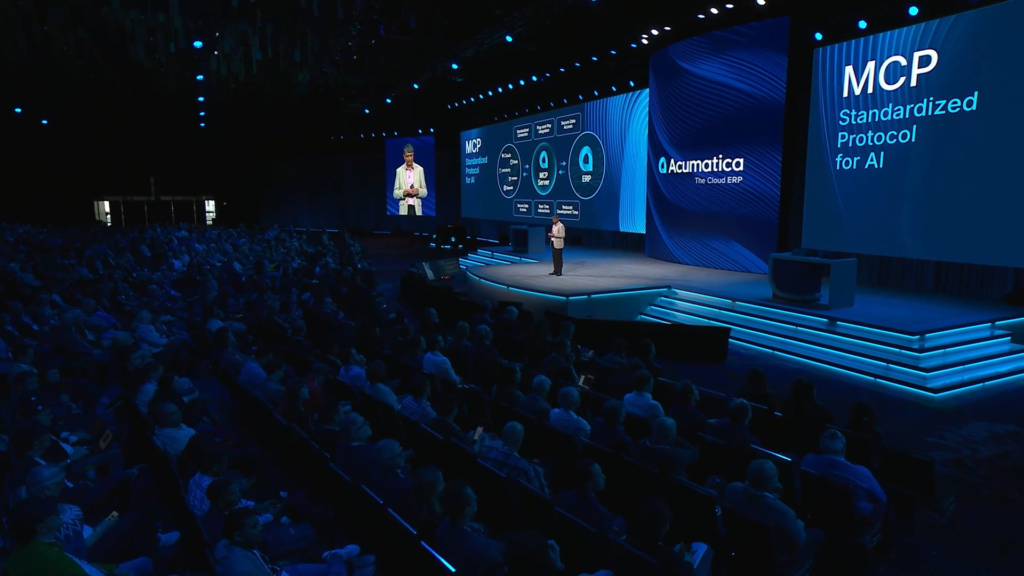
Acumatica is also investigating agentic integration which allows interaction between AI systems.
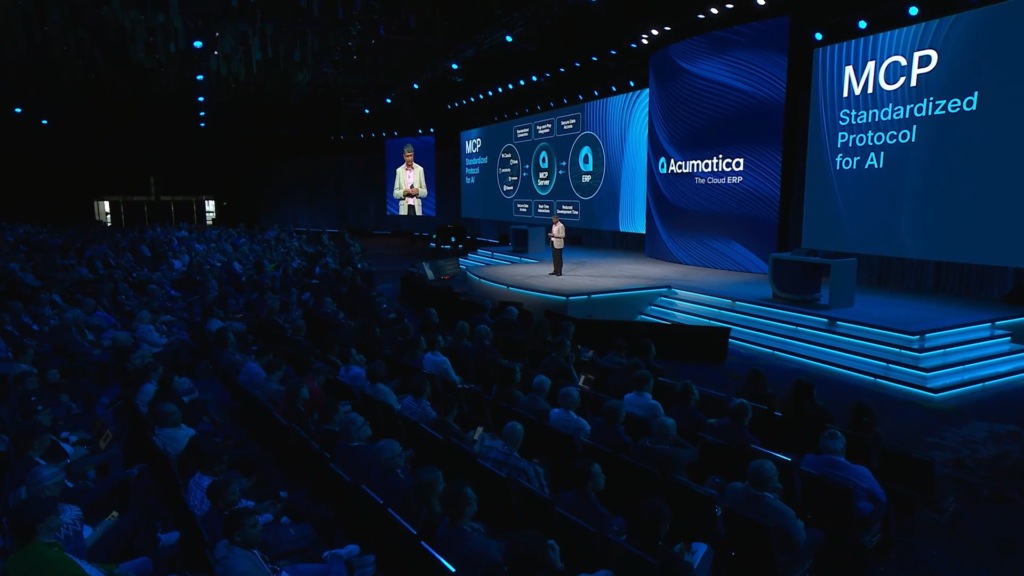
Now, a demo to show how easy it is to utilize the MCP Server using the Claude Mobile app.
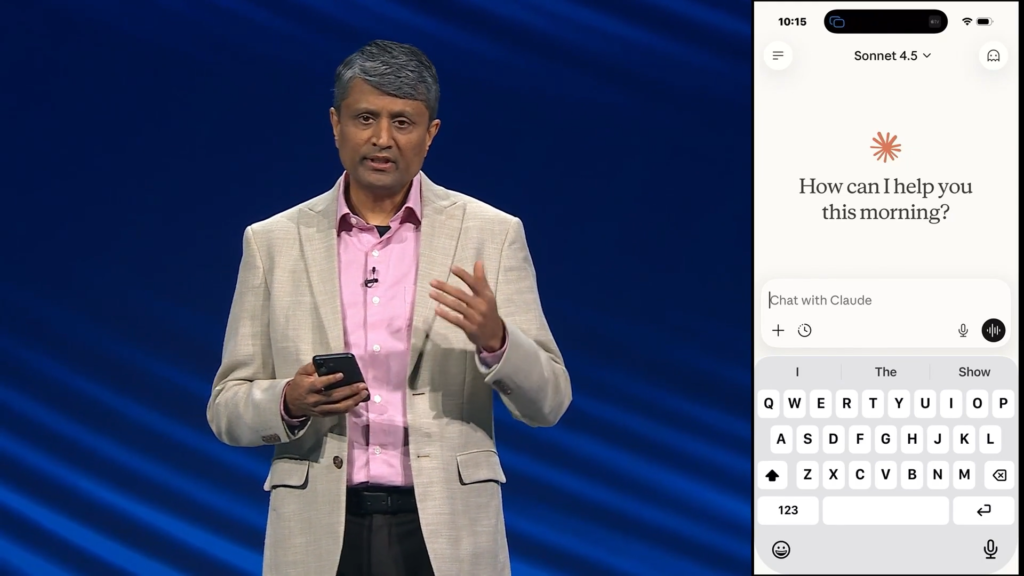
Here’s the Cloud Mobile app on the right-hand side of the screen.
Love how we are seeing a live demo of this. Acumatica Keynotes have definitely gotten a lot more “fluffy” over the years, but they still have the guts to try live demos and I appreciate that.
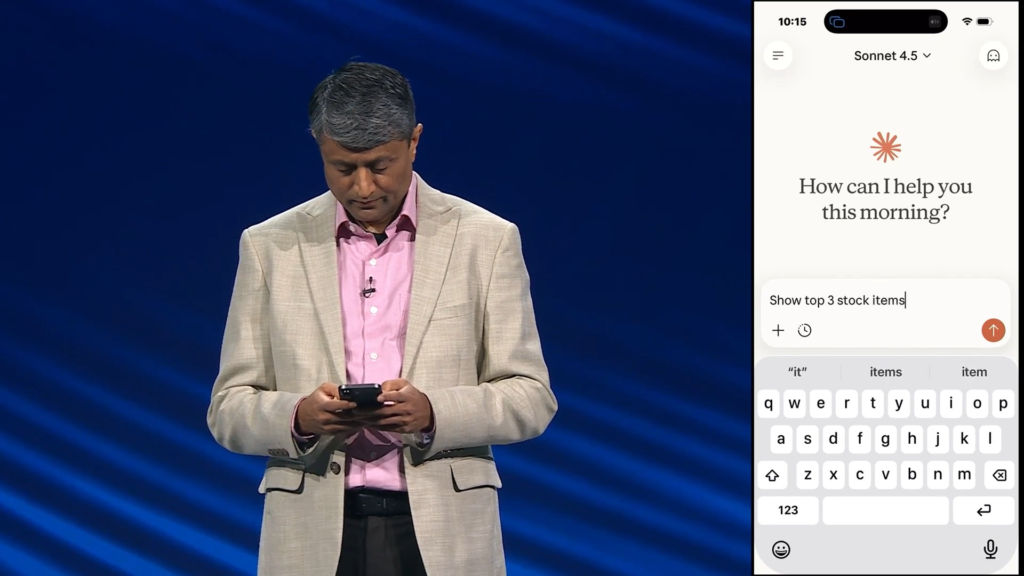
Mitten asked Claude to “Show top 3 stock items”.
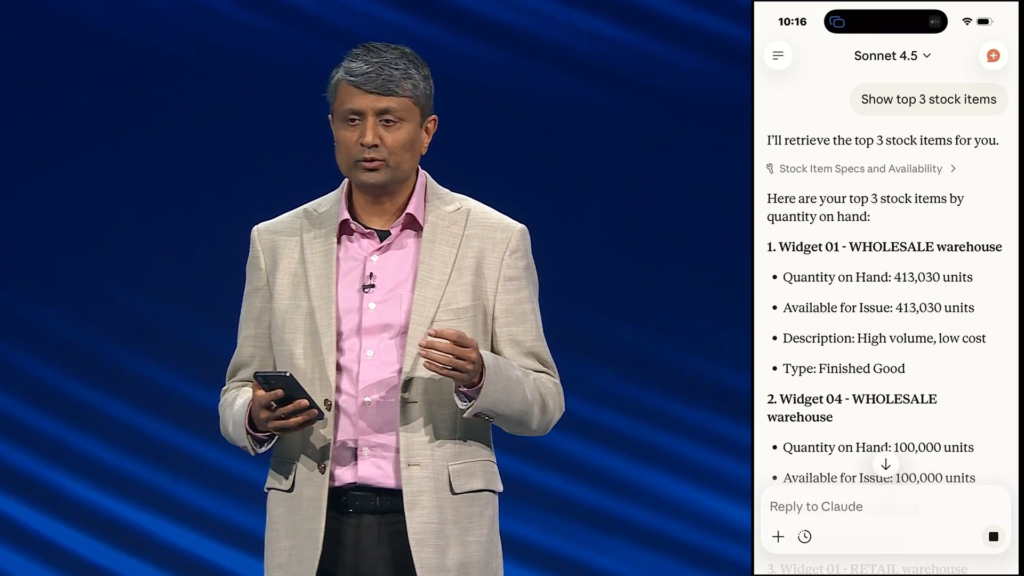
Claude came back with the top 3 stock items and some information about them.

There’s even a little insightful paragraph on the bottom.

Now Mitten used voice dictation to say, “show me my next service appointments”.
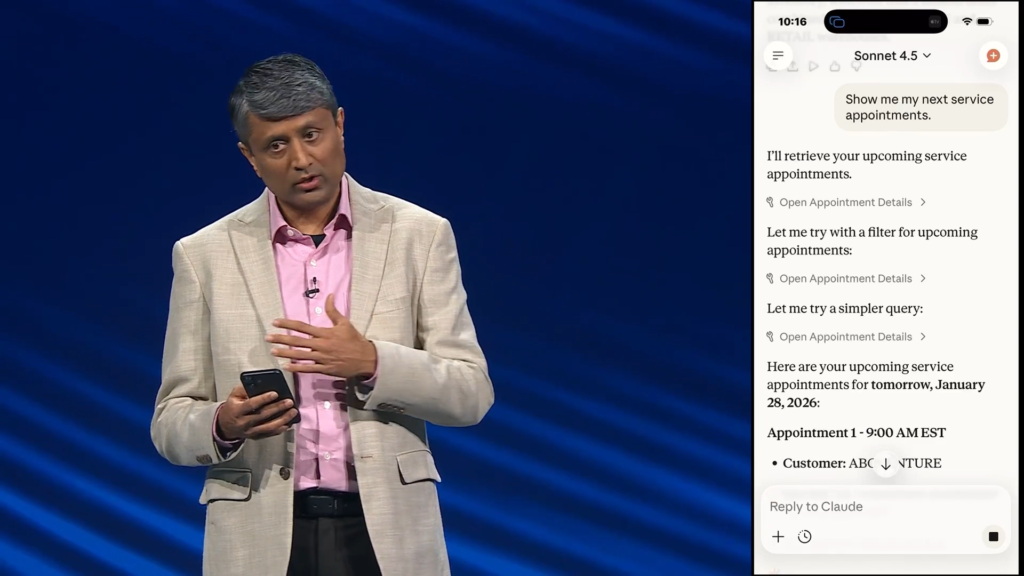
Claude is able to retrieve the upcoming appointments.

Not only did it retrieve the next 3 appointments, but it also pointed out that there are 2 appointments at 9:00am in two different states which obviously isn’t going to be doable.
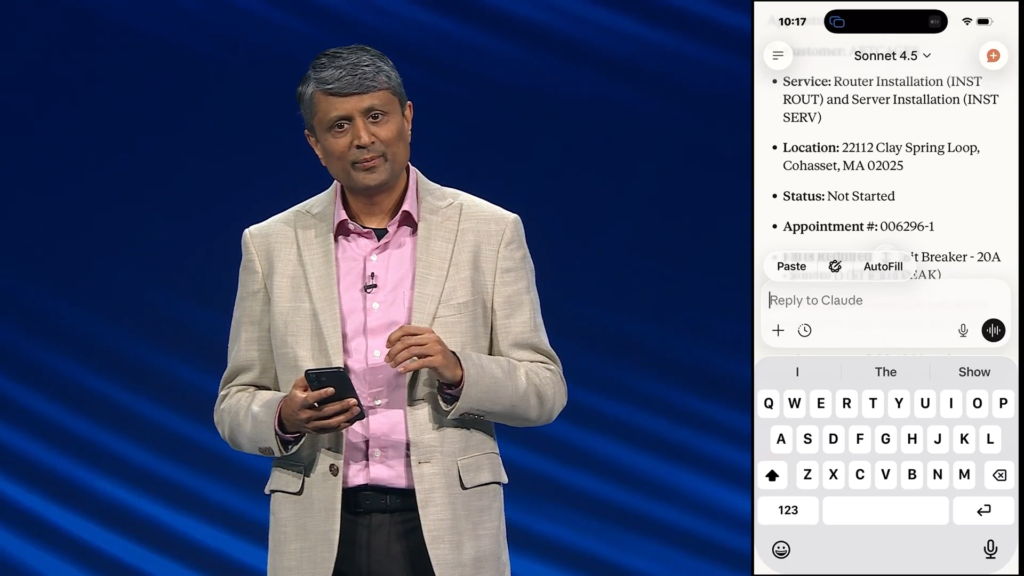
For this next scenario, Mitten’s team told him not to show this scenario yet live on stage.
“But what’s the fun if you don’t take risks, right?” All right, Mitten, you are now officially part of the Acumatica community 😀❤️
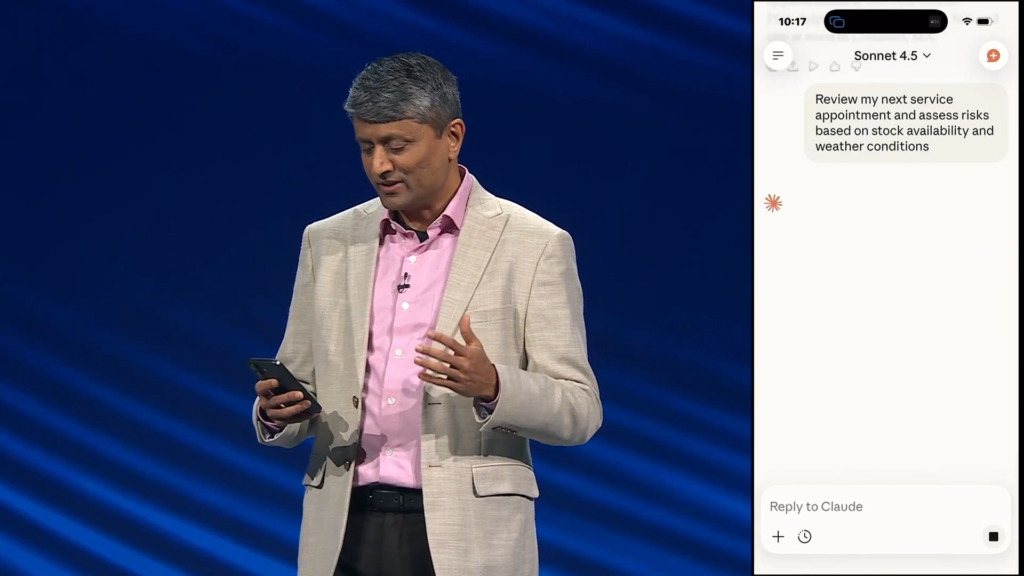
Now Mitten is asking Claude, “review my next service appointment and assess risks based on stock availability and weather conditions”.
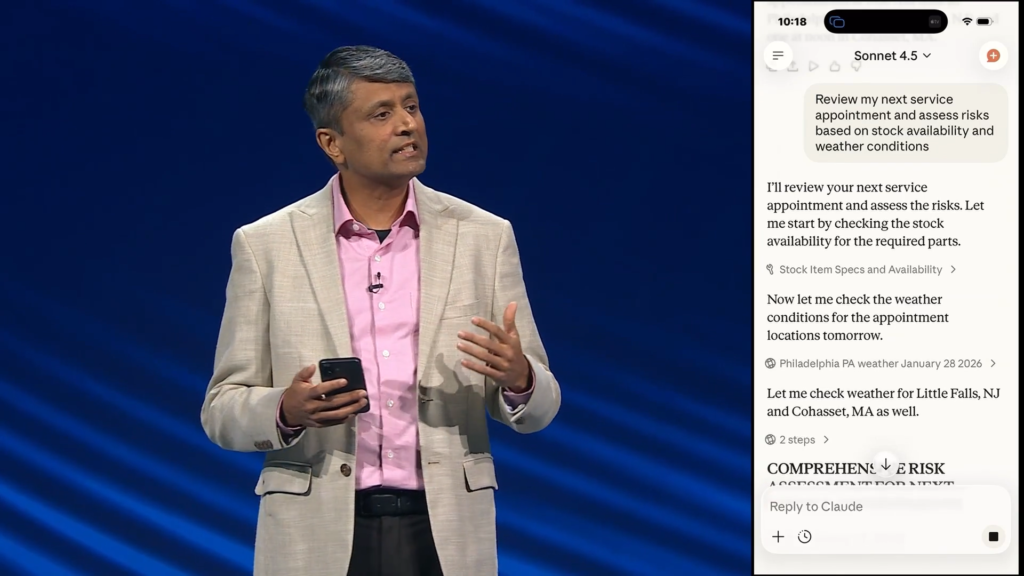
Claude is now reviewing the data, including weather conditions for the appointment locations.
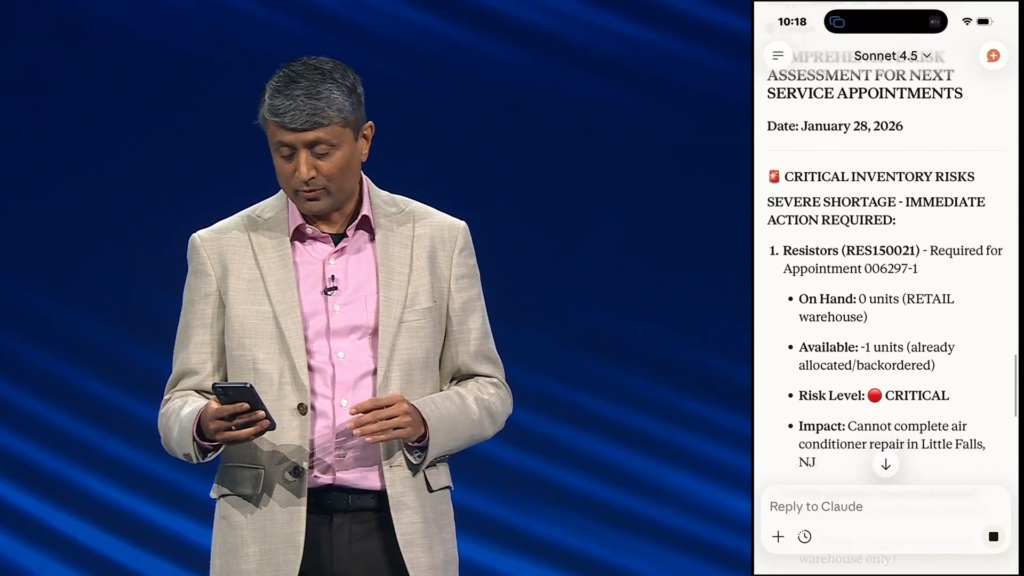
The first risk is that there are 0 units on hand of Resistors
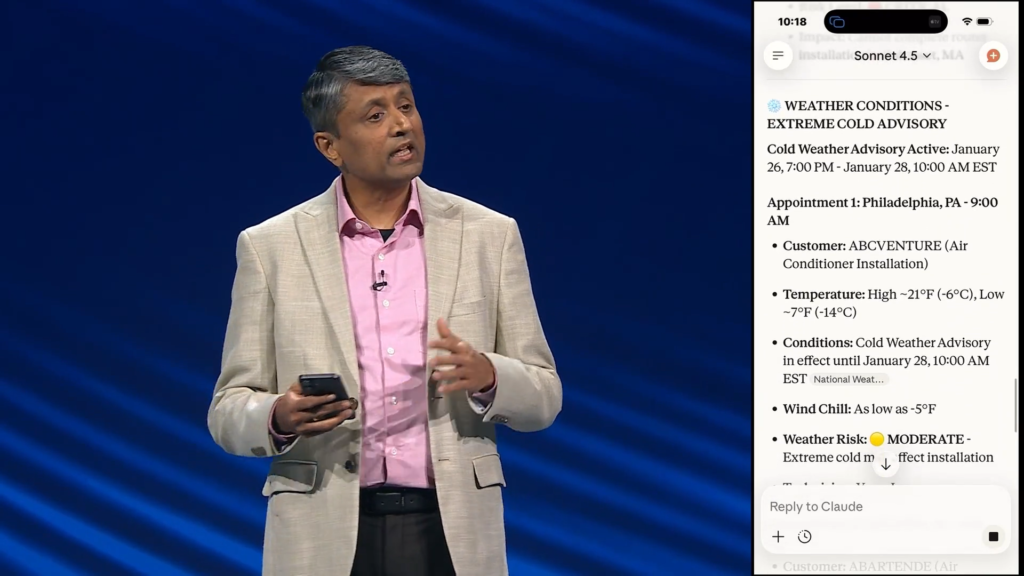
Claude also noted that the weather is a big risk because the wind chill is going to be as low as -5°F
Way to make “lemonade” out of “lemons” by taking the Winter storm that prevented a lot of people from getting to Summit and turning it into a positive demo example.

One of my favorite things about AI responses is when it uses color-coded icons which are super helpful for me personally.

We were able to get all of this information in one place, in a chat, instead of having to go to multiple websites.

“The possibilities are endless, no matter who you are, where you are, and what you want to accomplish.”

Now Jon comes back on stage and gives a round of applause to the Product and Tech teams.
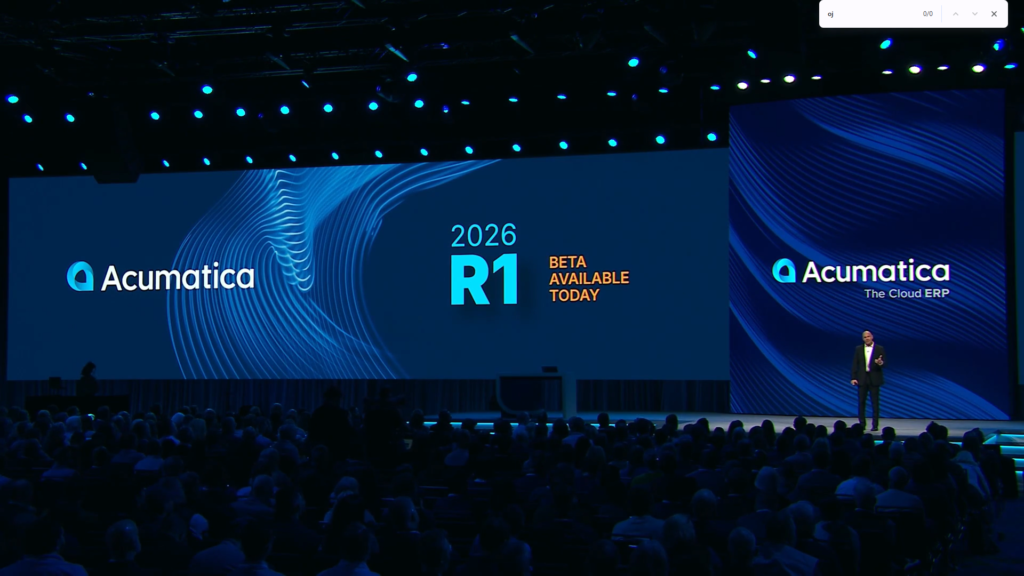
Acumatica 2026 R1 will be releasing in the Spring, but the Acumatica 2026 R1 Beta is available today.

Celebration Party & Dinner tonight. The entire ballroom will be transformed into a Pacific Northwest experience.

Closing Reception is tomorrow afternoon.

Acumatica Summit 2027 will be in Seattle again next year, January 24-27, 2027
Makes sense, they probably signed a multi-year deal with the Seattle Convention Center.
Personally, I really like the venue this year and am happy to come back next year. Well done Acumatica!

“Thanks, and have a great Summit!”