
By using this website, you agree to our Terms of Use (click here)

How come the Quantity field does not exist when filling out an expense receipt while on the app? Is there some setting I have to fix, or is this just the way receipts are set up on the app? It's not a huge issue, but if someone fills out a receipt for mileage, the Amount field will populate with the mileage rate, but there is no where to specify how many miles the employee used. This leaves the Claim Amount field stuck at the mileage rate unless the employee manually calculates the expense and overrides the Claim Amount field.

It does exist and I use it regularly.
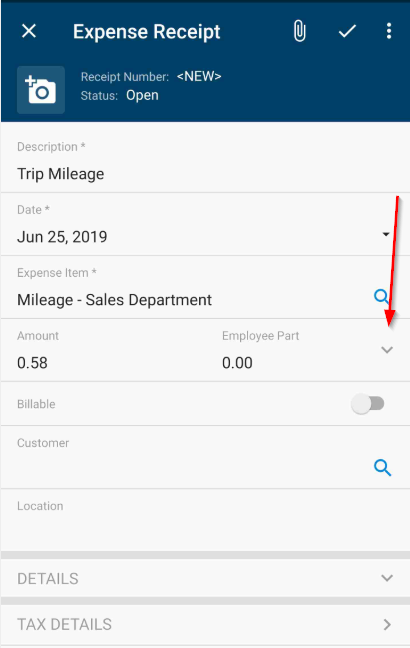
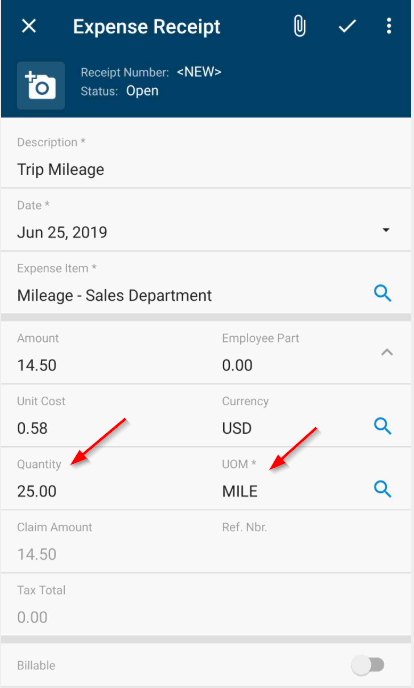
First try to click the down arrow to the right of Amount and Employee Part. This will expand to show the Unit Cost, Currency, Quantity, UOM etc.
If this is still not showing then perhaps the Non Stock item for Travel or Mileage is not setup correctly. I have mine set with the UOM of Mile.
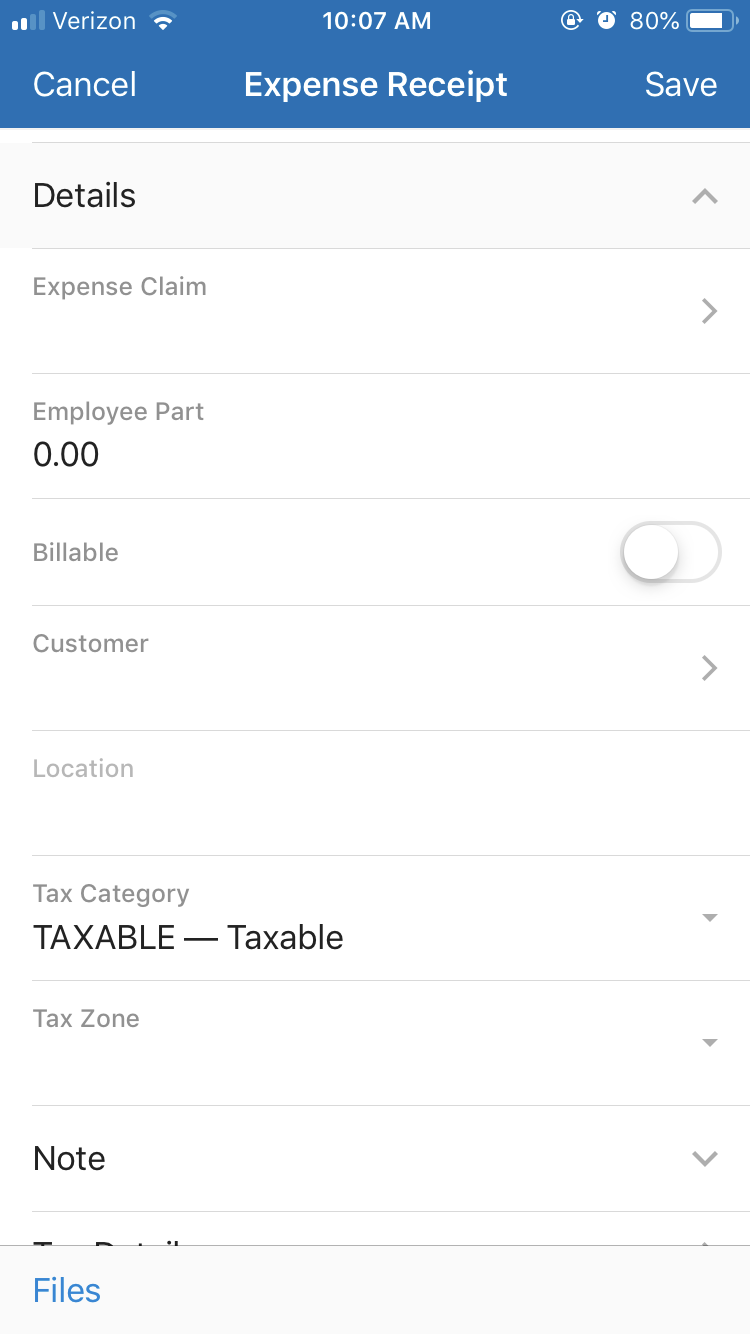
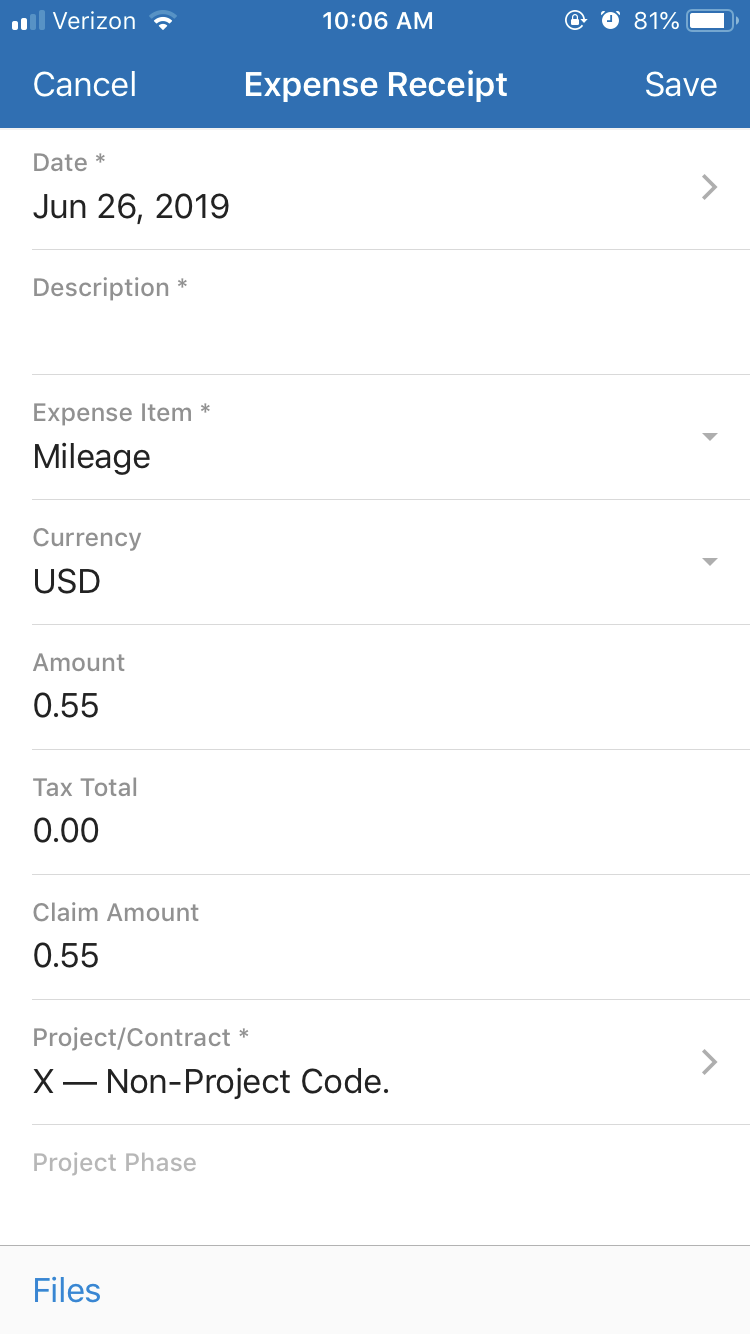
My set up is much different than yours. I do not have that arrow you are talking about. Do you know how you got yours to look like that by any chance? It seems a lot more organized than how mine looks. Please view mine
I am using it with 2019 R1 and running on Android
Perhaps it is due to the version your site is running or operating system for the app?