
By using this website, you agree to our Terms of Use (click here)

Does anyone know if it's possible to control the content on an Acumatica Dashboard using the Business Date?
I'd like to be able to change the date and see everything on my dashboard get updated.

Hi Animal,
First, I should point out that what would be even better than the Business Date is to have Dashboard Parameters so you could set filters on anything, not just the date.
Dashboard Parameters will be coming in a future Acumatica version and they were demoed at the last Acumatica Summit. I took a couple of pictures of the screen and tweeted it:
https://twitter.com/TimRodman/status/826478161219117056
Back to your question though, the short answer is yes. I'm just not sure to what extent in all of the various widgets. But I did a blog post on this that is kind of detailed (click here). You can see that the first widget in that blog post can be controlled with the Business Date.
Here are the relevant screenshots from that blog post.
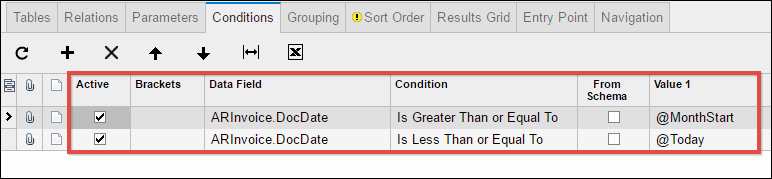
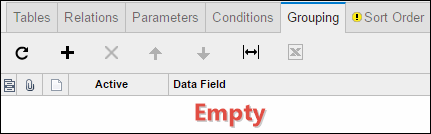
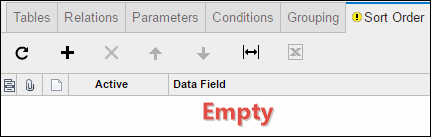
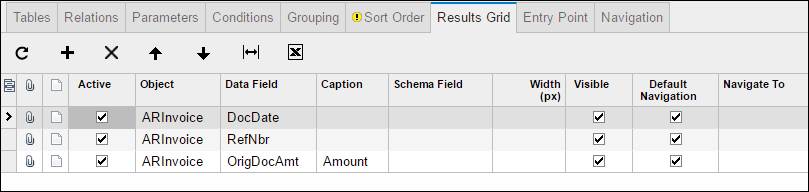
First, I had to build a Generic Inquiry. The key is in the fifth screenshot where you can see the @MonthStart and @Today parameters being used on the Conditions tab. This is what will make the Dashboard respect the Business Date.
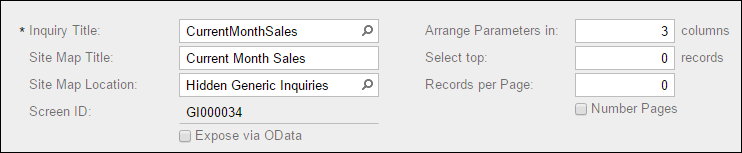
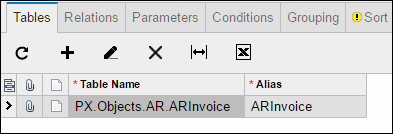
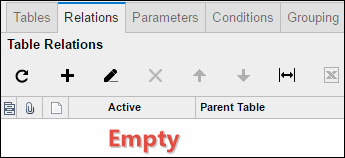
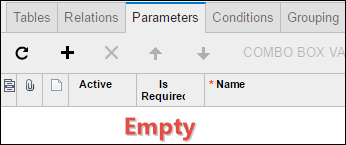
Then I build a Dashboard on top of the Generic Inquiry (the last screenshot is different than the one in the blog post):

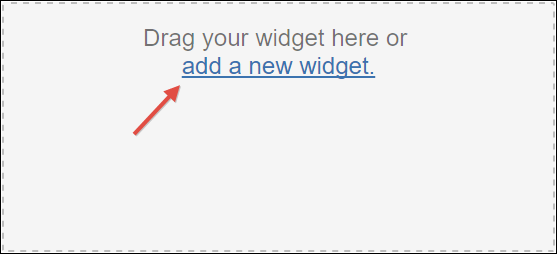
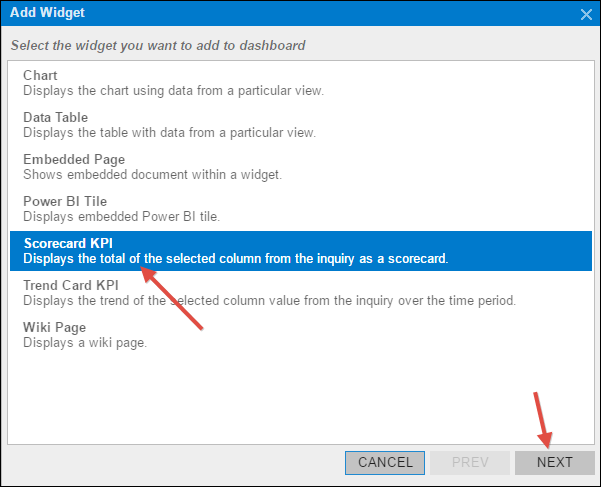

Now, when I go to the Dashboard and choose a Business Date of 1/1/2016, the KPI number changes to 995:

If I change the Business Date to 1/15/2016, the number changes to 420,745.

And if I change the Business Date to 2/1/2016, the number changes again, this time to 81,813.

But everything is driven by that Conditions tab on the Generic Inquiry screen.
Lastly, I'm not sure if this would work on mobile because I'm not sure if you can even set a Business Date there.
Actually, the KPIs are the ones that I was interested in so this is perfect. I might try it though on some other widgets to see what happens.
Good point about mobile, hadn't even considered it.
And I had no idea about Dashboard Parameters. You're right, that will be even better!

I'm looking to do something similar to this, but using Dashboard Parameters instead of GI Parameters for Shipment Date. On my Dashboard I need to be able to have a From and To Date Range (From Ship Date , To Ship Date). I haven't been able to make this work as of yet. Any suggestions would be greatly appreciated.

This may be off topic, Acumatica has created standard dashboards which that you can use. We keep these separate and would avoid customizing them. Also when we create customer-specific Dashboards. We use DBXX9999 where XX are a unique company-specific identifier. Also you should be careful about the name. If it conflicts with an acumatica dashboard name, you will have a hard time navigating to it in the dashboard manager. So make the name unique.
We have no visibility on Acumatica eventually including dashboards.
Related to dashboards and widgets which use generic inquires.
Again. If you have the standard sales demo dashboards. You should be mindful of their naming standard. Which historically appears to follow GIXXXXXXX again customer-specific generic inquires one should be careful at making the screen id of the generic inquires unique. (But not all the time)
Possibly GIXX99999 where xx is something unique to the customer or your instance. Generic name key also should be careful not to duplicate.
Matt

Hi ... I would just like to ask about parameters .. I would like to get today's year and month as default value. Is my schema wrong or is my default value formula wrong? Thank you in advance ... (New Acumatica user here)

Online Members
