
By using this website, you agree to our Terms of Use (click here)

I have a terrible time with multi-level indentation of text in any of the CRM activities (note, email, task, phone call, ...). Using bullets and indenting them simply doesn't work. I have been submitting support cases since 2017 for this but they have never been addressed properly. Do you have the same problem? Especially when you create emails in CRM, the text, the bullets, the indentation looks horrible. I use 2019R2 latest build.
As a temporary solution, I create my email text body in MS Word, and then copy it and paste it into the email body of an Acumatica email. I still have to then fix the multi-level indentation. Sometimes the font changes for the last half of the text.
Thanks for your help, and especially thanks to Acumatica developers for fixing this.
Toon Six
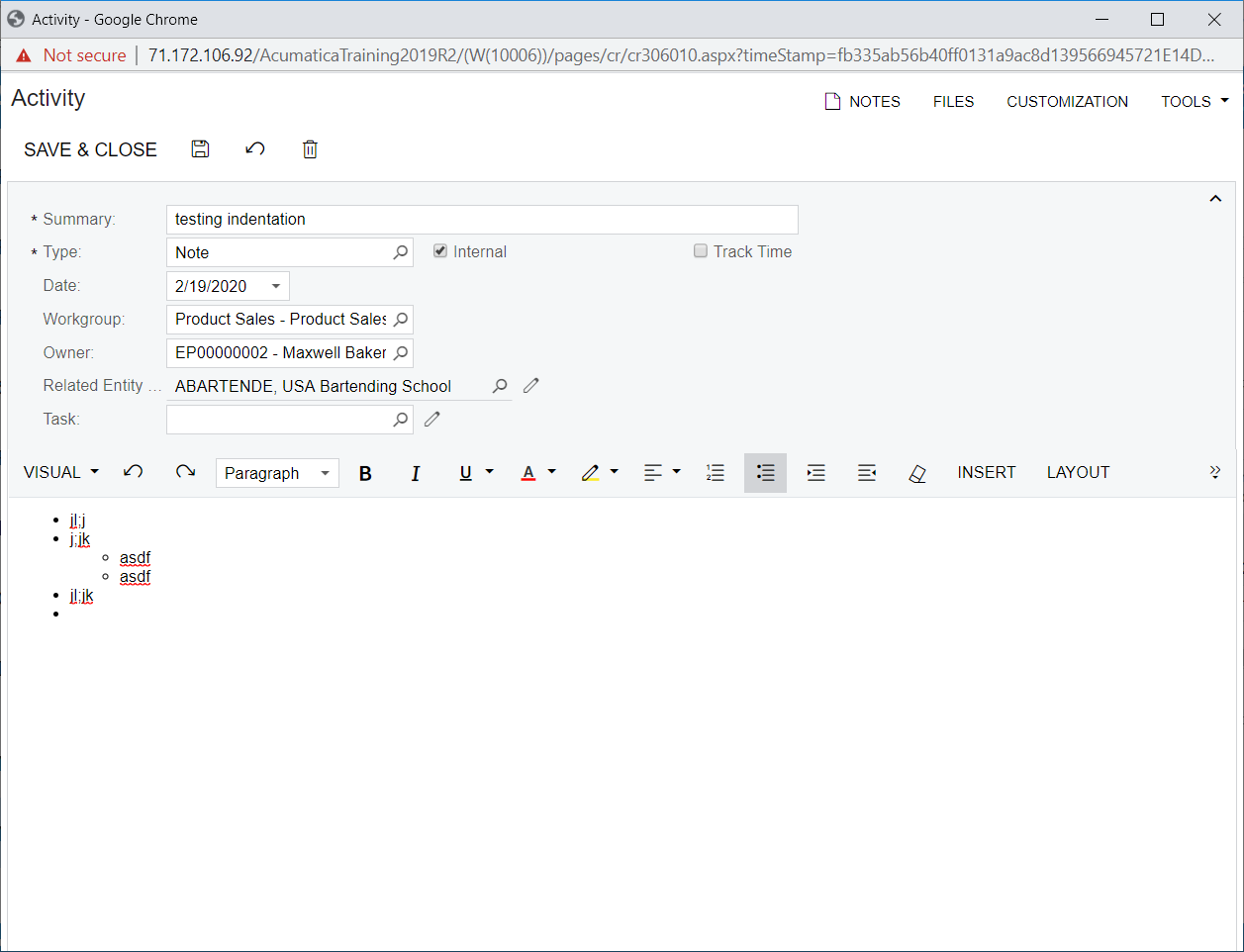

I haven't noticed this personally, but it wouldn't surprise me that it doesn't work as well as Word.
Online Members
