By using this website, you agree to our Terms of Use (click here)

Dashboard Widgets are a great way to summarize information in Acumatica.
Personally, I like the Scorecard KPI Widget because of its simplicity.
When you add a Widget to a Dashboard, you have to give the Widget a Caption which gets displayed on the Widget so you know what it is.
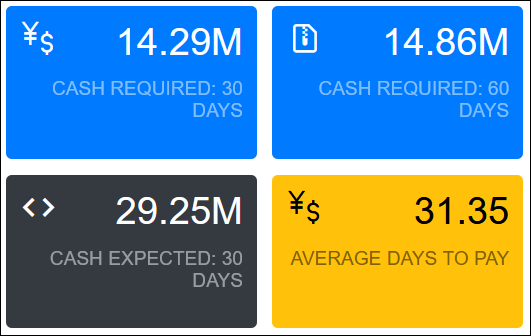
Sometimes the Caption flows to the next line because it's too long to be displayed on one line. When this happens, sometimes the spot in the Caption where it flows to the next line isn't the most preferred spot.
You can control where the line break occurs by doing the following.
Let's say that you have some Widgets that look like this:
I can control the line breaks to make the Captions look cleaner like this:
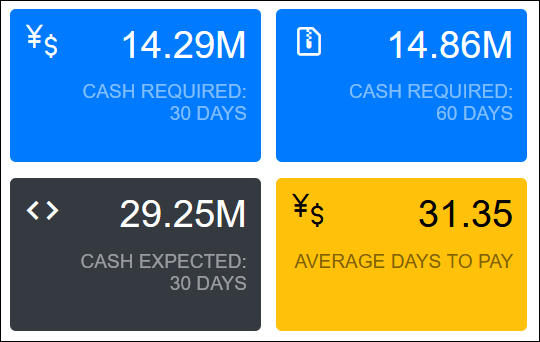
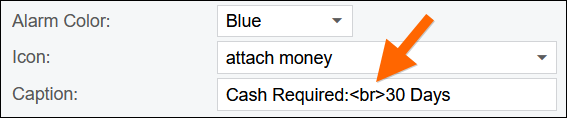
How do you do it? Just use the <br> tag which is the HTML code for line break:
Cash Required:<br>30 Days