
By using this website, you agree to our Terms of Use (click here)

Any ideas on why this report prioritizes APPayment RefNo over Vendor ID?

I decided to recreate the schema from the report in a GI and see what happened. The GI also ignored my sort. So I started a new single table GI built on PX.Objects.AP.APPayment. It seems that APPayment has a default sort order and Acumatica recommends that you define a "custom sort order" because using the default might affect performance. But even when a custom sort is added it ignores it. Also if you look closely you can see that it ignores the sort order for the display grid as well. Happy Monday.


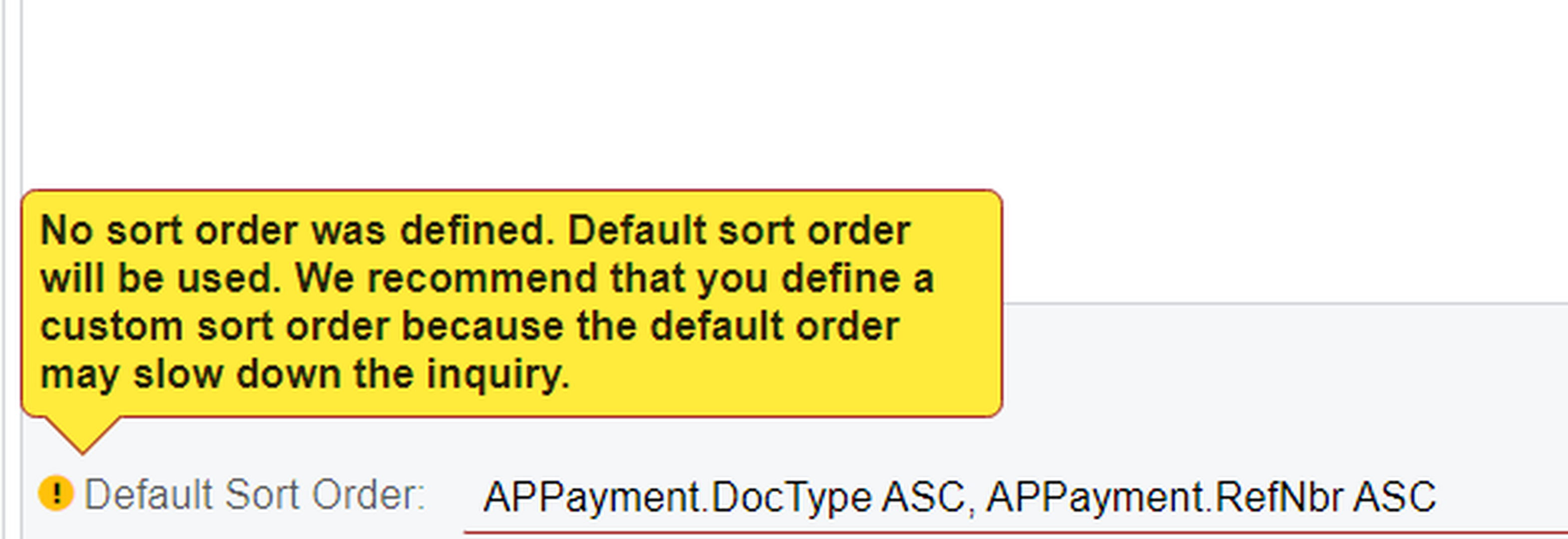


I created a basic GI in 21.109 with one table PX.Objects.AP.APPayment with one sort parm, and the results was sorted by the vendor id. There was yellow boxes but it appeared to work. Wondering what build you are in?


I may have a local version that I can try it in that is in 20R1. I'll try and see if I can duplicate what your seeing. Regards Matt
If it is Saas you should be able to just roll into that build. Glad you were able to figure it out. Regards
Matt
I finally got back around to this and the issue wasn't with APPayment as I originally thought. The issue is with the APInvoice DAC. It ignores any sorting including group sorting even when in a report all by itself. I did put in a support ticket about this because concerning the stock report because with the DAC broken I can't even use it in a custom report.
I created a view in SQL server with the data that I need in it and created a DAC based upon the view. it works perfectly in a GI but a report based upon the same DAC repeats the same one line of data. I have resorted to an Excel report for now hoping that Acumatica will get the APInvoice DAC fixed before we go live with 2021 R1.
Online Members
